An "anti to-do" app for people who never open their to-do app again

Put it off.
Just don't forget.

Write down what you'll put off, not what you'll do. Bleh stays quiet until it gets risky, then nags harder. Stall to the very end and the ultimatum alarm rings.

  1. Relaxed
  2. Soon
  3. Imminent
  4. Ultimatum
Download on the App StoreGet it on Google Play
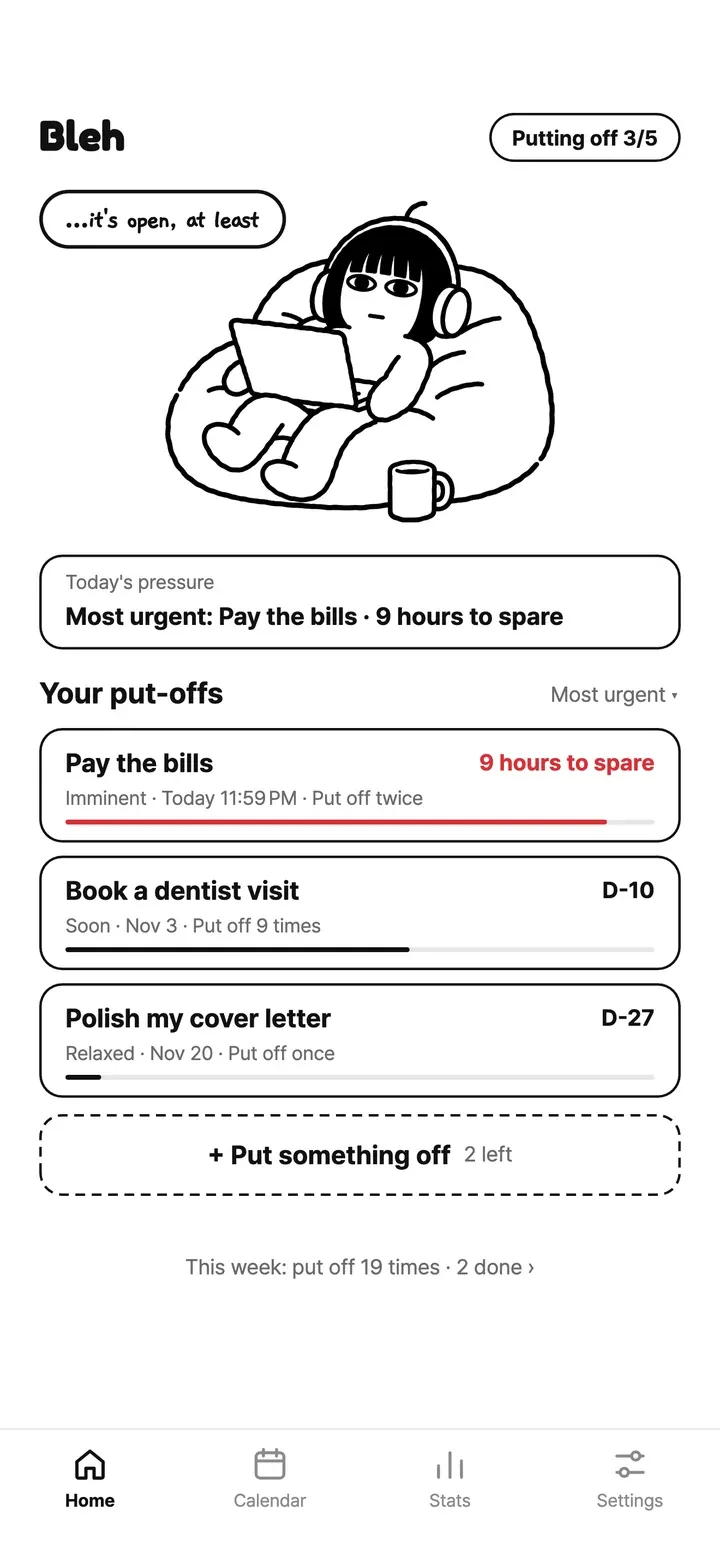
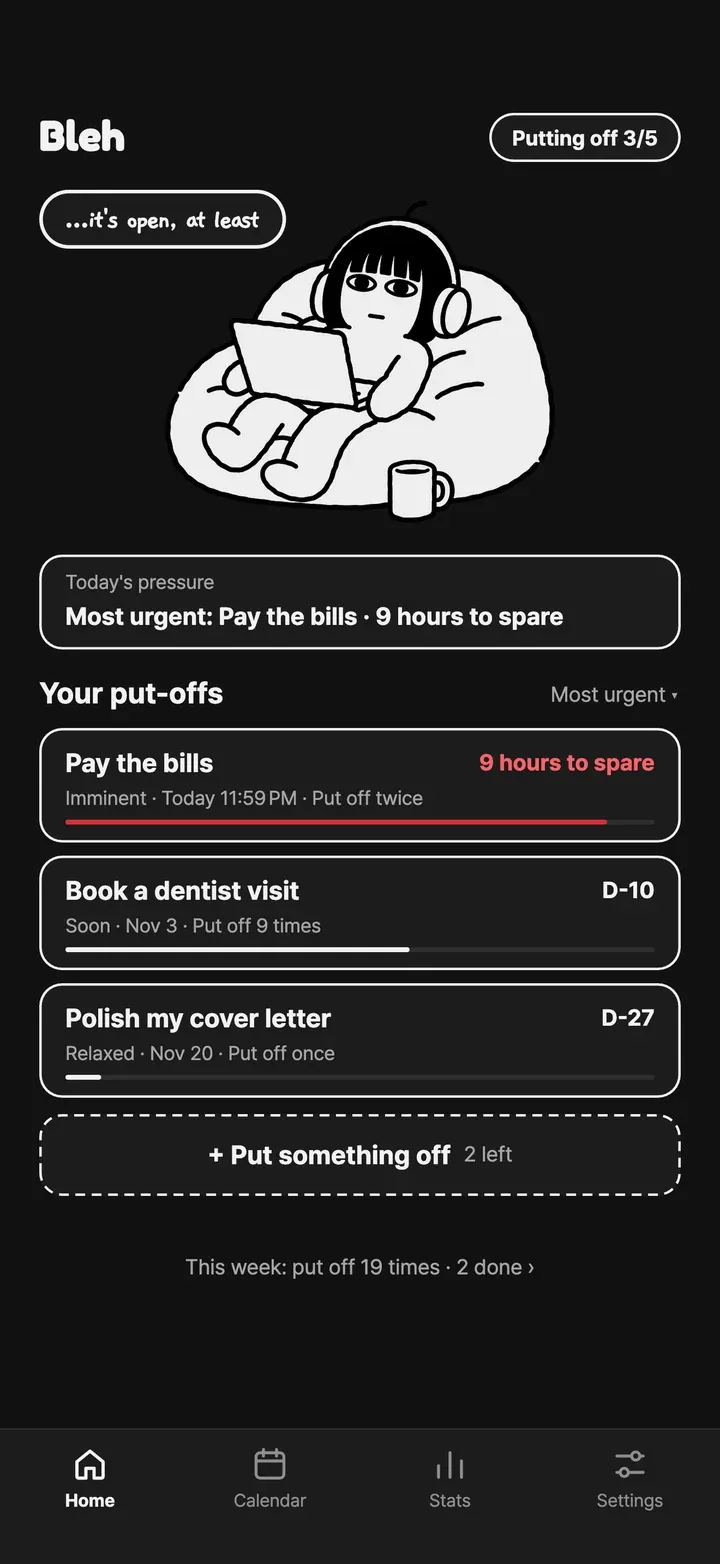
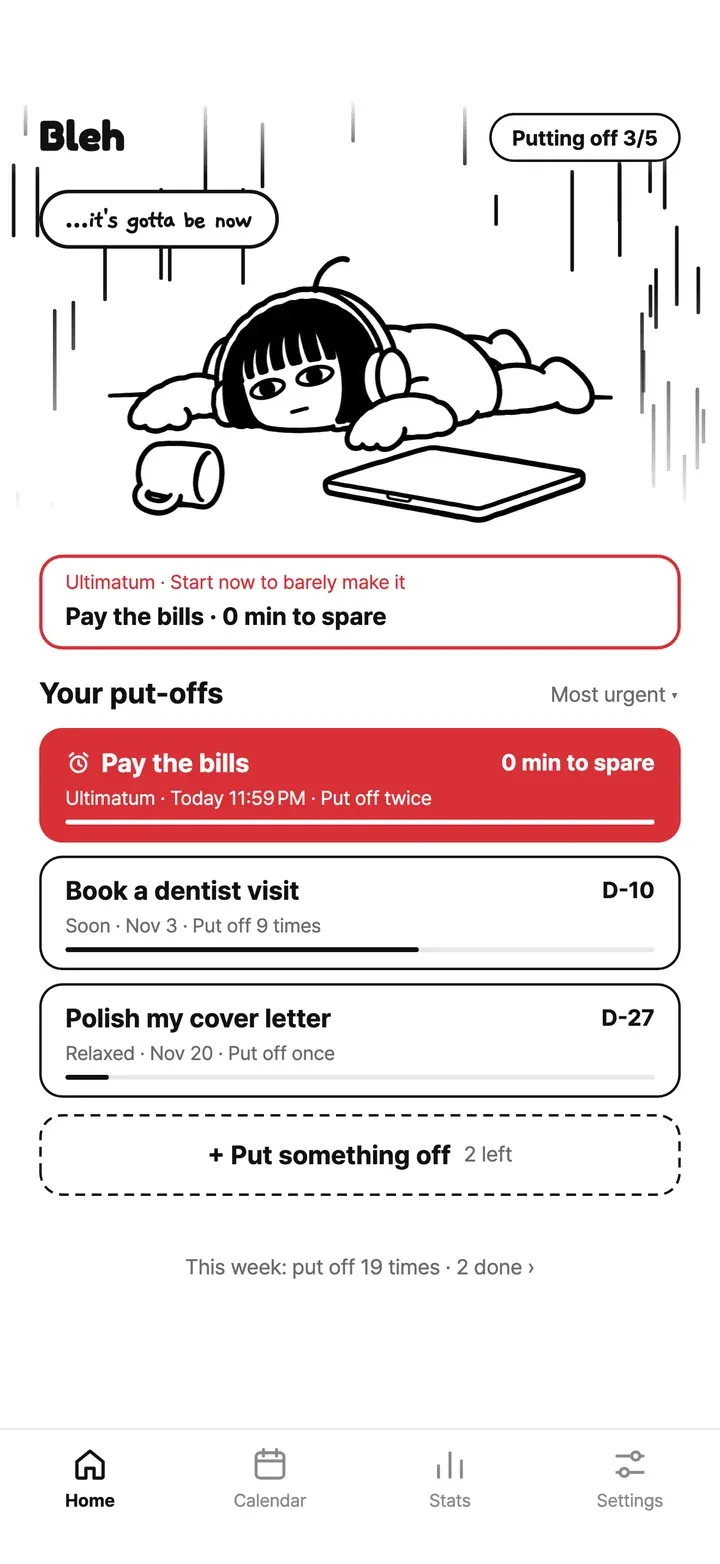
Put-off list with stages, Bleh slumped at the laptop

The more you put off, the more tired Bleh gets

Put-offs pile up and Bleh sinks deeper into the beanbag. Stall to the end and the pressure rain falls. Finish one and the rain clears.

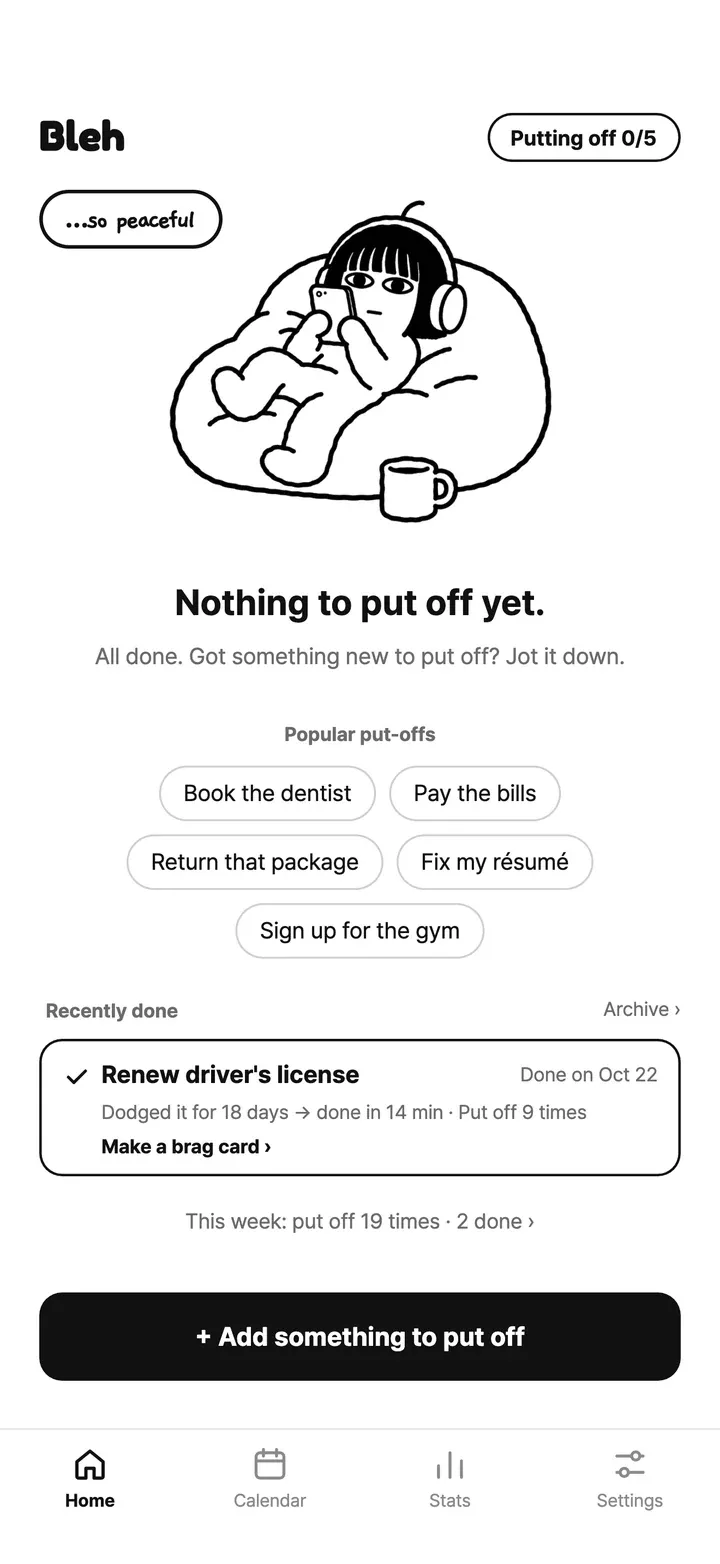
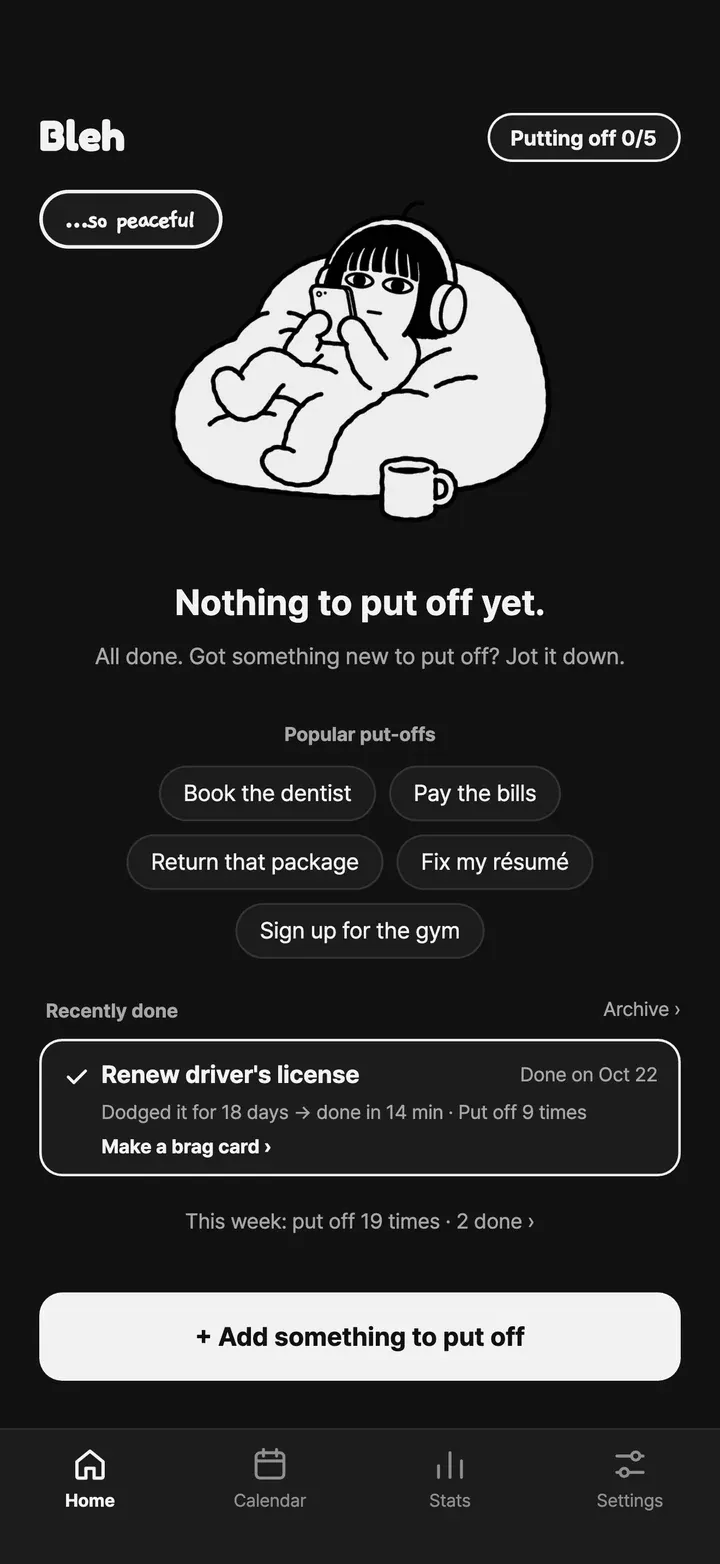
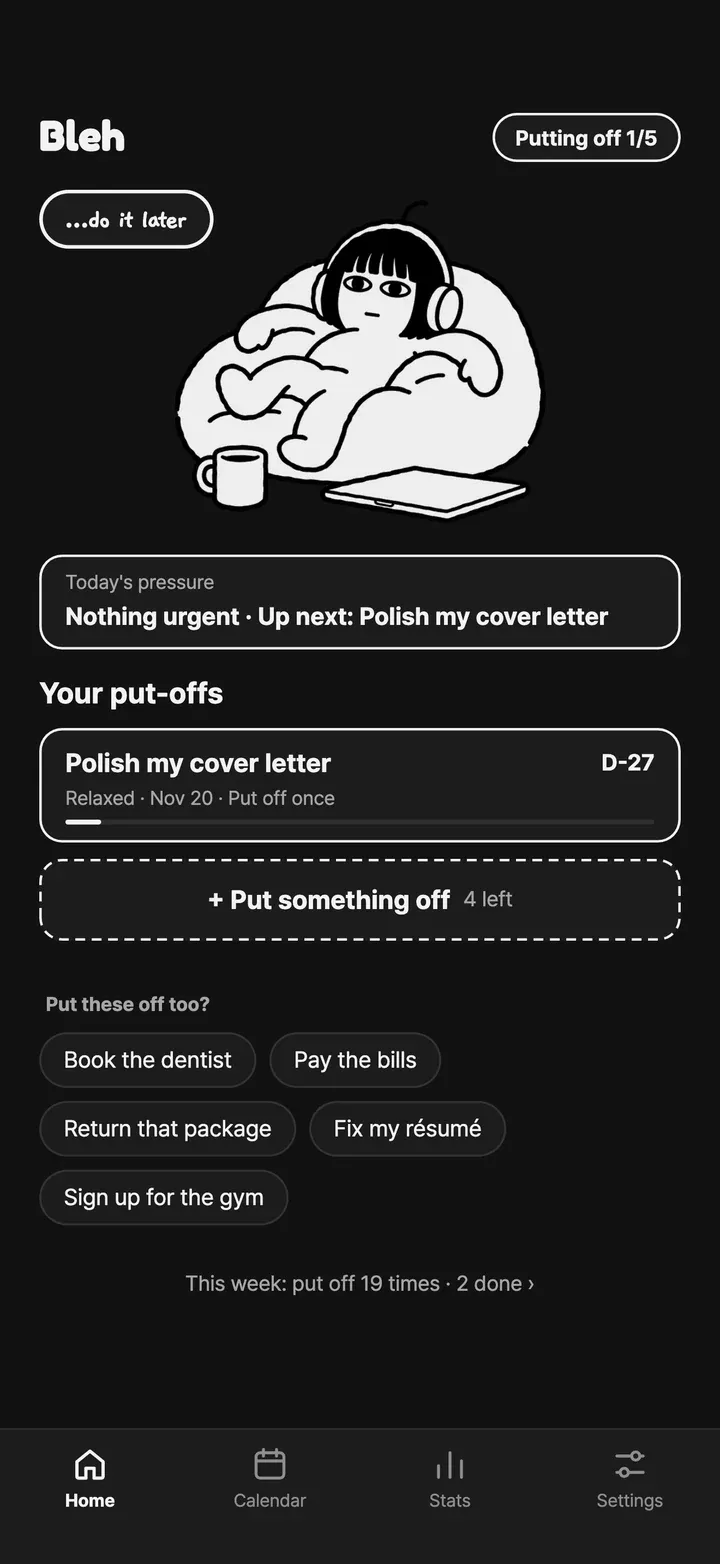
  1. Bleh lounging with nothing put off
    Nothing put off
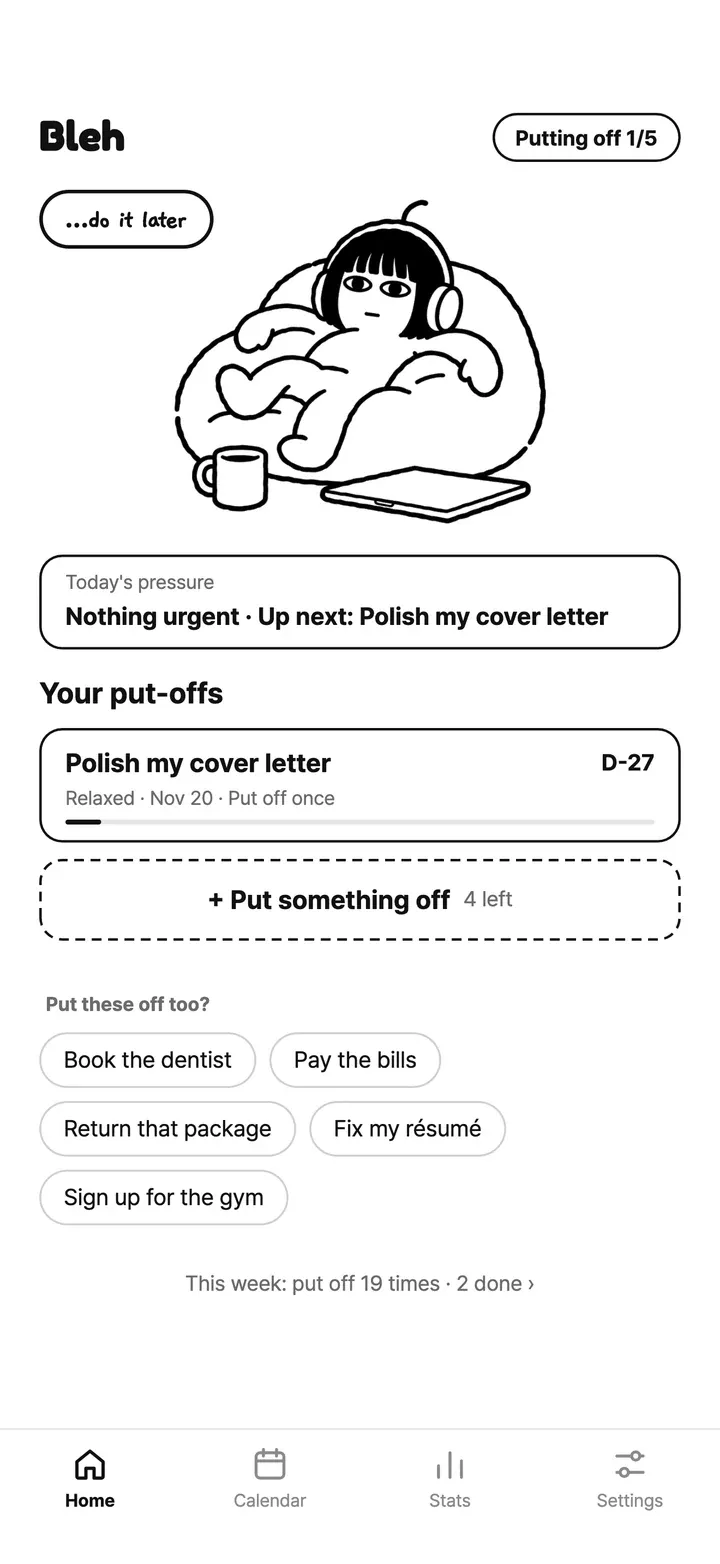
  2. One task put off, Bleh starting to zone out
    1 task
  3. Put-off list with stages, Bleh slumped at the laptop
    3 tasks
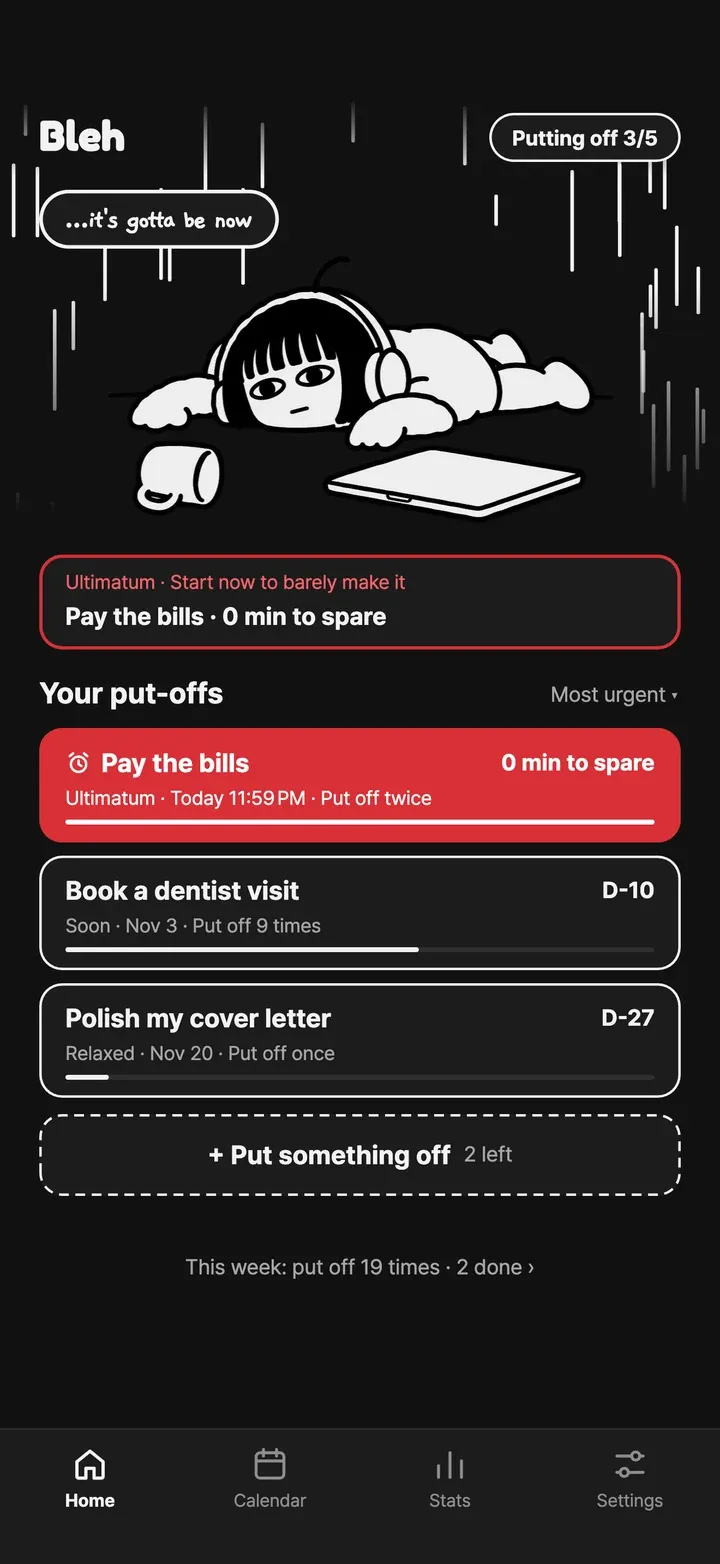
  4. Ultimatum: Bleh face-down under the pressure rain
    Ultimatum

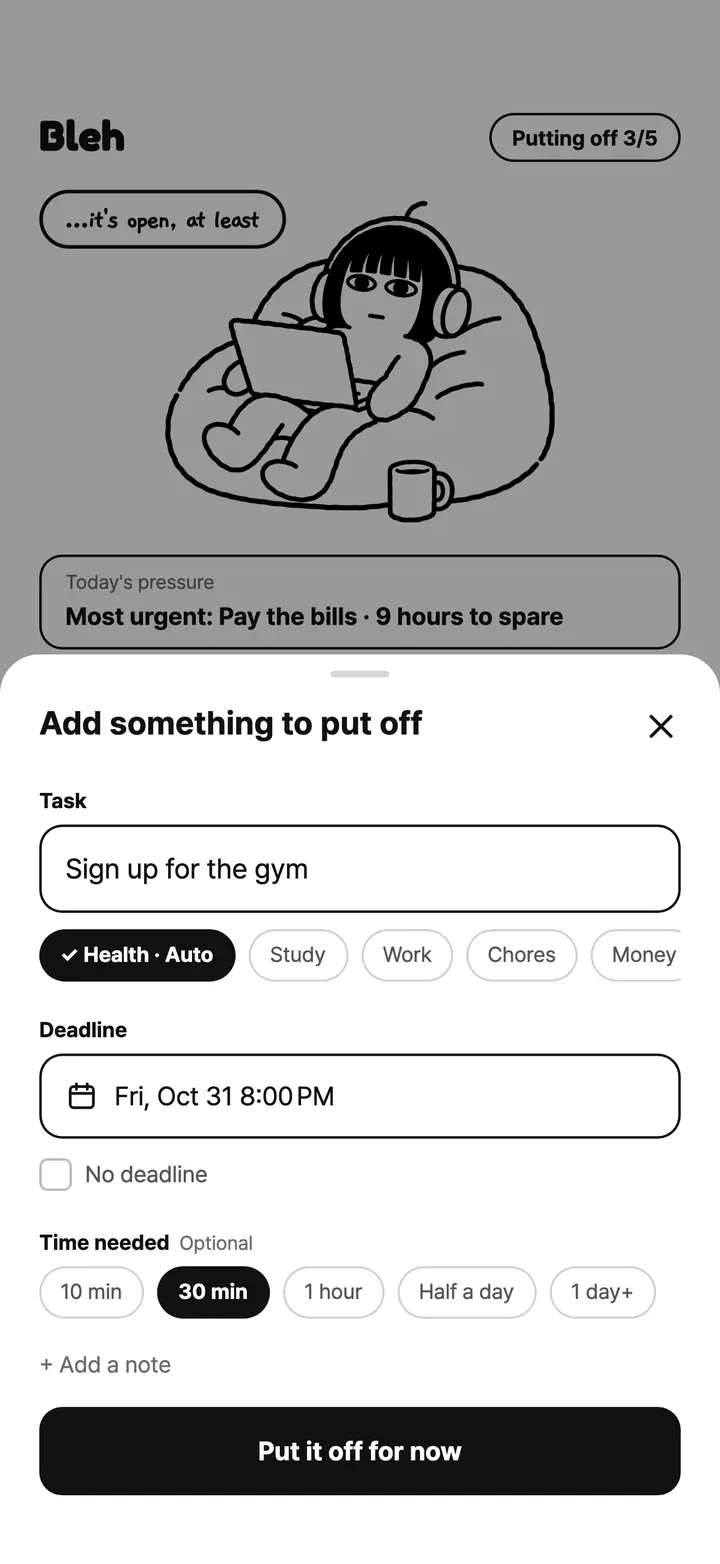
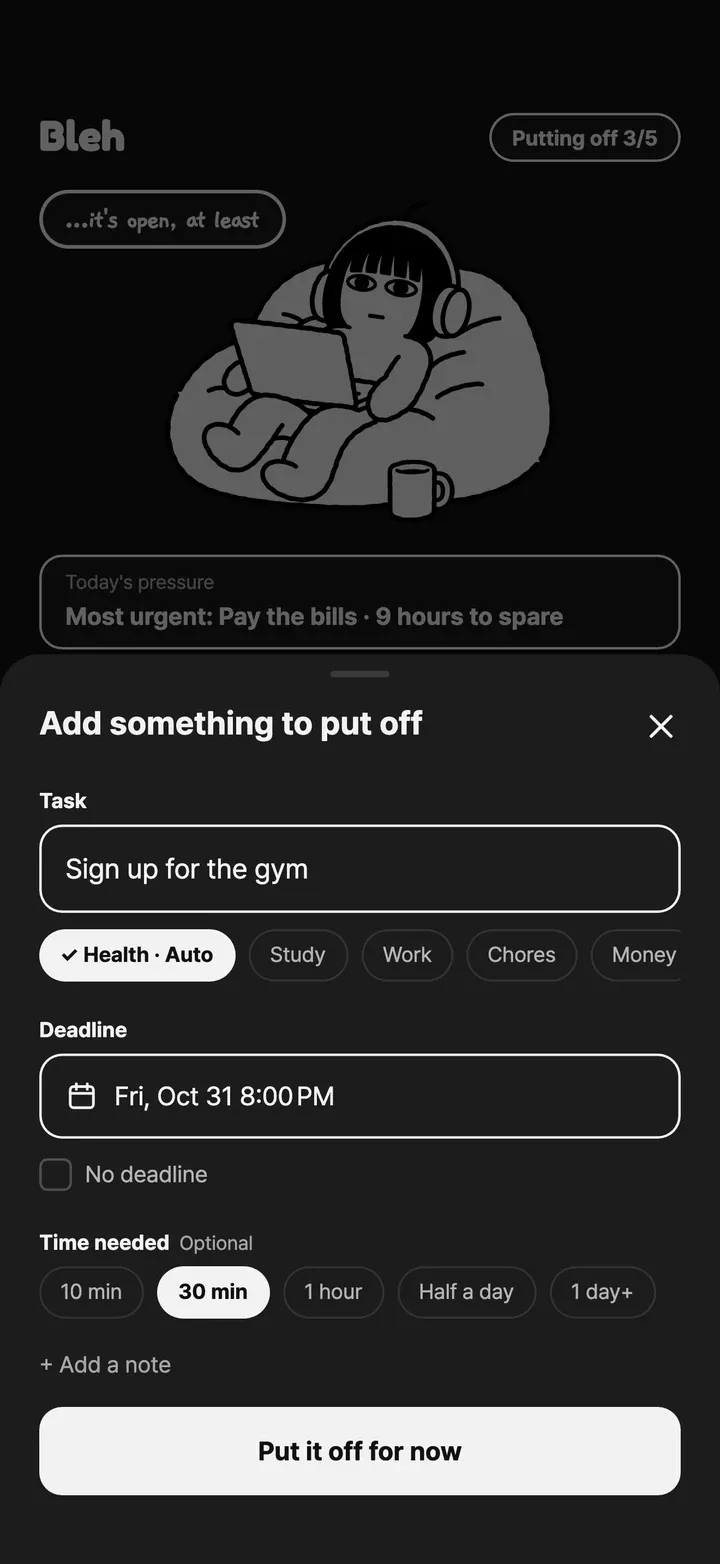
Write down what you'll put off

Adding it gives you permission to procrastinate. But as the deadline gets closer, the nagging gets stronger.

01

Just a title and a deadline

No long to-do lists. Tell Bleh when it really has to be done, and until then you can put it off guilt-free.

  • Start right away, no account needed.
  • Your put-offs are stored on your phone.
Just a title and a deadline
02

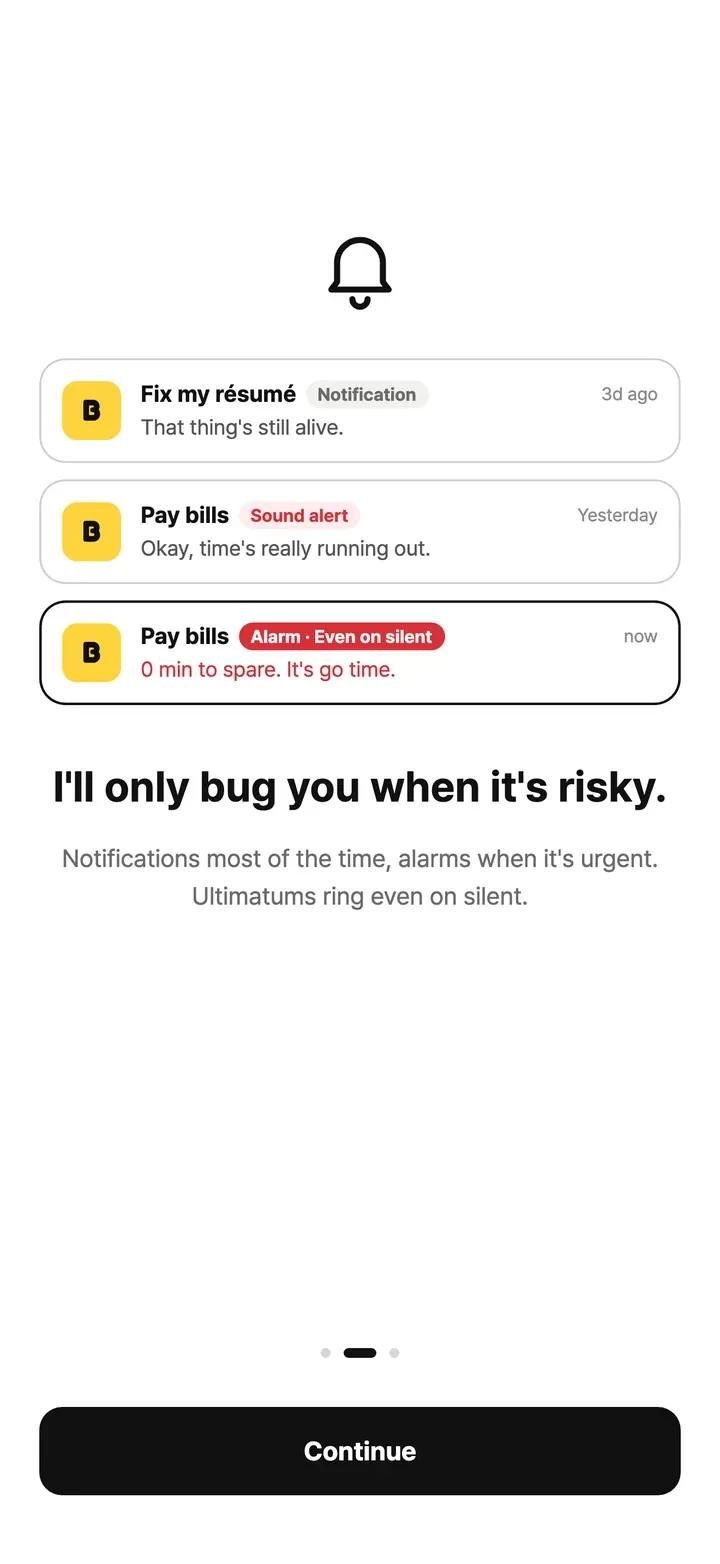
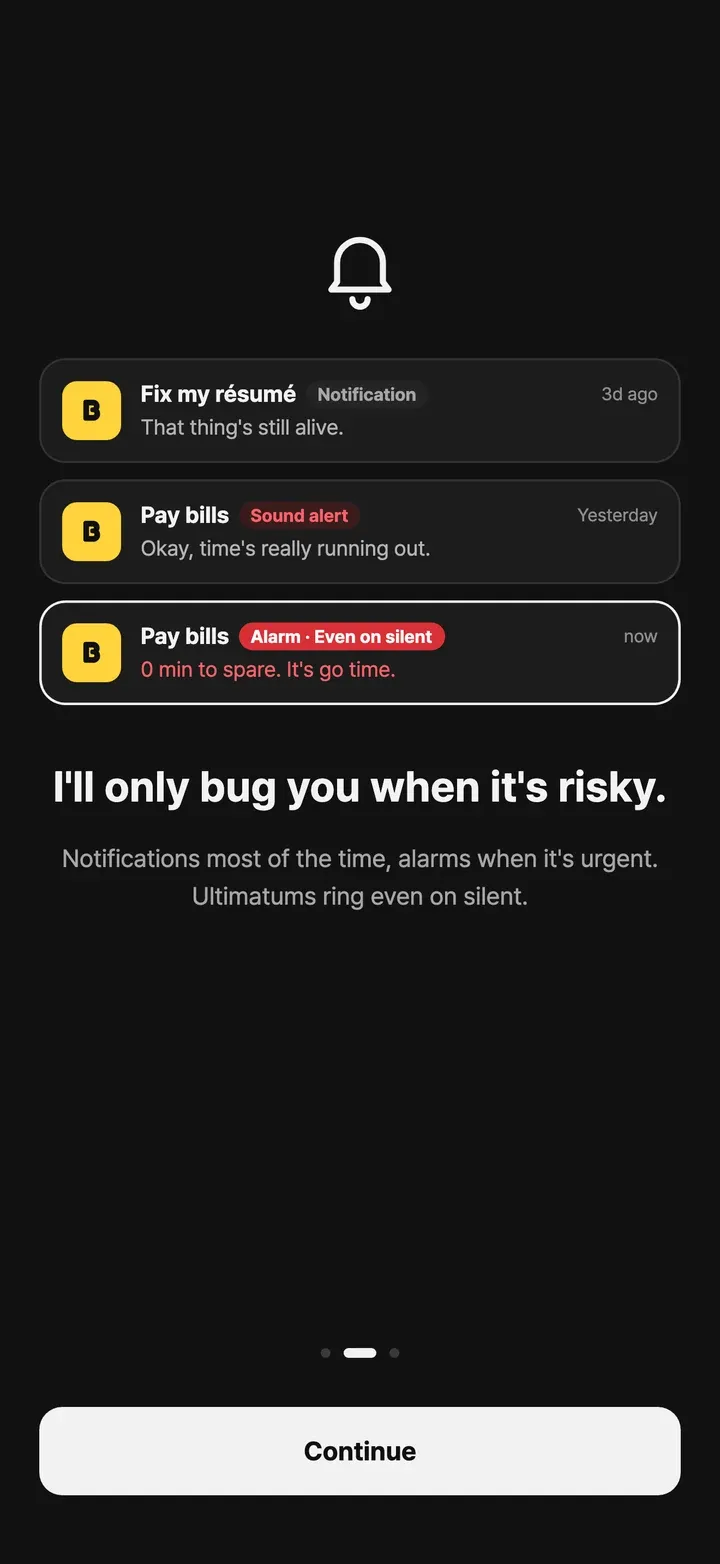
Wakes you only when it's risky

Relaxed, Soon, Imminent, Ultimatum. The less slack you have before the deadline, the more often (and more bluntly) it nags.

  • Imminent tasks get one sound alert a day, plus one more 3 hours later if you missed it.
  • It learns on your device when you actually get things done and reminds you then.
  • Pick your nag level: Mild, Medium or Spicy.
Reminders that get stronger only when it gets risky
03

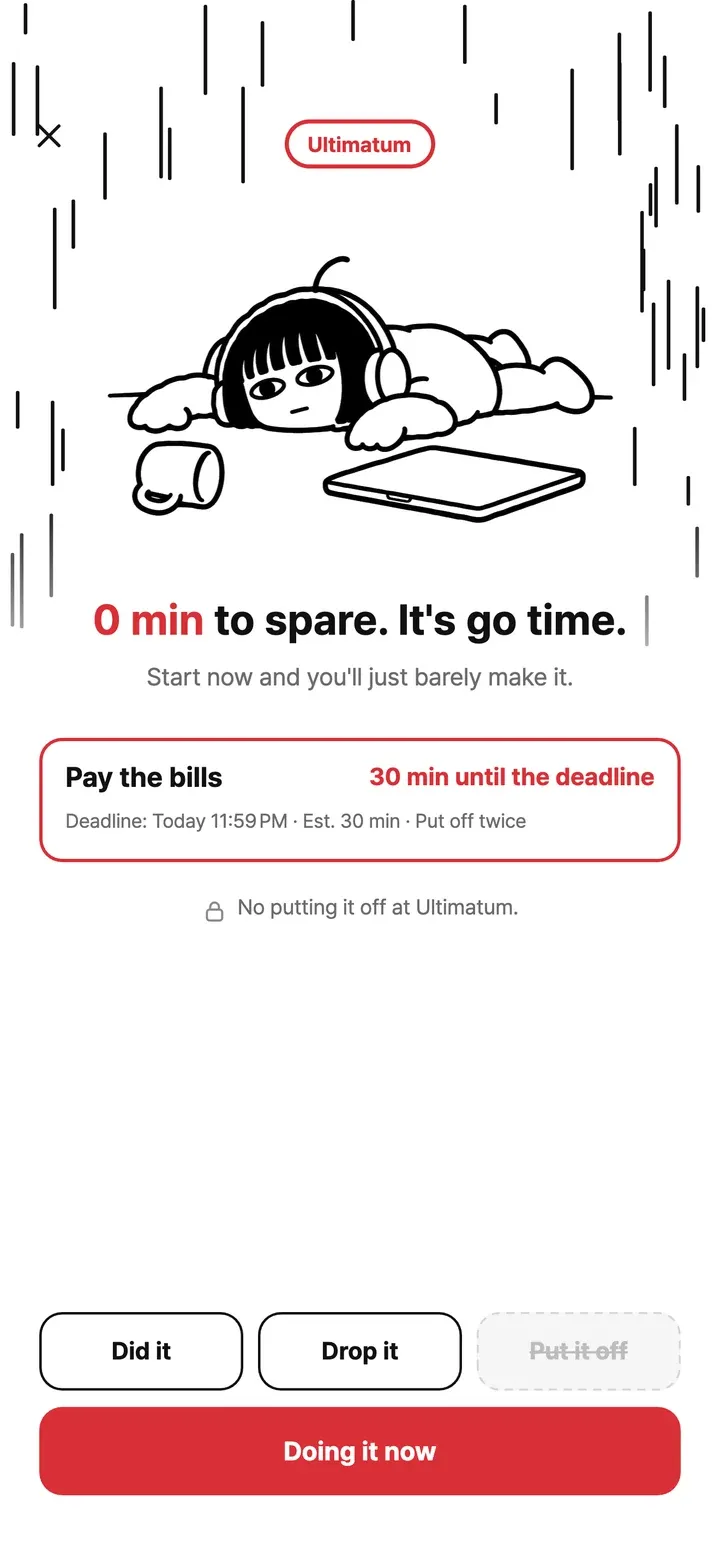
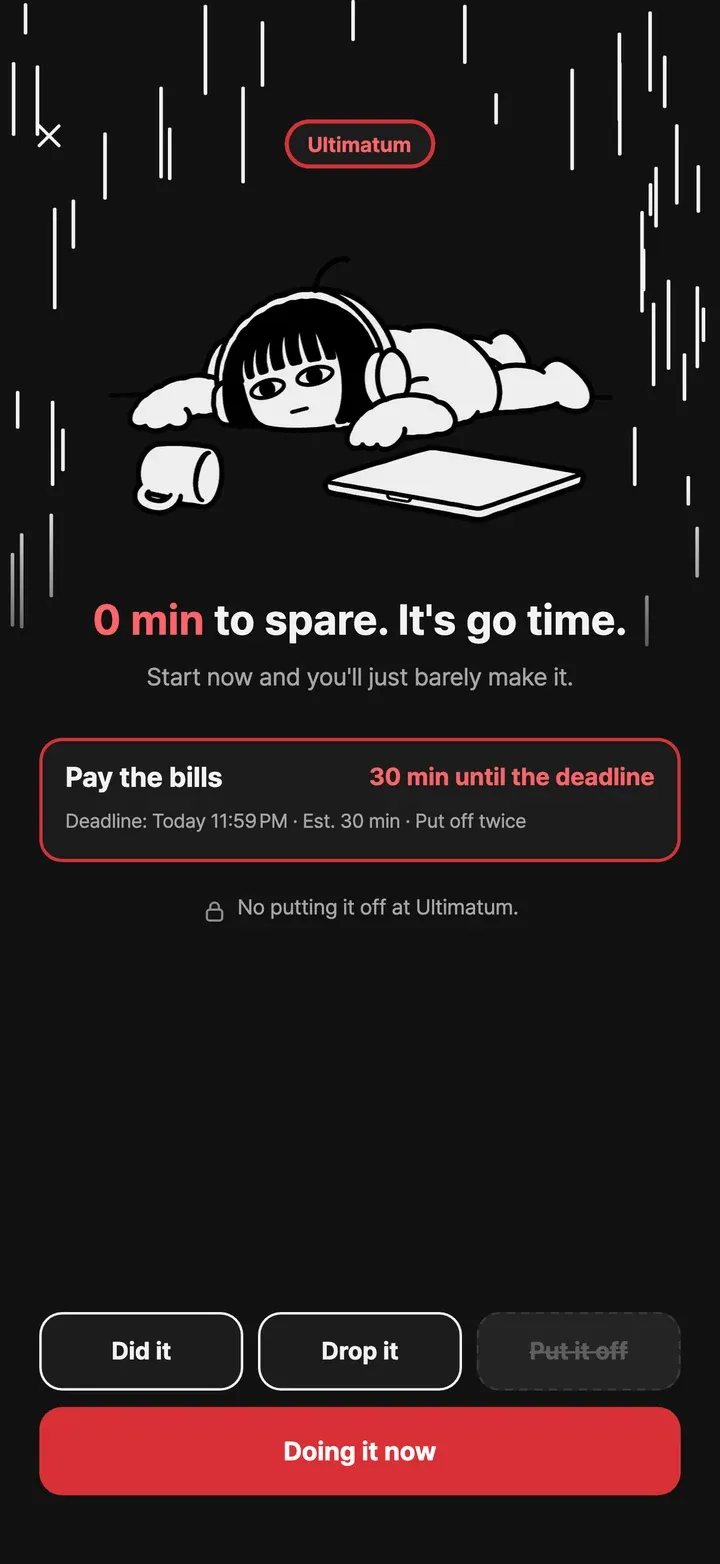
Stall to the end, hear the ultimatum alarm

When you have 0 minutes to spare, Bleh stops sending notifications and rings an alarm. Silent mode won't save you (iPhone: iOS 26 or later).

  • On iPhone (iOS 26+) it rings even in Silent or Focus mode.
  • On Android a full-screen alarm fills your lock screen, even on silent.
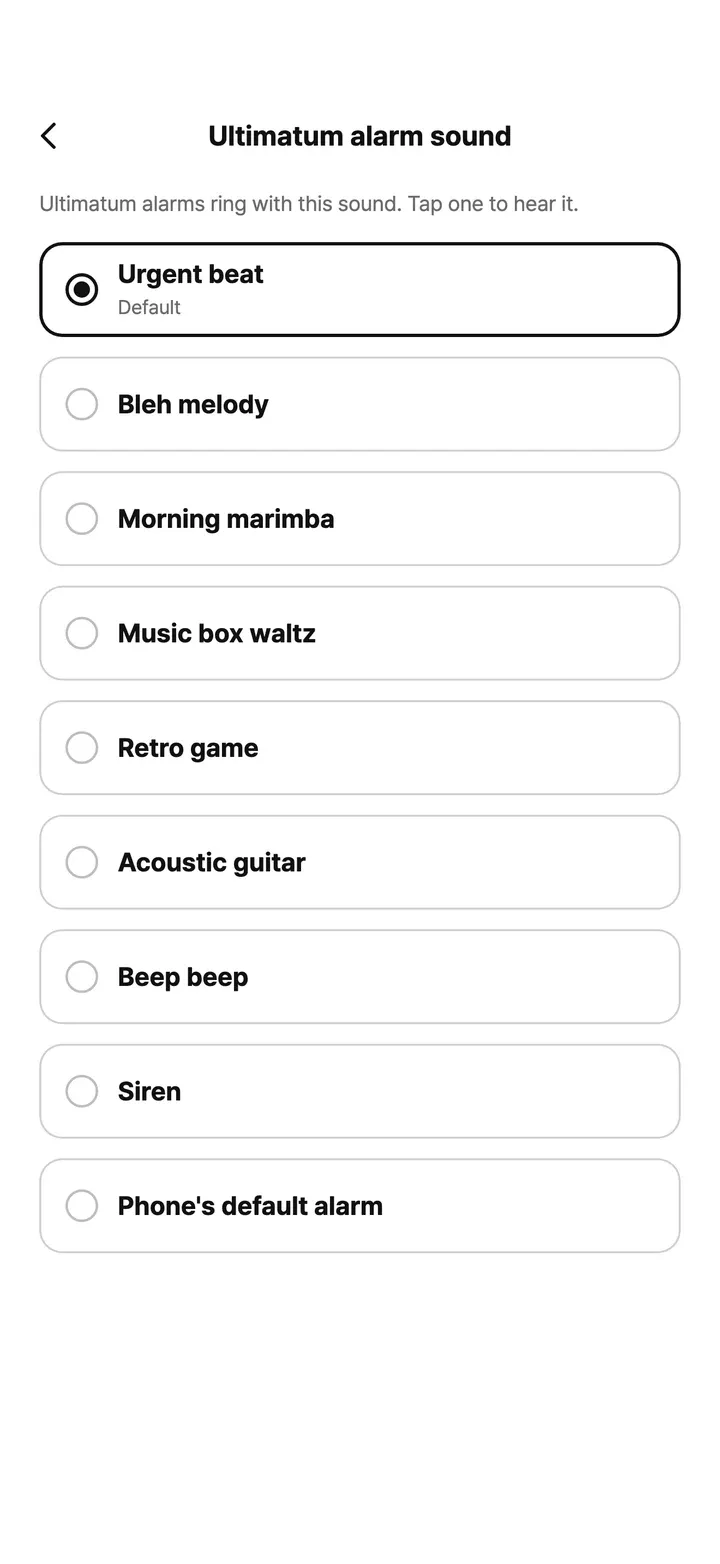
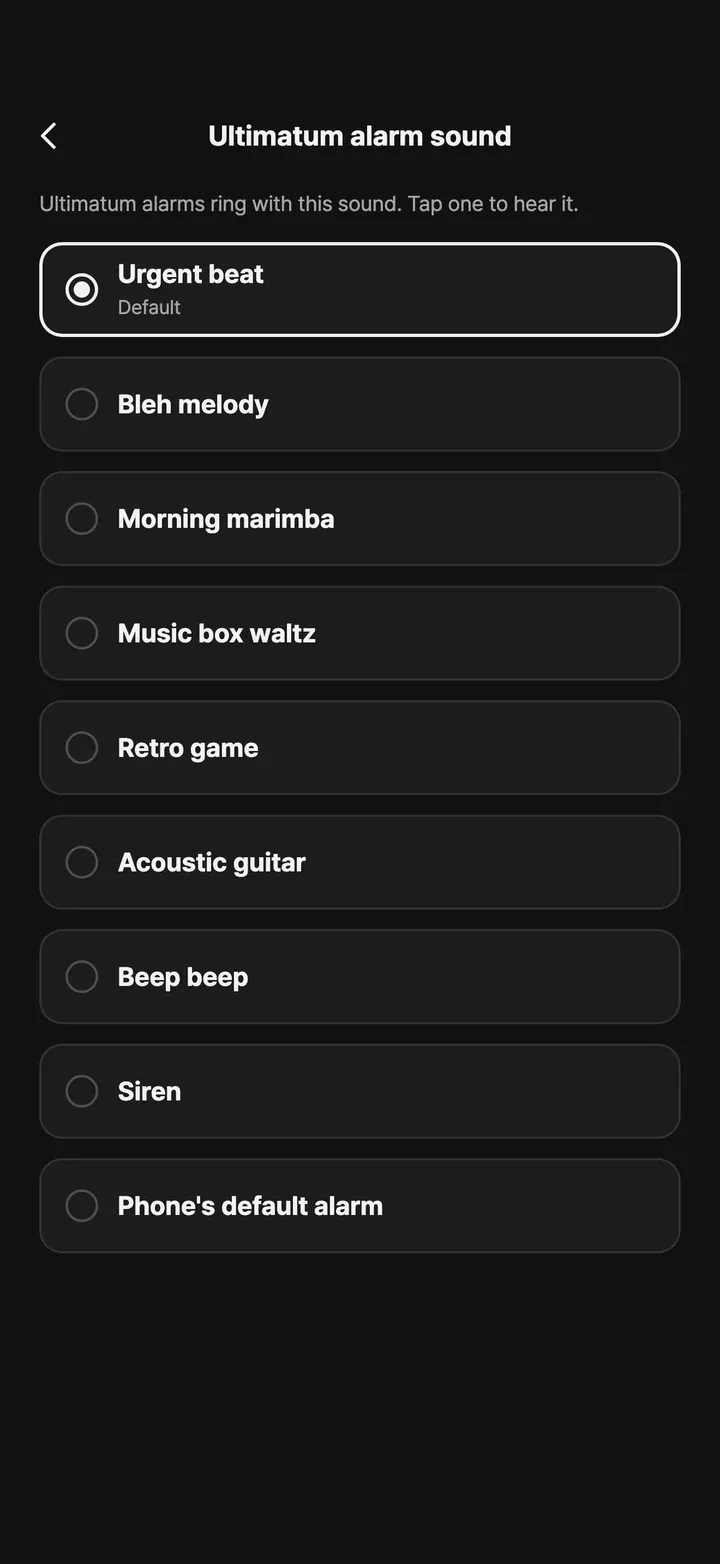
  • Choose from 8 alarm sounds and 11 imminent alert sounds.
Ultimatum screen: 0 minutes to spare
04

Procrastinate properly

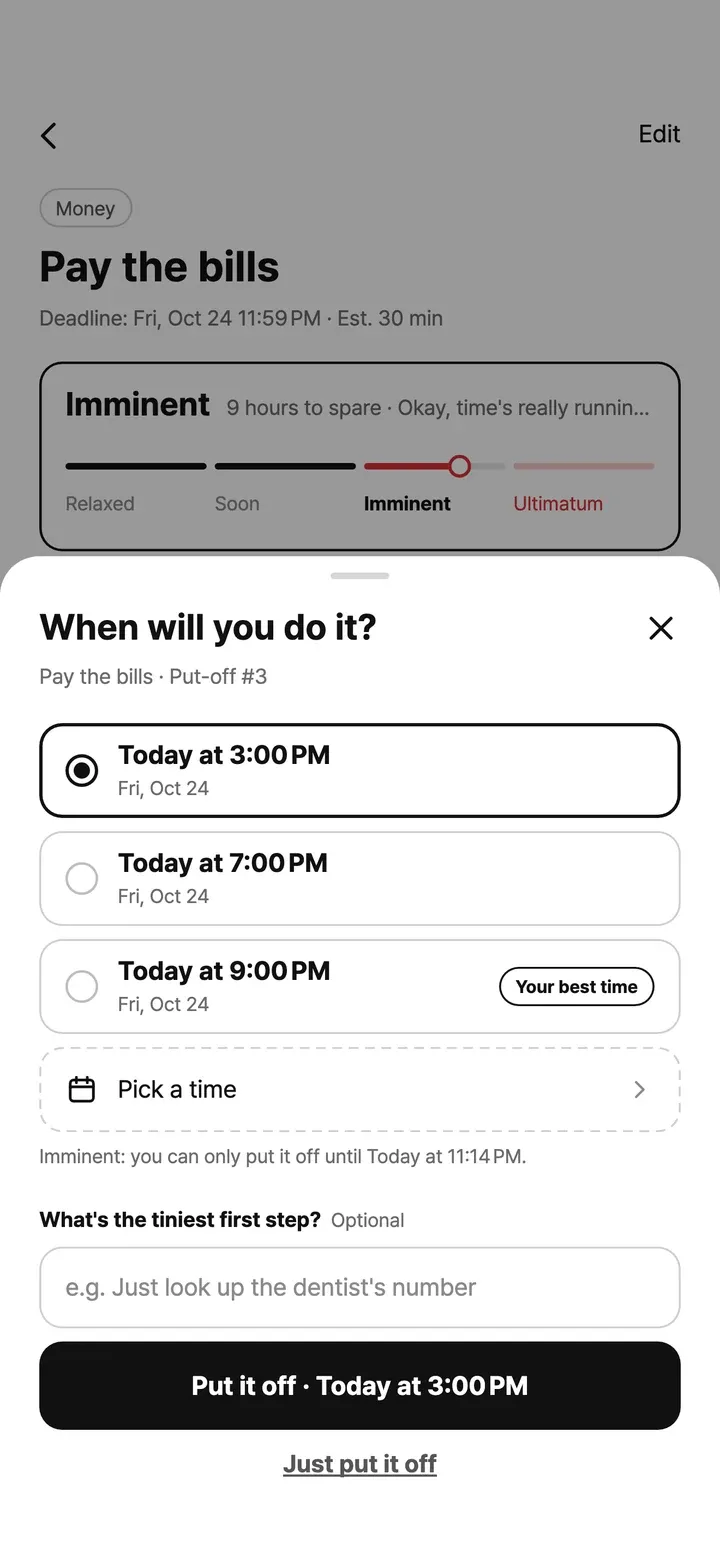
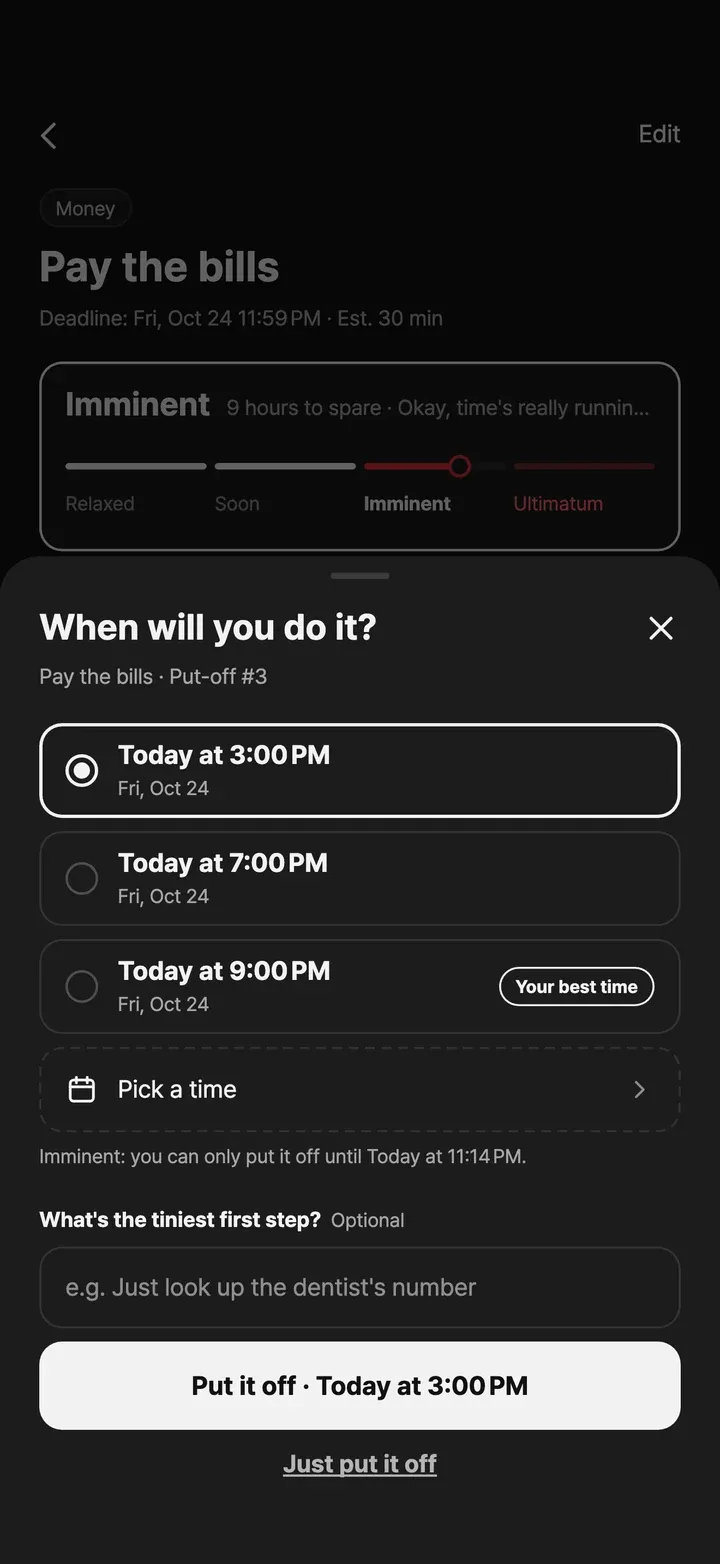
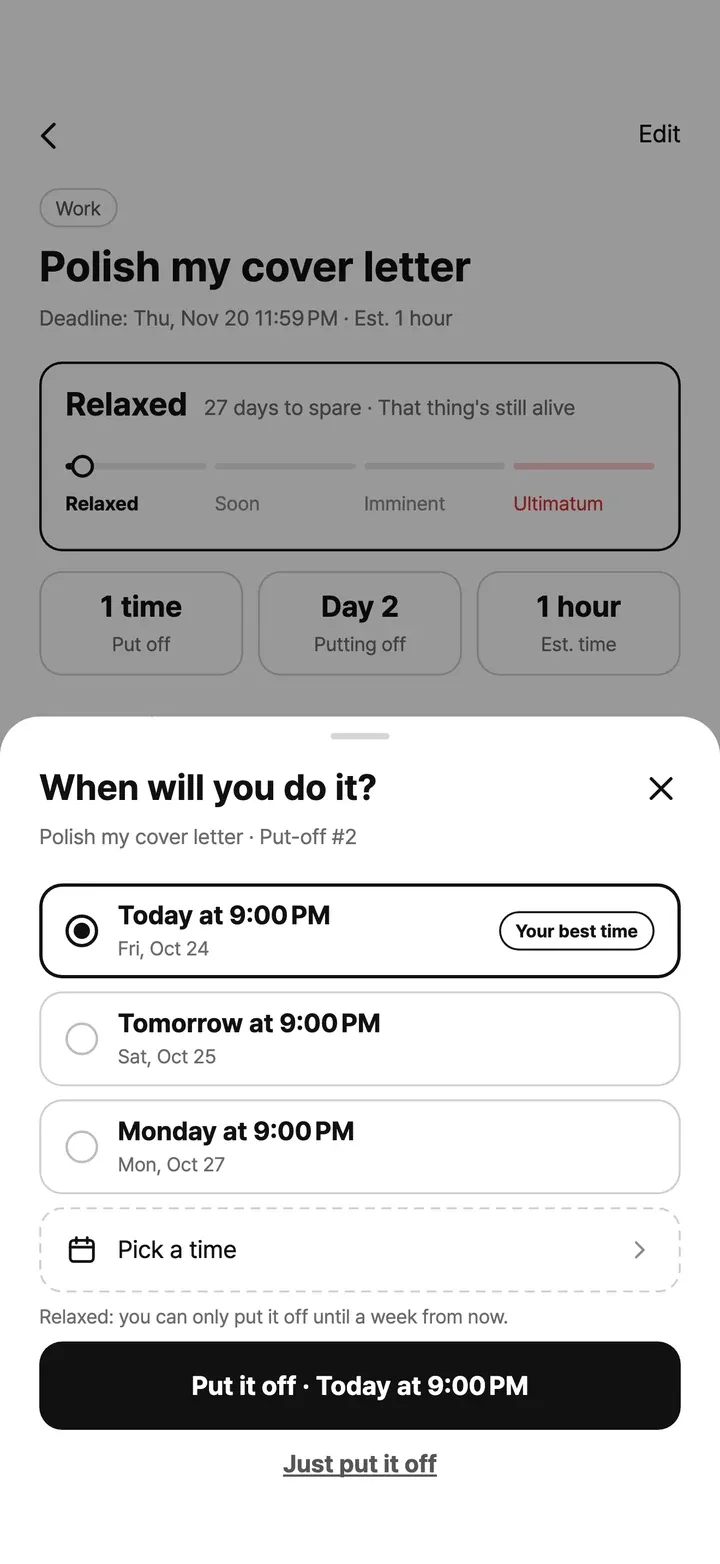
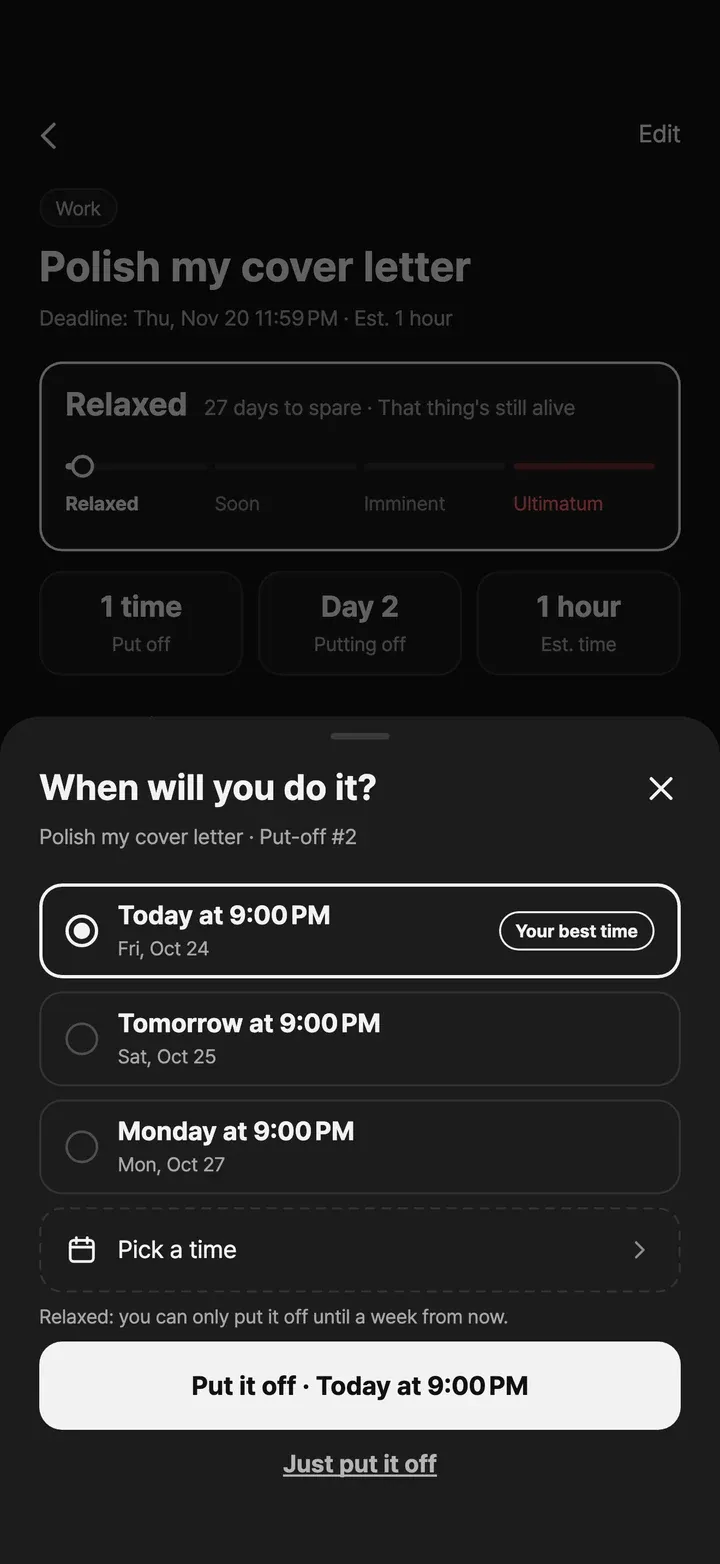
"When will you do it?" Pick a time like tonight 9 PM or tomorrow at noon. Too lazy to pick? Just snooze and Bleh decides.

  • From the 3rd postpone, write down the tiniest first step.
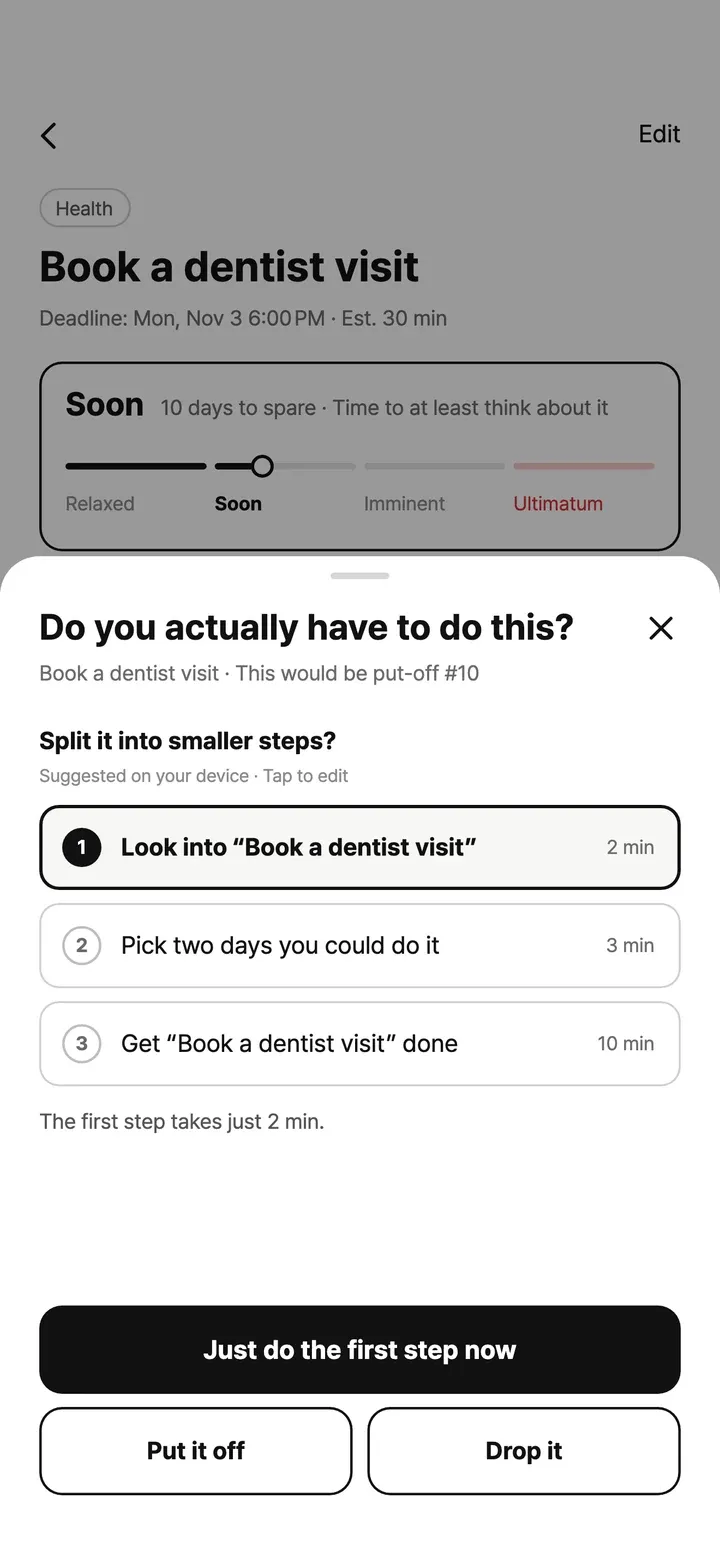
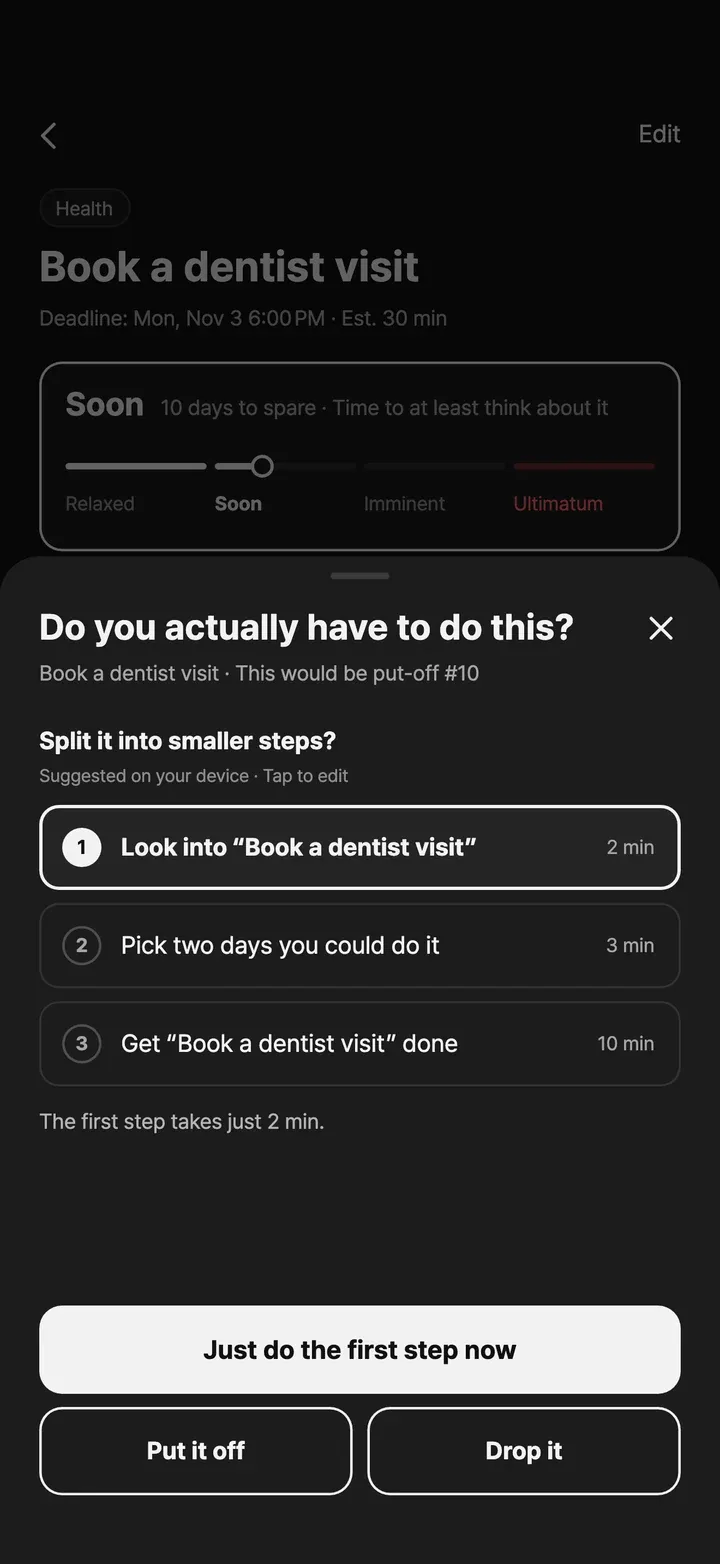
  • After 5, Bleh suggests splitting it into small steps.
"When will you do it?" pick a time to snooze
05

Brag when it's done

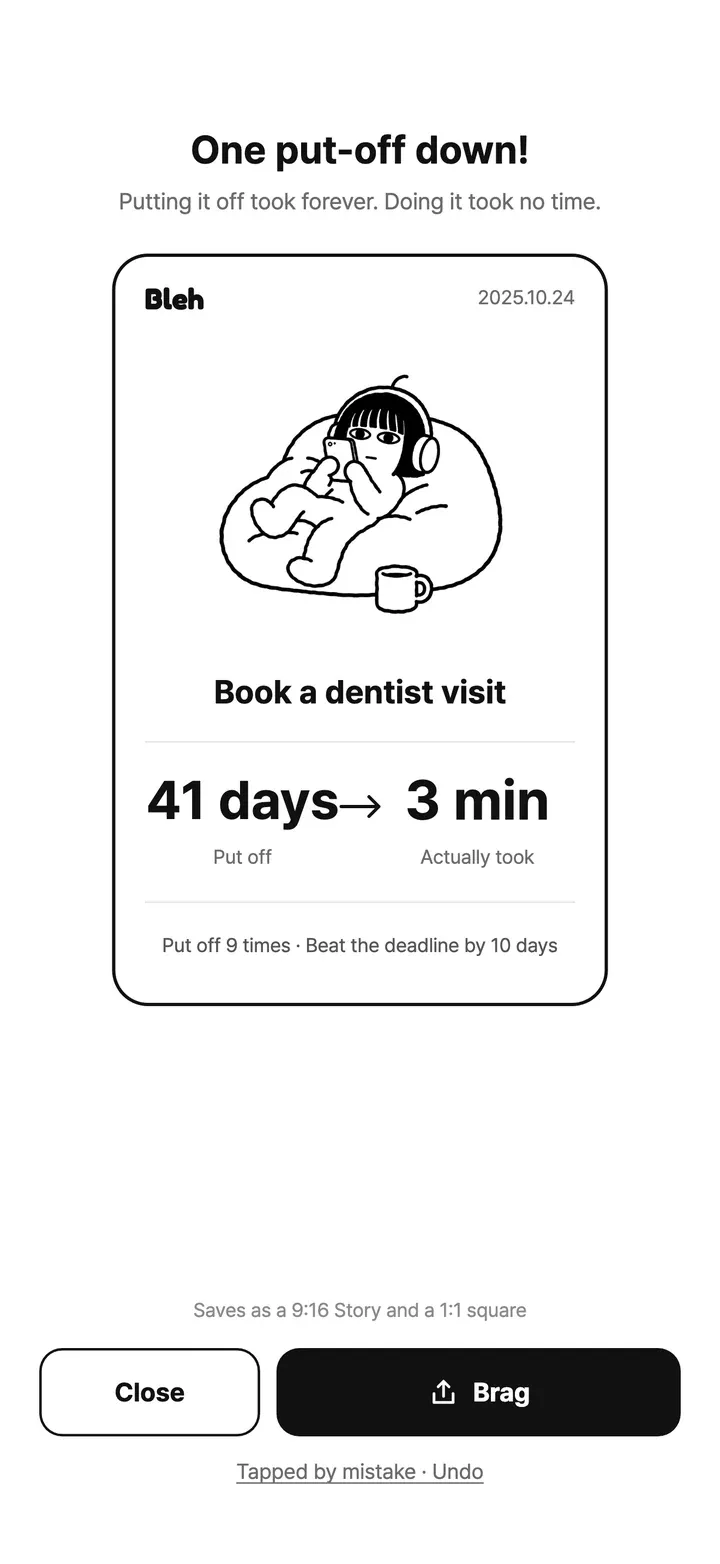
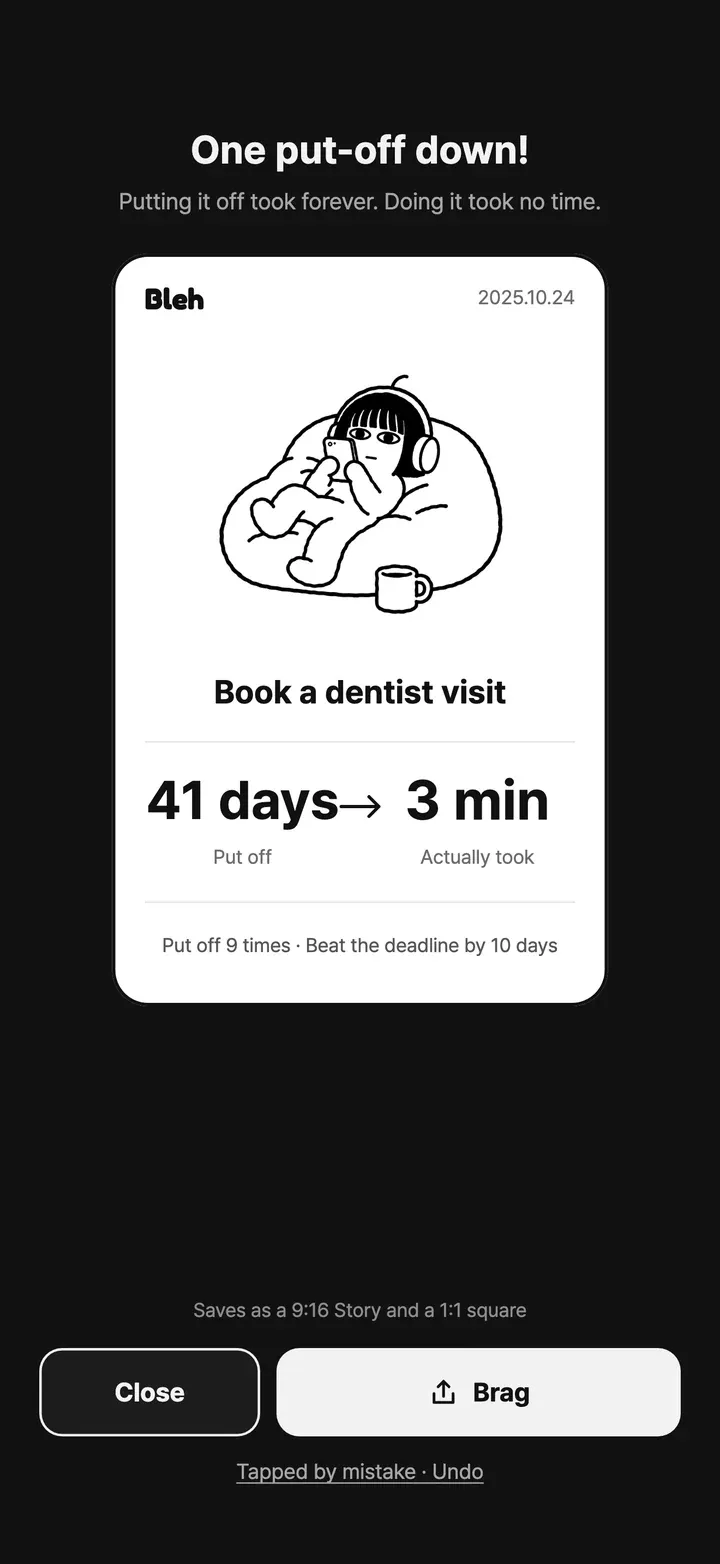
"Put off for 41 days → took 3 minutes." The longer you stalled, the better the brag card.

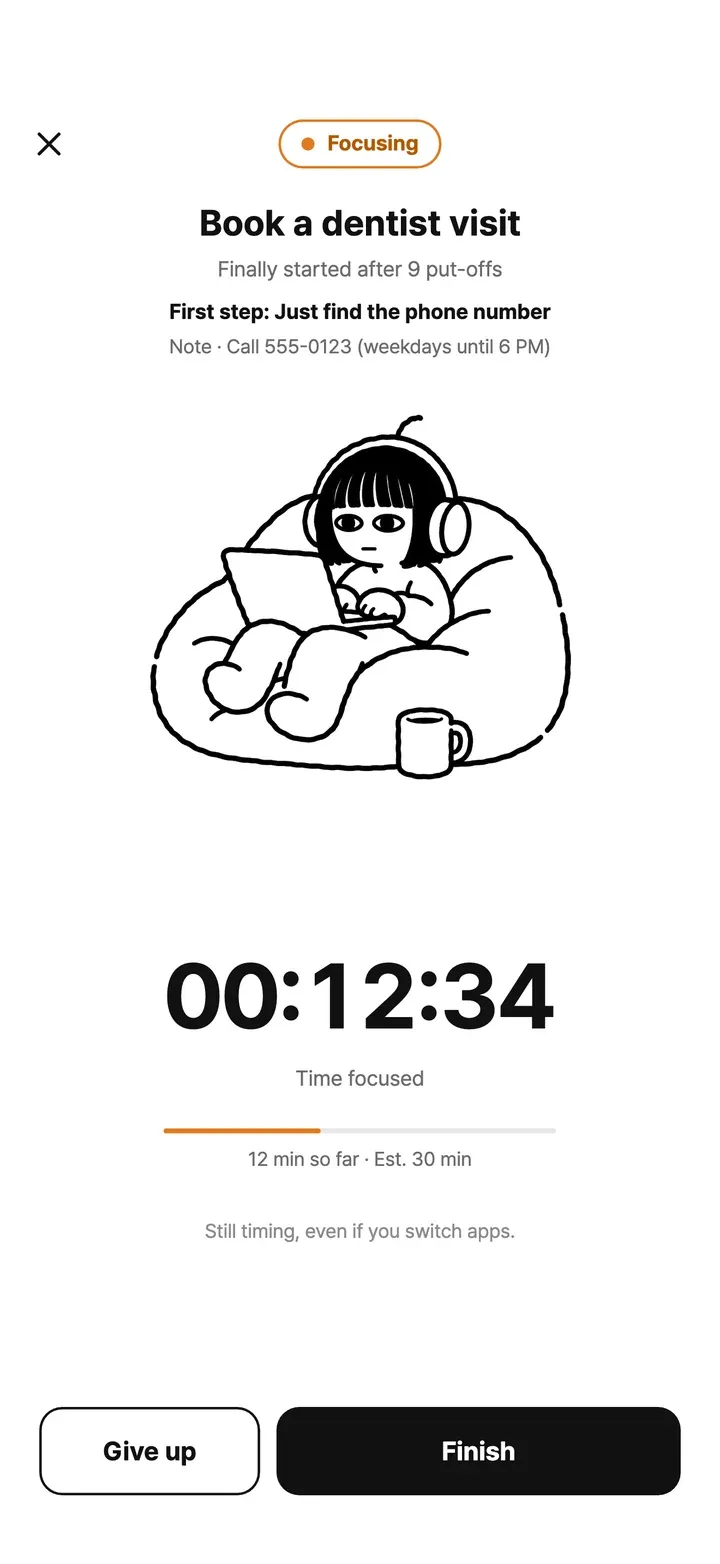
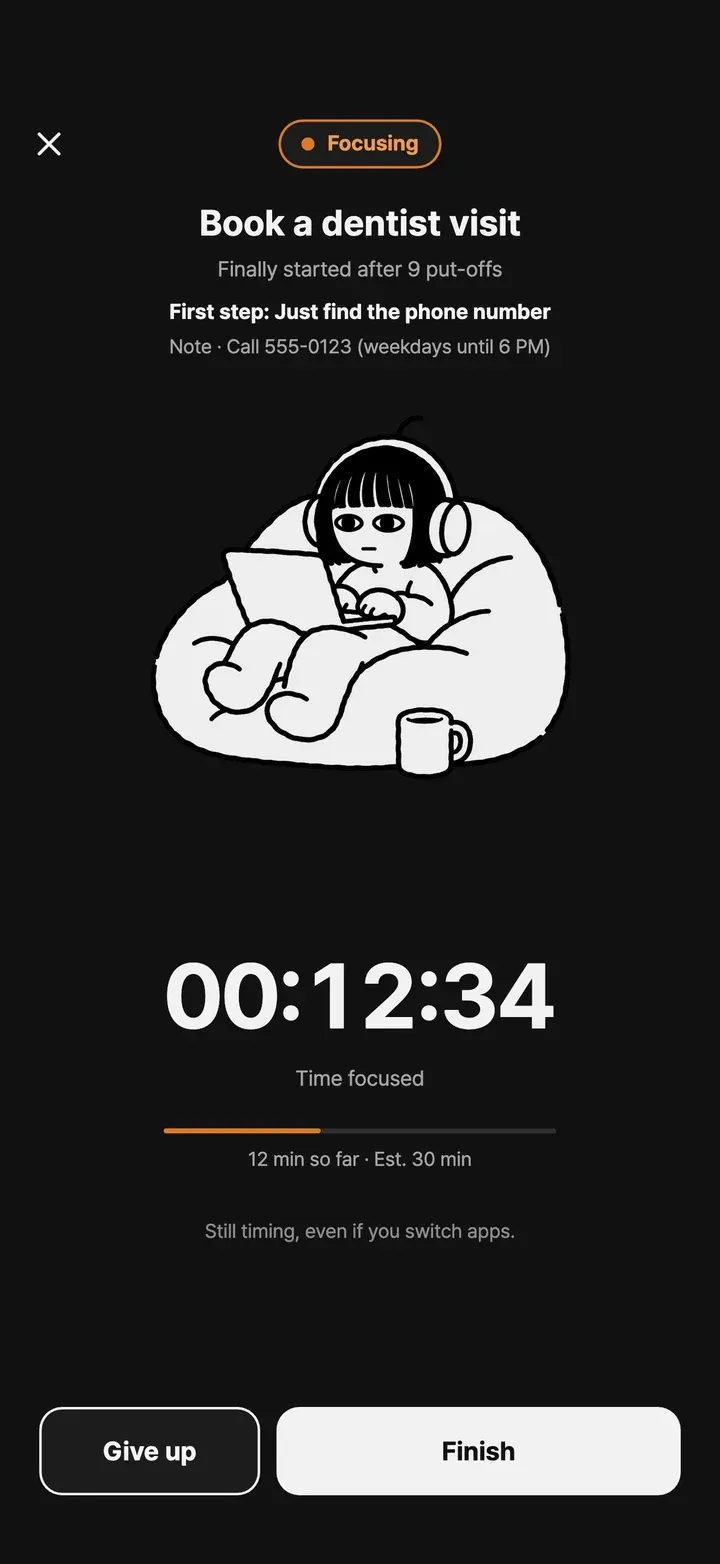
  • Focus mode with no timer to set. The clock keeps running on your Lock Screen and in the Dynamic Island.
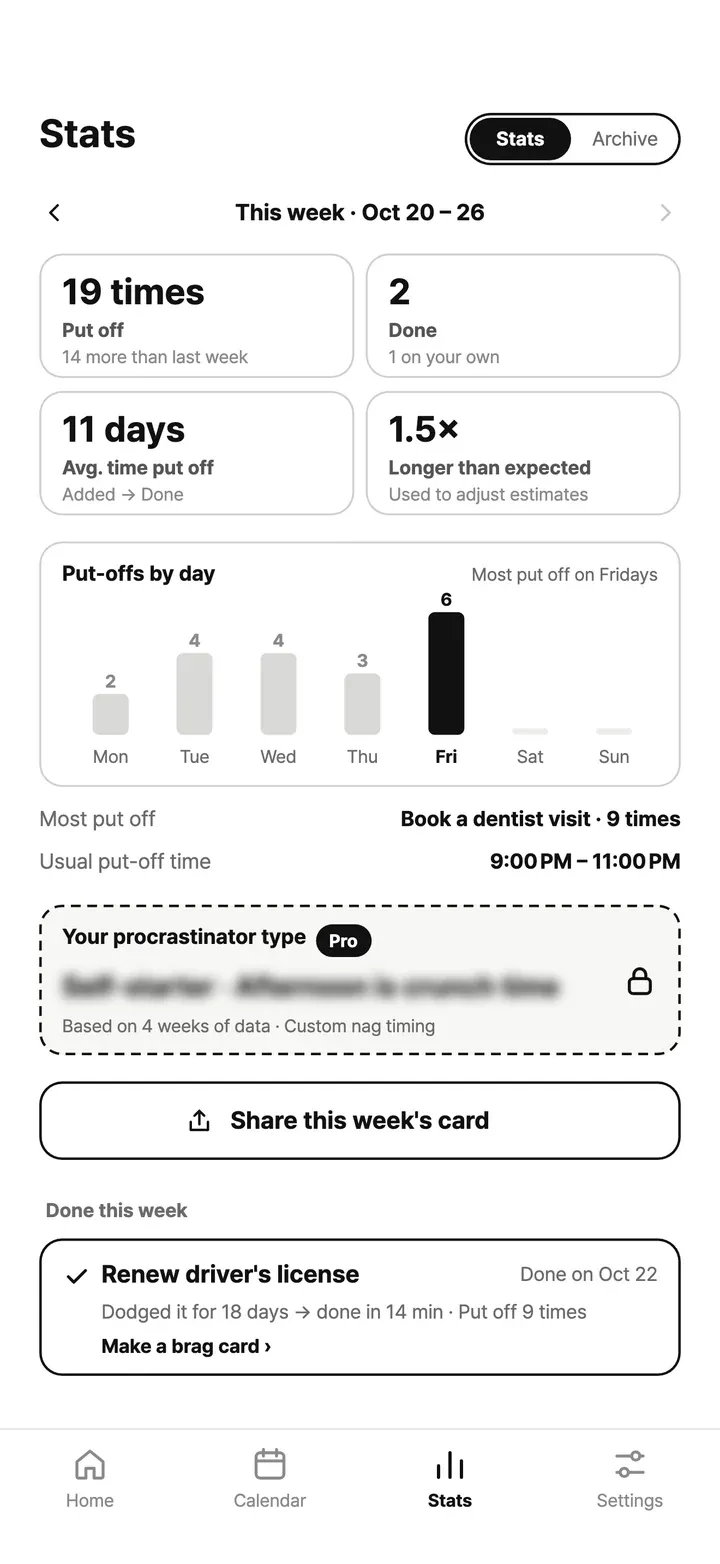
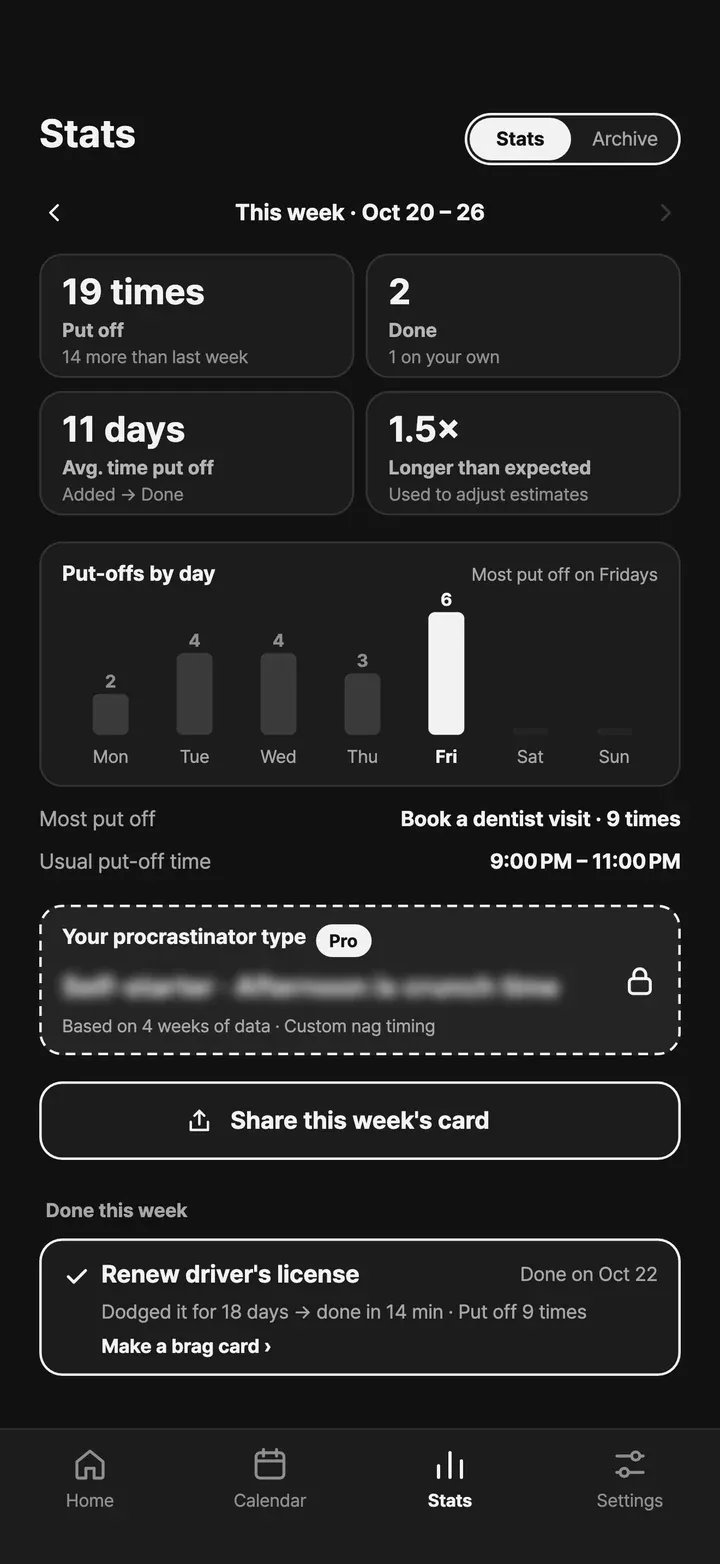
  • Weekly postpone counts, by weekday and time of day.
Brag card: put off 41 days, took 3 minutes

Quiet during your schedule

Holds reminders during meetings and appointments, then nudges you 15 minutes later. Event titles never leave your device.

Widgets at a glance

Home Screen and Lock Screen widgets show what's most urgent.

Keep it on a new phone

Sign in with Apple or Google to back up to the cloud. Signing in is optional.

6 languages

English, Korean, Japanese, Chinese (Simplified and Traditional) and Vietnamese. The nagging is written fresh for each one.

Made for you if you

  • install a to-do app and stop opening it after three days
  • swipe away reminders without a second look
  • only get moving when the deadline is right there

More screens

Put it off, split it up, get it done, look back.

Snooze suggests when you usually get things done
Keep putting it off? Split it into small steps
Focus mode with zero setup
This week's put-offs by weekday
Pick your ultimatum alarm sound
Ultimatum: Bleh face-down under the pressure rain

Start for free

Free

  • Up to 5 postponed tasks at once
  • Ads in a few places

Pro

  • Unlimited postponing
  • No ads
  • Detailed analysis and monthly recap
  • Premium share cards

Pro comes as a monthly or yearly subscription, or lifetime.

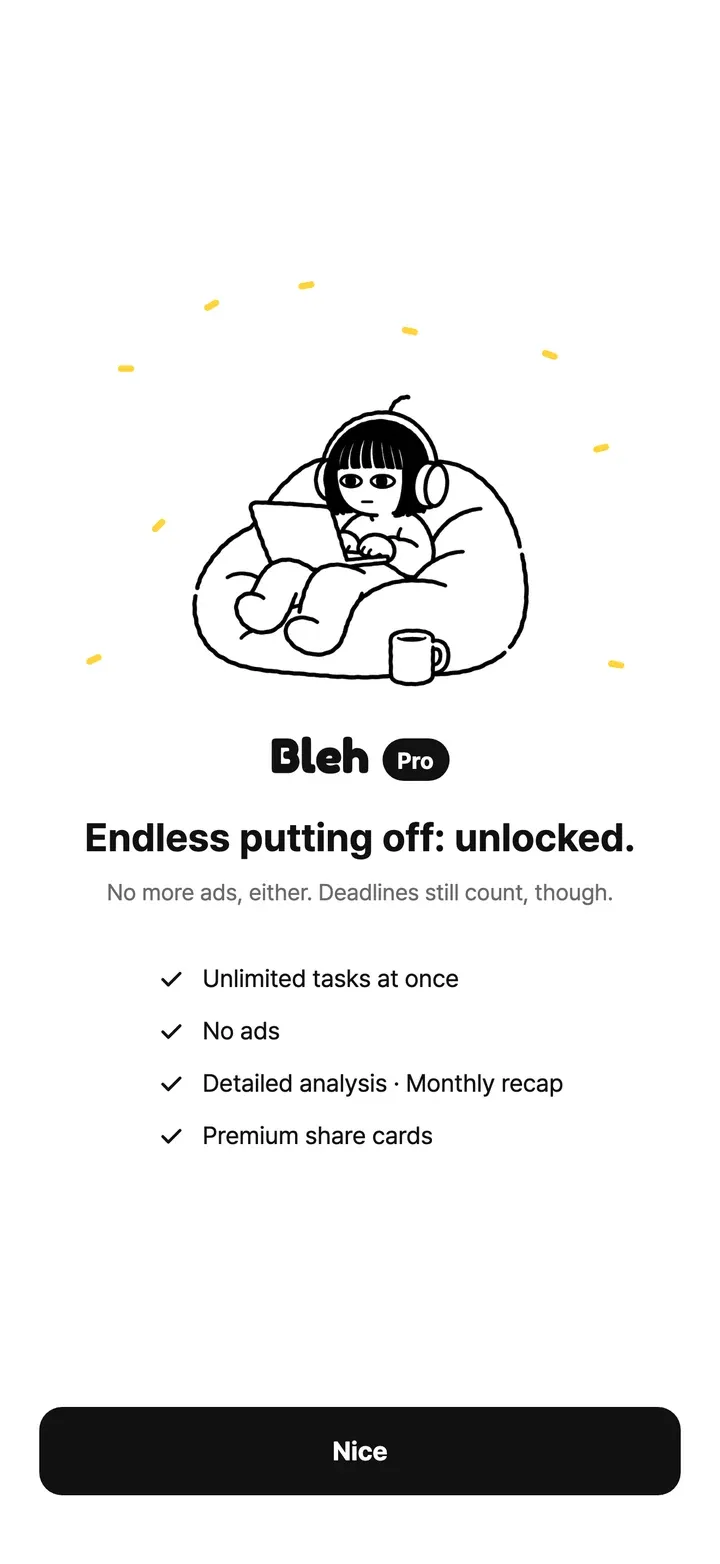
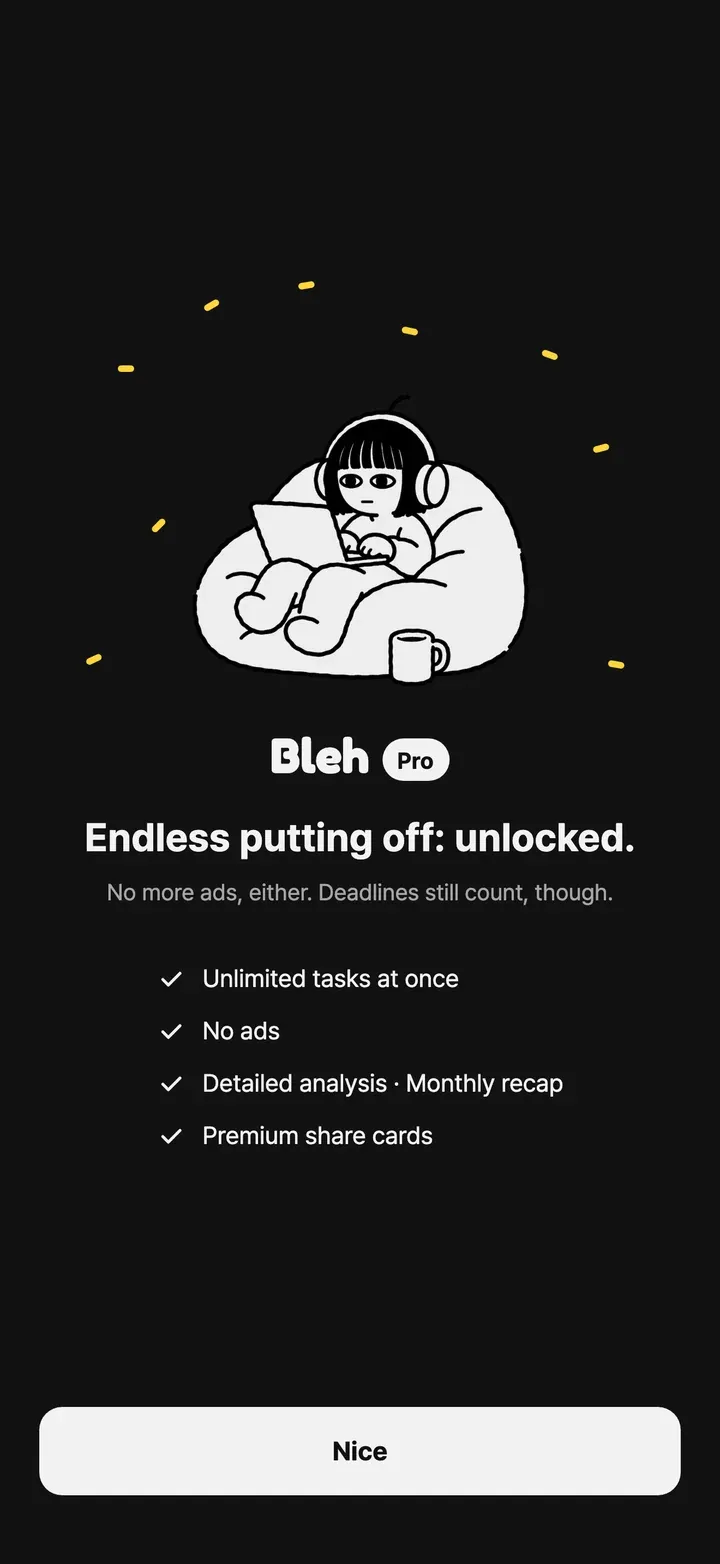
Pro welcome: unlimited tasks at once, no ads, detailed analysis and monthly recap, premium share cards

FAQ

Is it free?

Yes. Install it and start right away. You can put off up to 5 things at once, and a few screens show ads. Go Pro to put off more and remove ads.

Do I need an account?

No. Everything works without signing in. Sign in only if you want a cloud backup to carry your put-offs to a new phone.

What notifications will I get?

Reminders get stronger in four stages as the deadline gets closer: Relaxed, Soon, Imminent, Ultimatum. A light nudge now and then, one sound alert a day when it's Imminent (one more 3 hours later if you miss it), and an alarm at Ultimatum.

Will it ring on silent?

On iPhone with iOS 26 or later, the ultimatum alarm rings even in Silent or Focus mode. On Android it rings as a full-screen alarm even on silent.

What about meetings?

Connect your calendar and Bleh holds reminders during events, then nudges you 15 minutes after. Event titles never leave your phone.

Where is my data stored?

On your phone. It's backed up to the cloud only if you sign in.

Which phones are supported?

iPhone with iOS 17 or later, and Android 8.0 or later. Available in Korean, English, Japanese, Simplified Chinese, Traditional Chinese and Vietnamese.


Put it off. Just don't forget.

Start with the thing you put off today.

Download on the App StoreGet it on Google Play