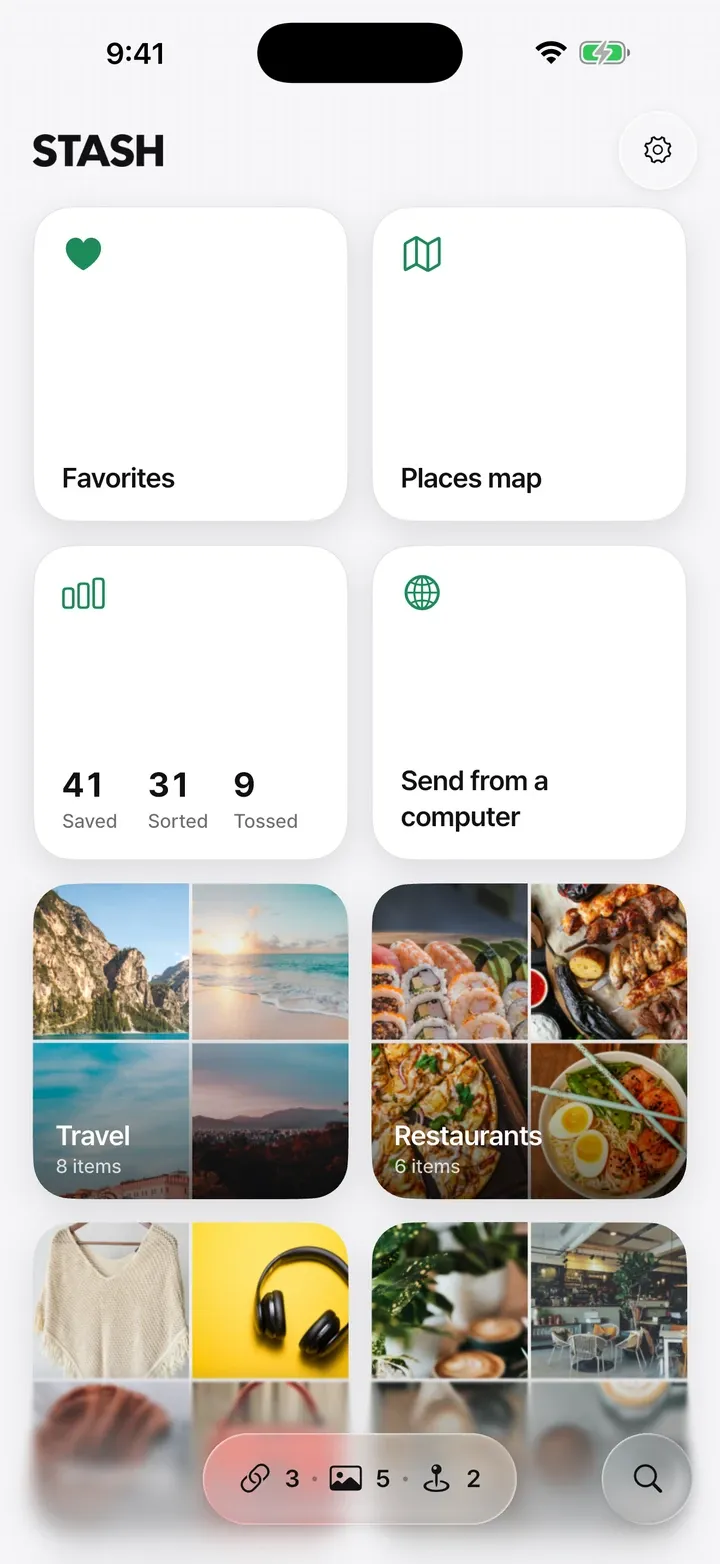
Save with one share
Tap Share in any app and choose STASH. The link, photo or place goes straight into the collection you pick.
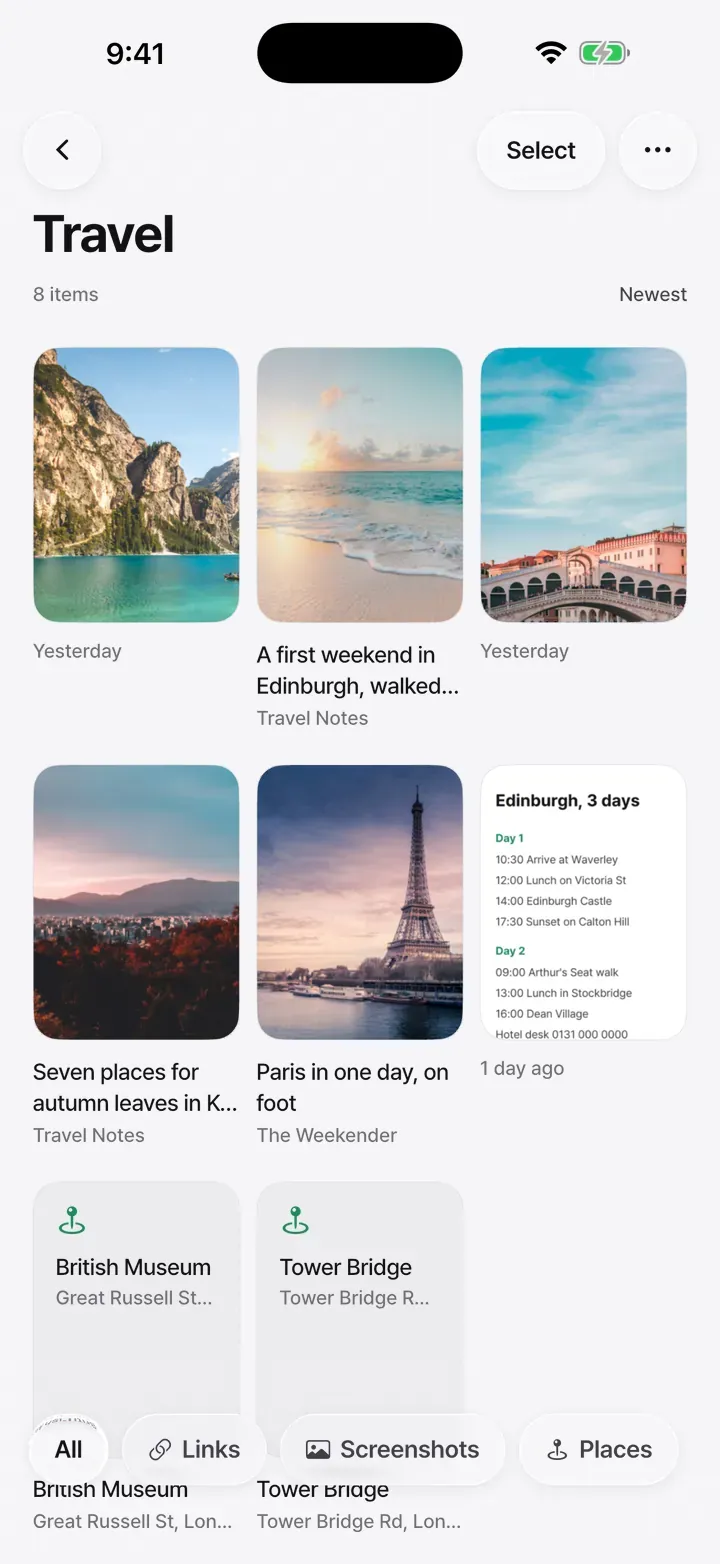


Keep the links, screenshots and places you save for later together, and push each card sideways into a collection. No sign-up, and what you save stays on your phone.


Coming soon
No sign-up. STASH Pro is a one-time purchase, not a subscription.
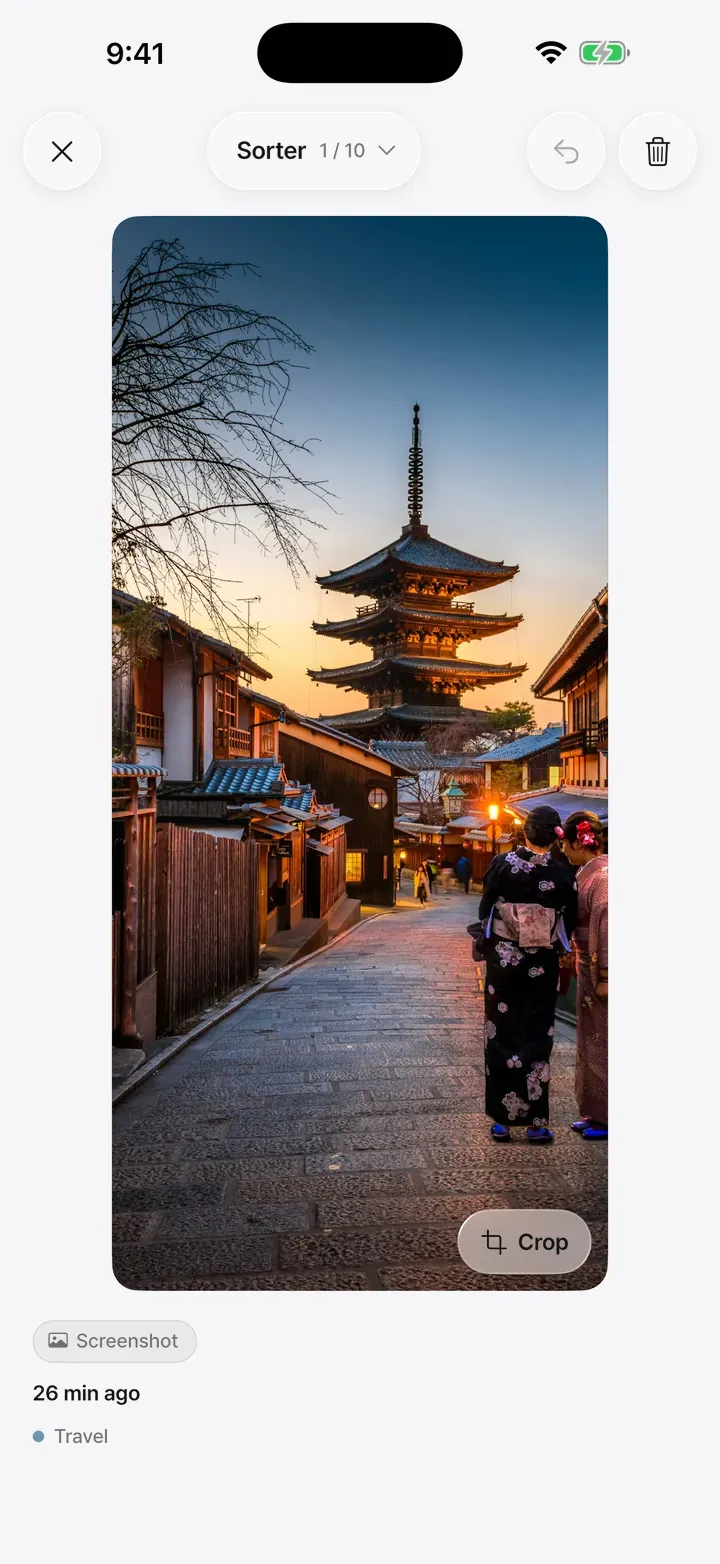
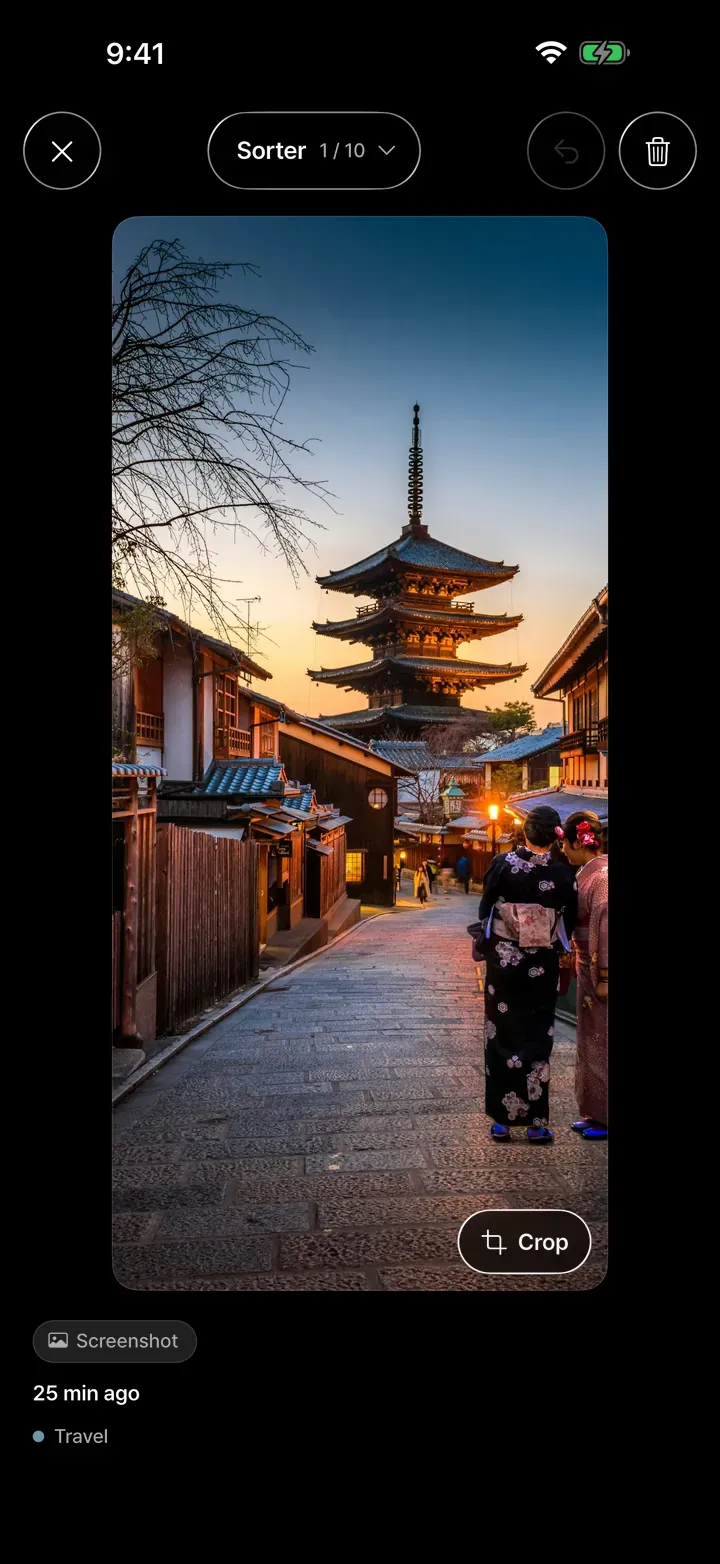
Save with one tap on Share, sort by pushing cards
Tap Share in any app and choose STASH. The link, photo or place goes straight into the collection you pick.
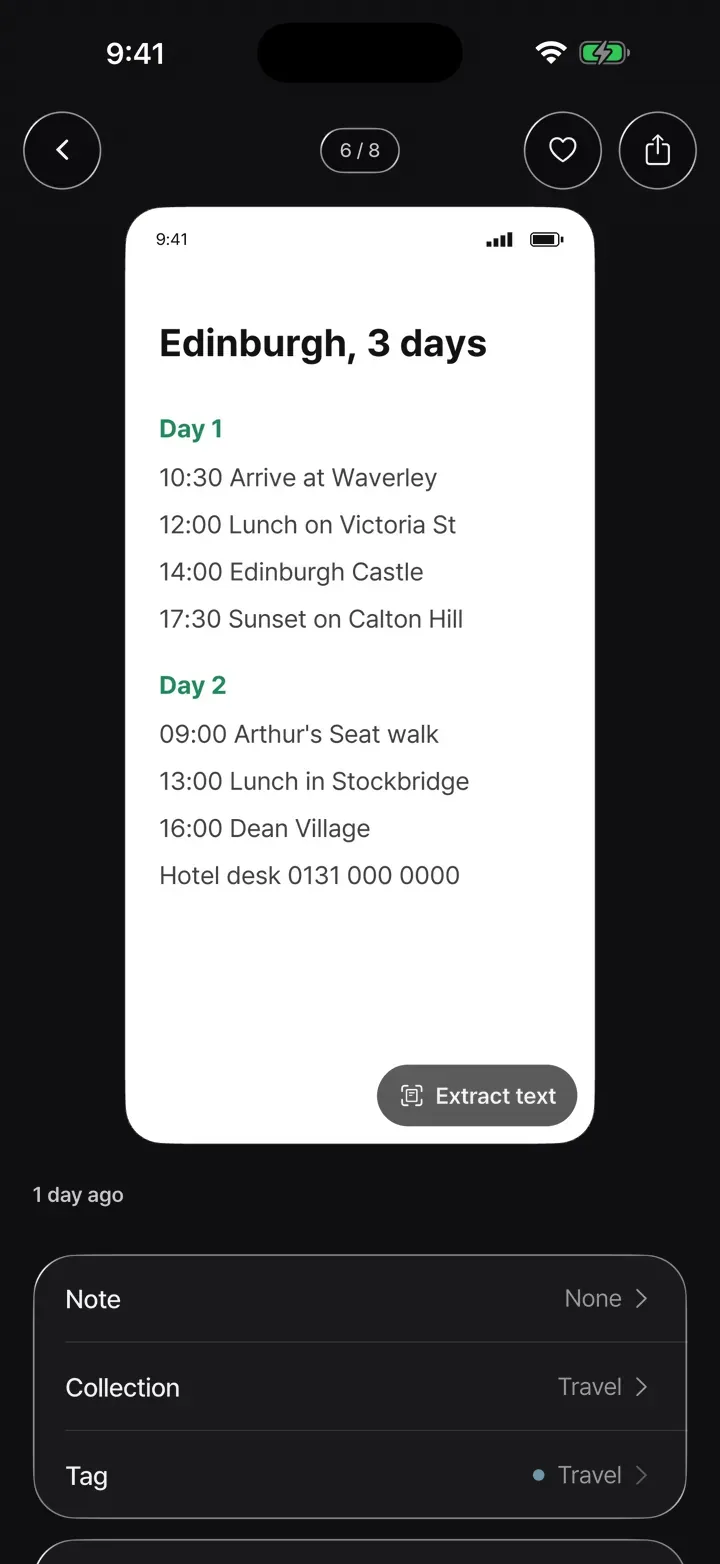
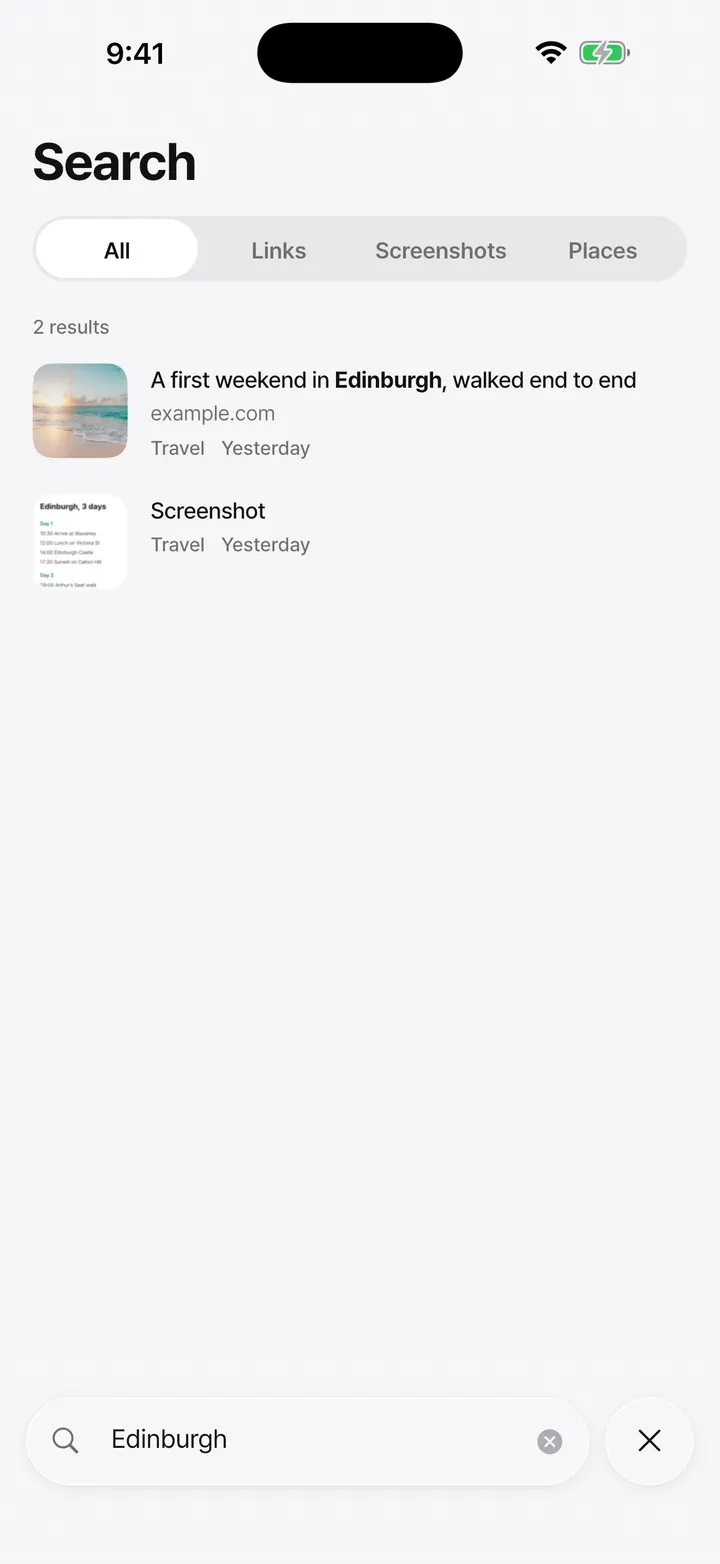
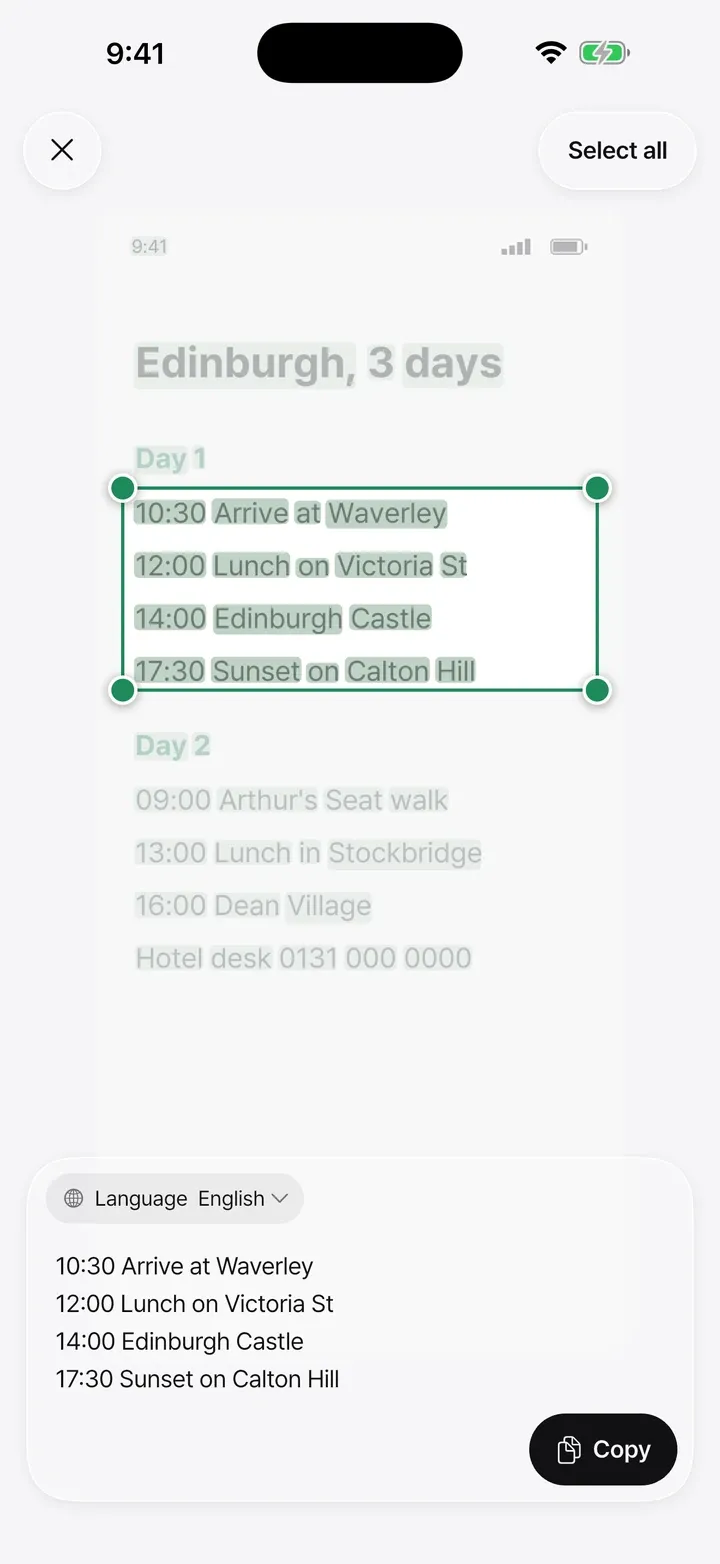
STASH reads the text in your screenshots on your phone, so you can find a plan or an address by its words and copy just the part you need.
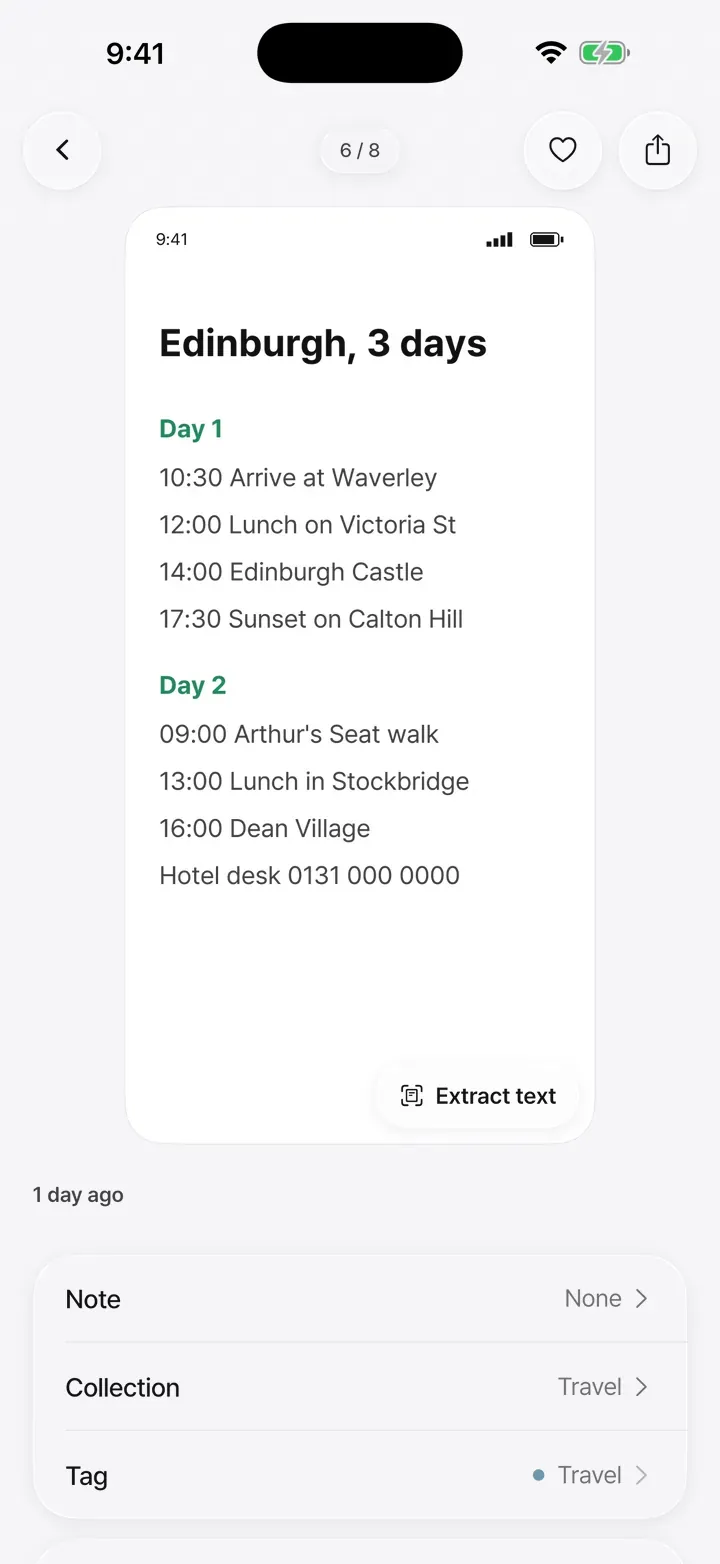
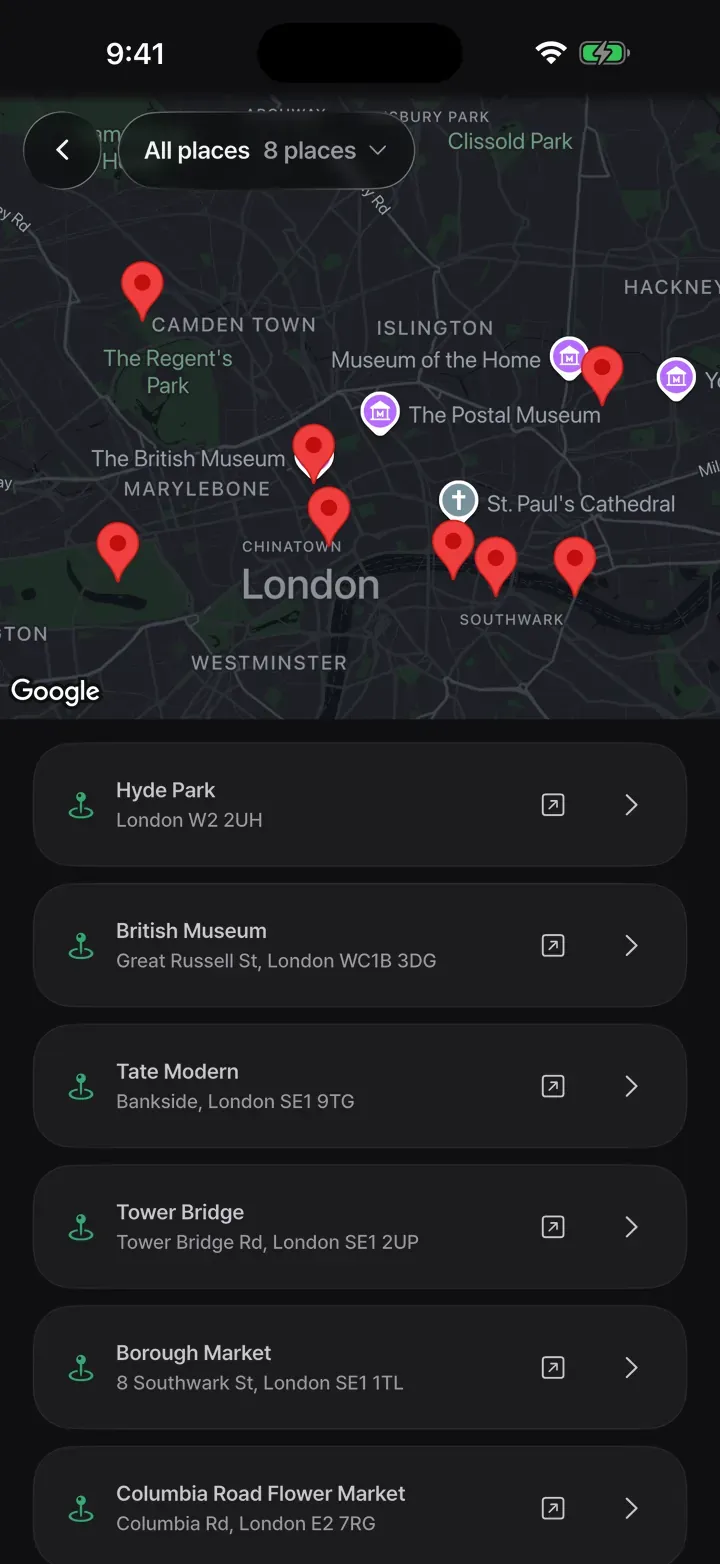
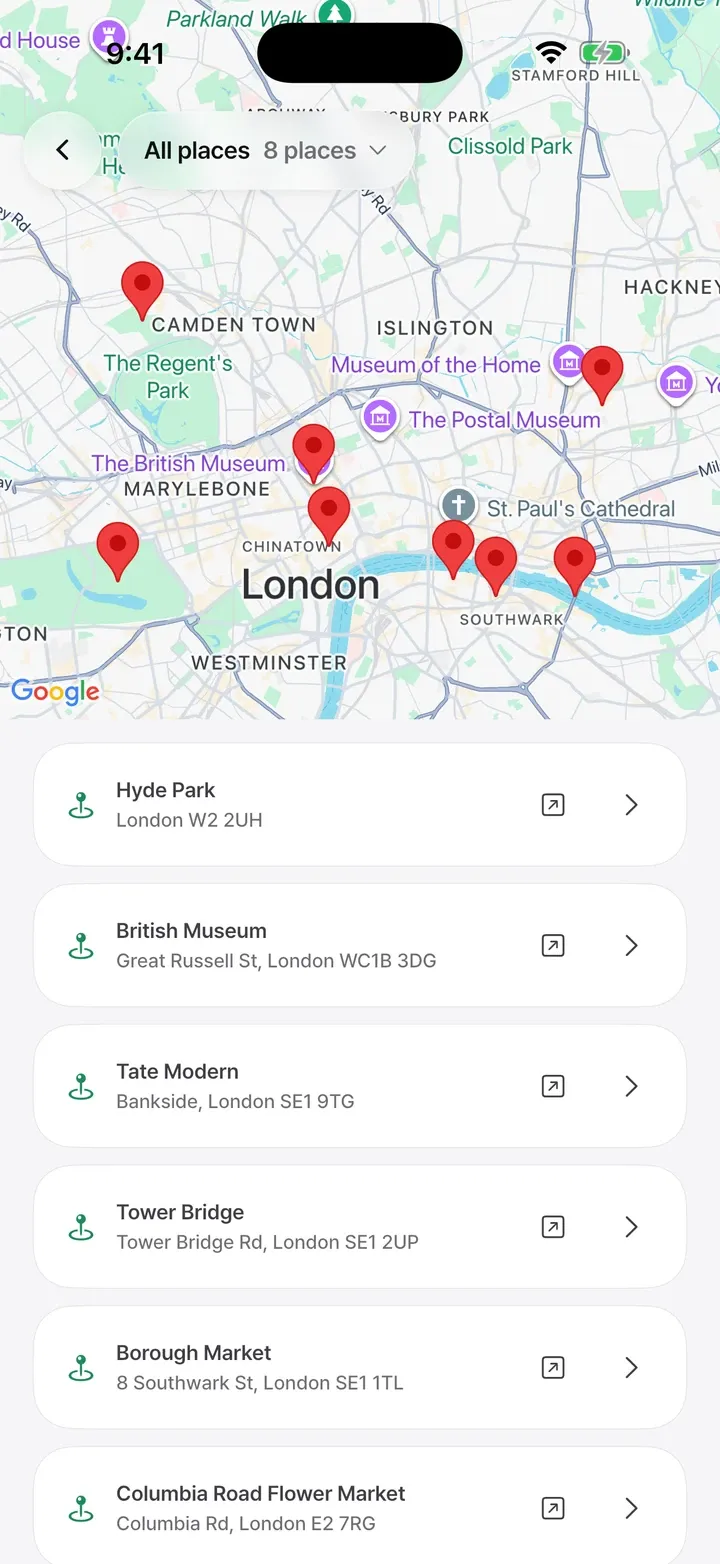
Links shared from Google Maps, Apple Maps, Naver Map and Kakao Map are saved as places with a name and an address. See them together on a map and open them in the map app you like.
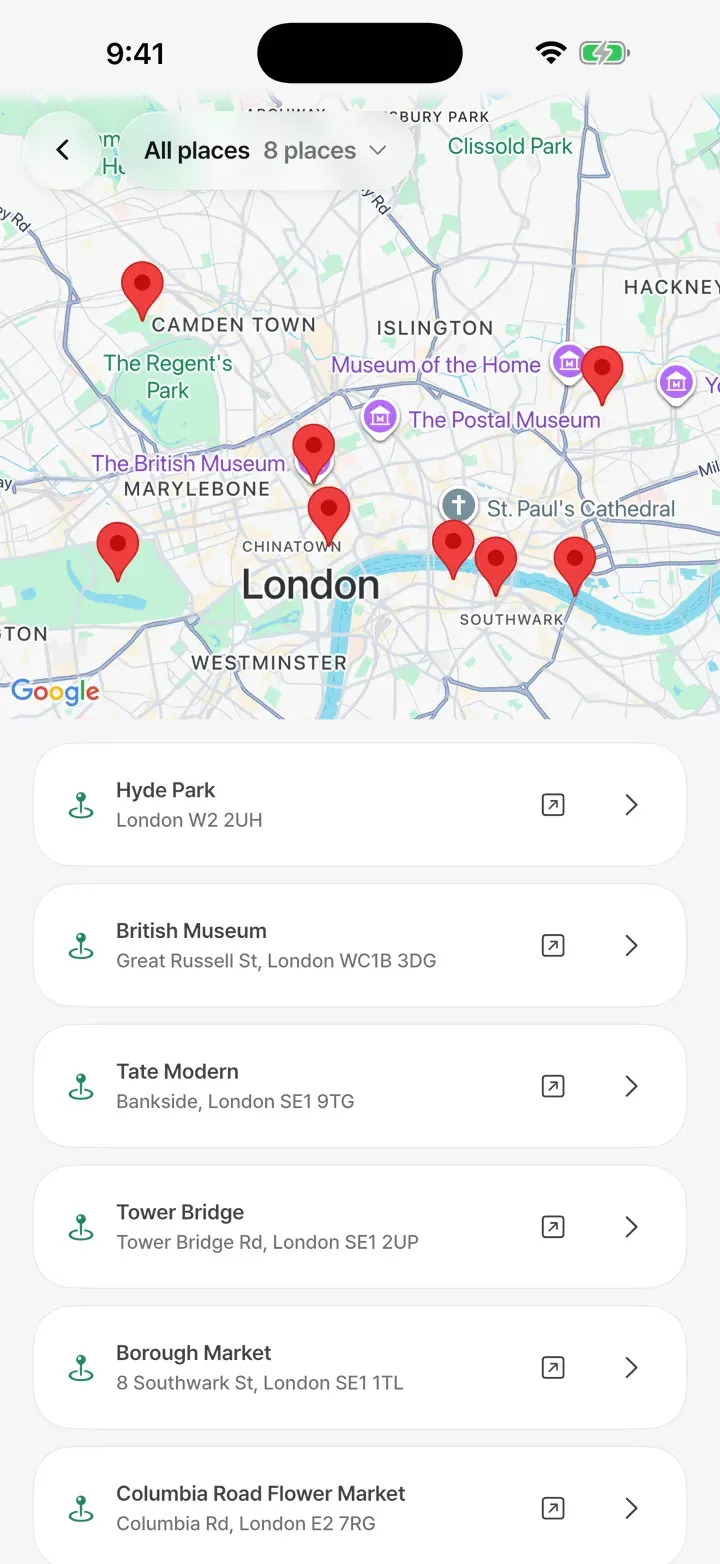
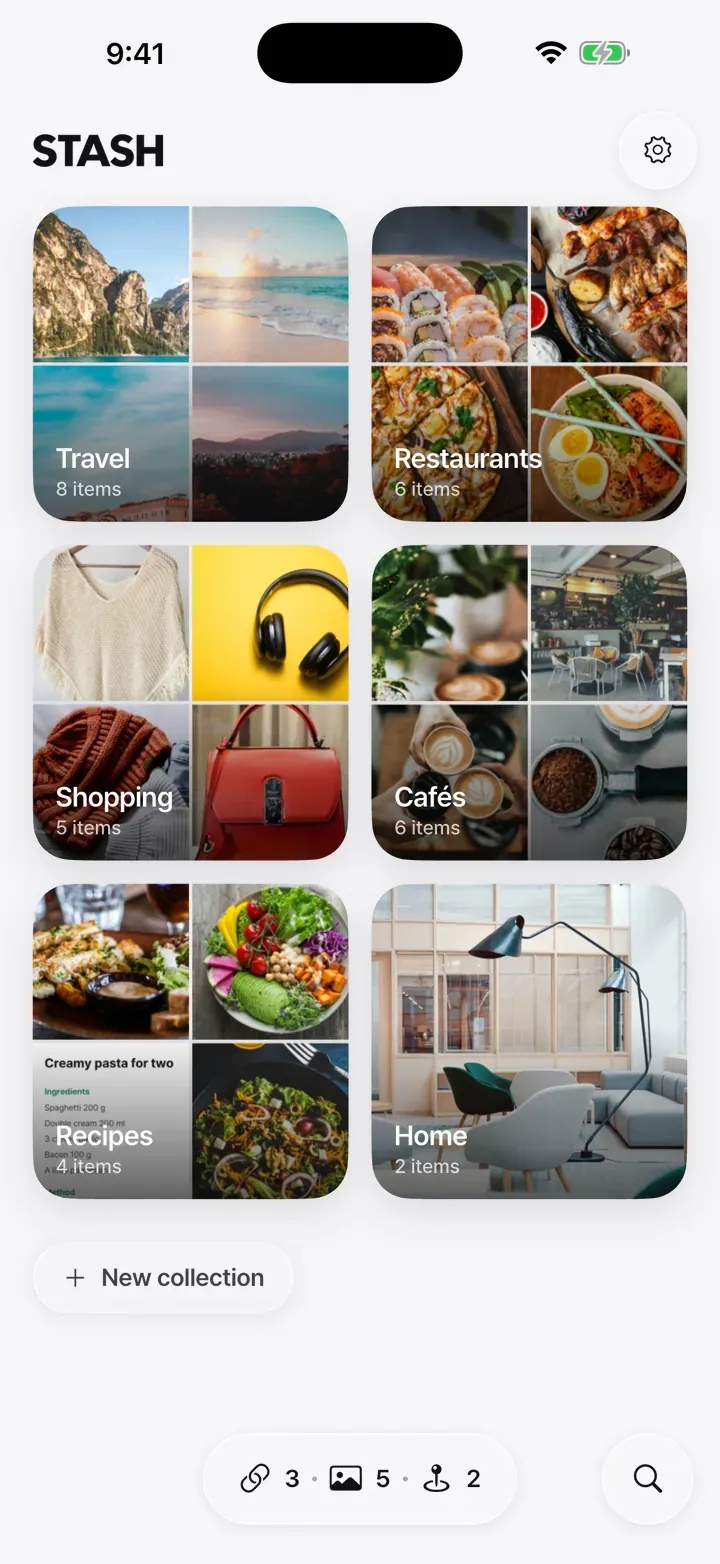
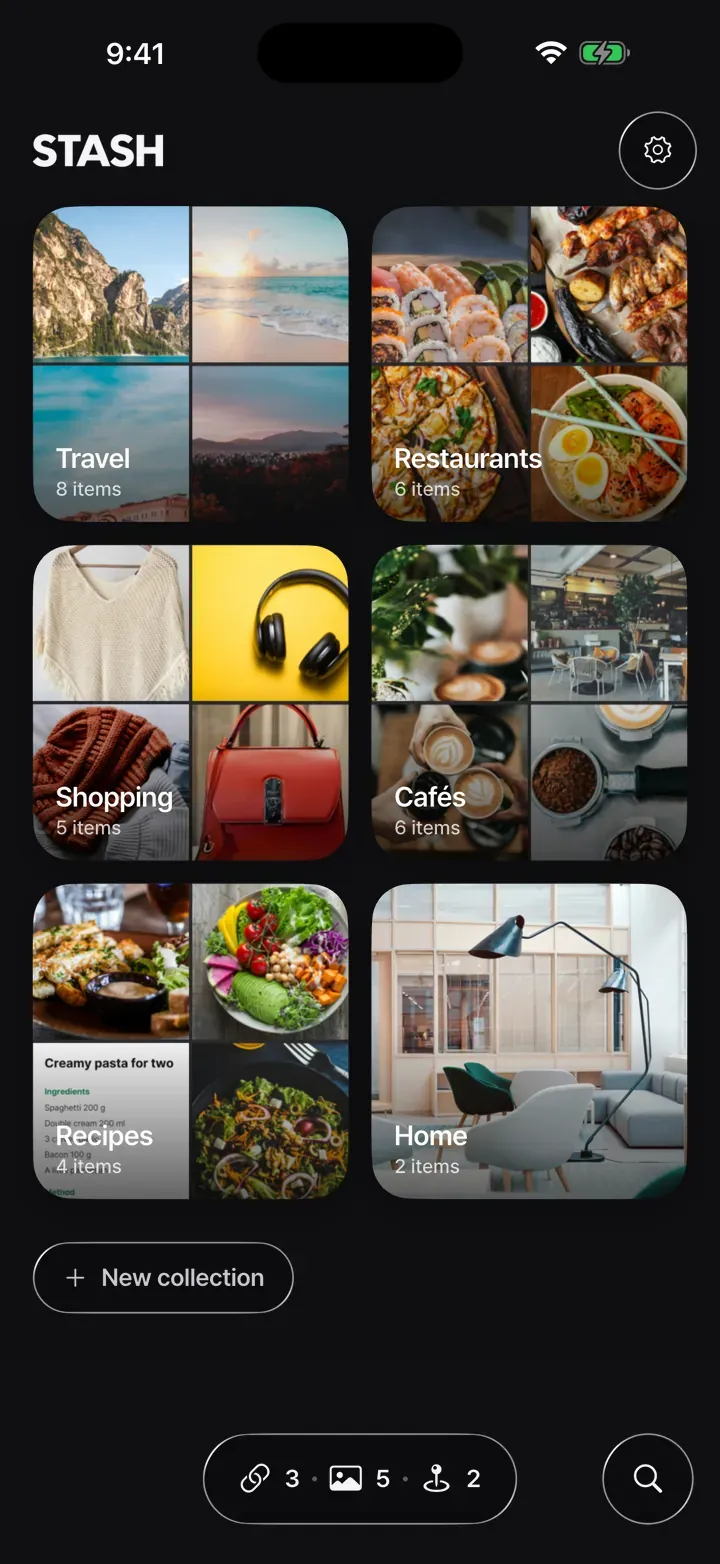
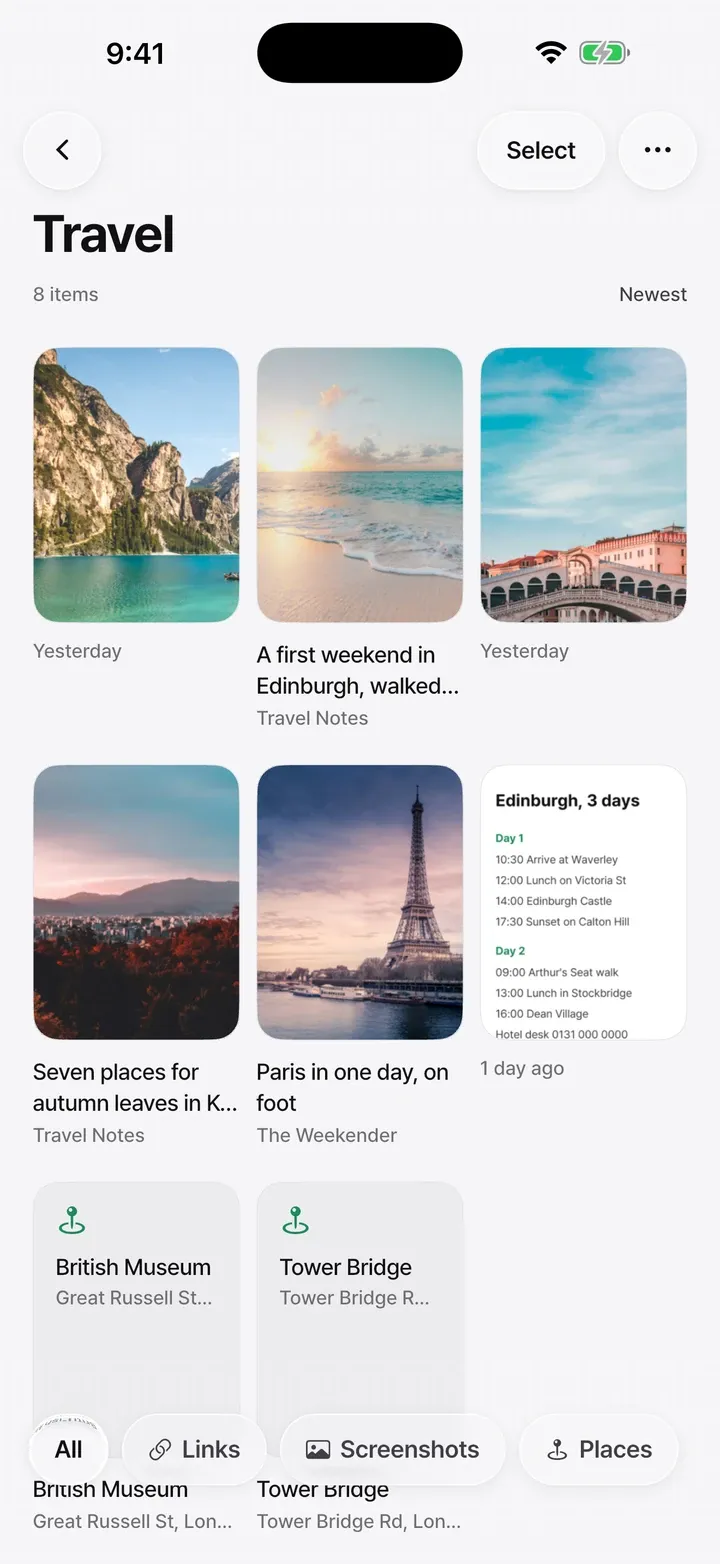
In the Sorter, push a card sideways to file it in a collection. Each collection wears the pictures inside as its cover, so you can see what is where.
New screenshots come in from your photo library, and the words inside them are read on your phone so you can search for them
STASH keeps its own copy of what you file. You decide whether the originals leave your photo library
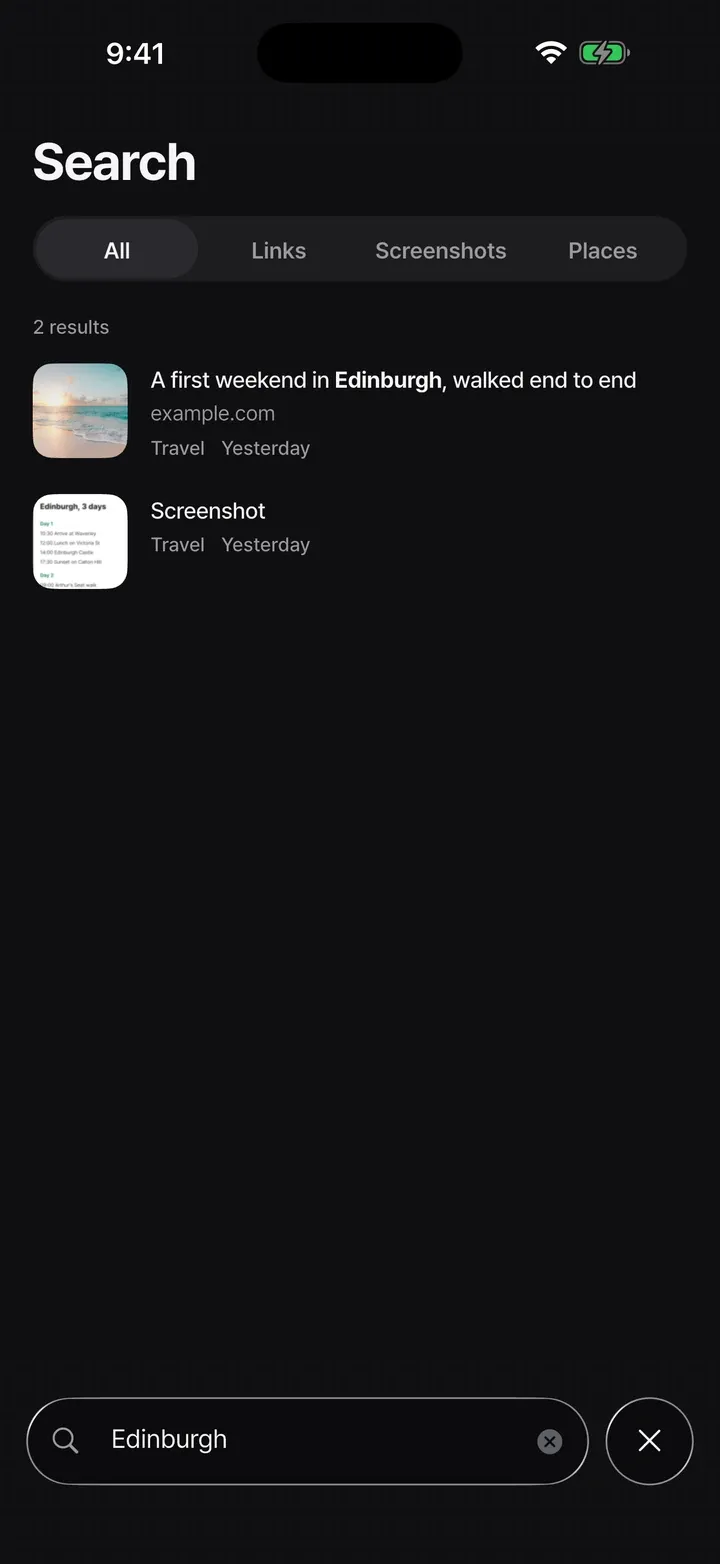
Link titles, the words inside screenshots, places and your notes
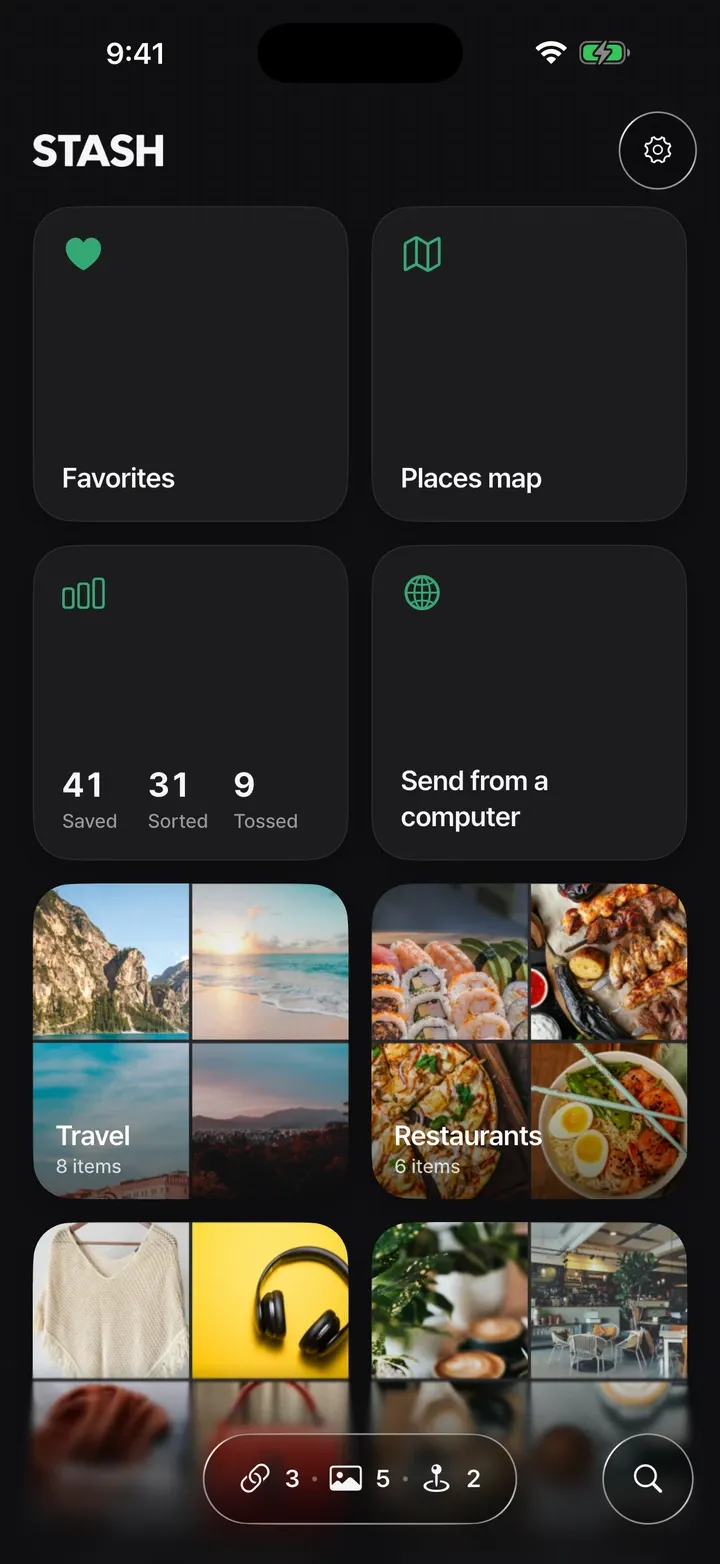
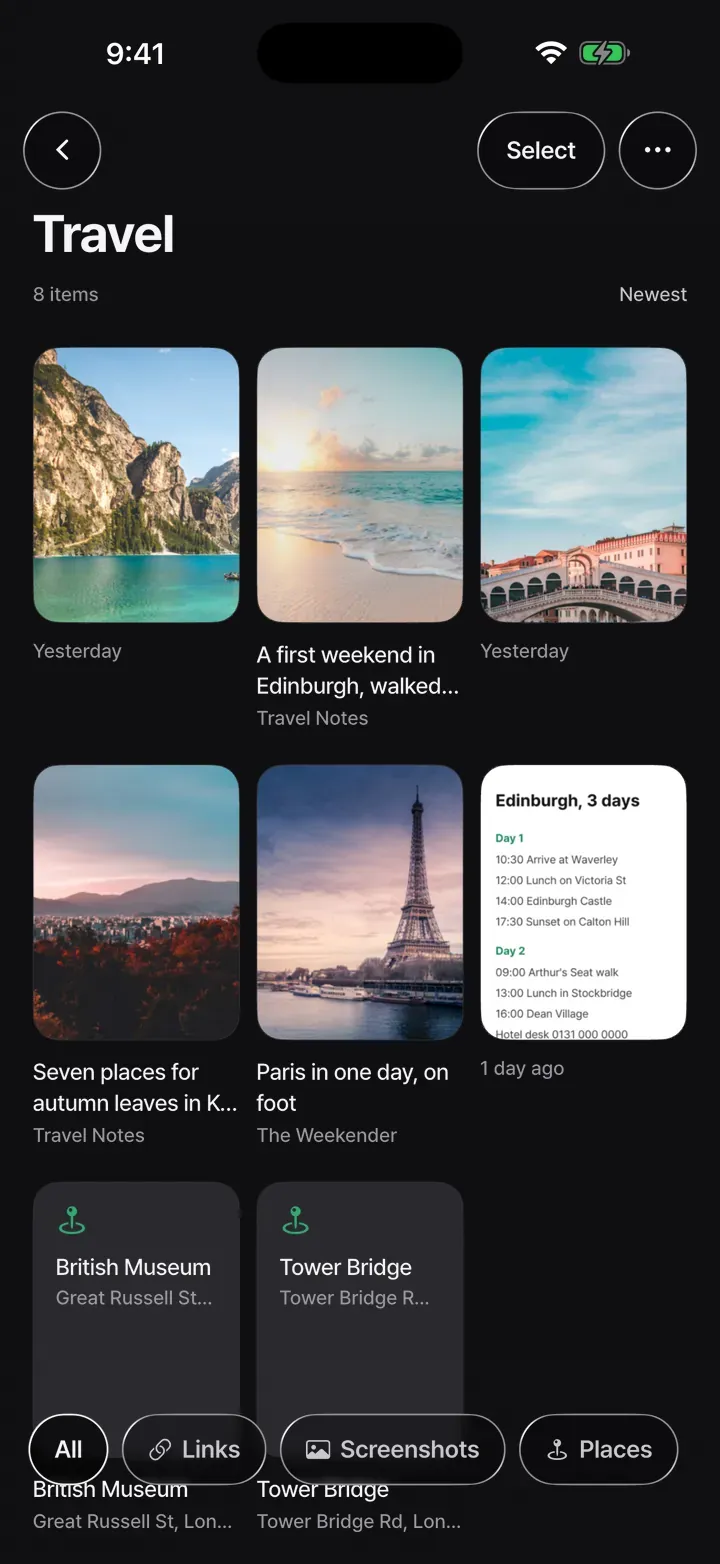
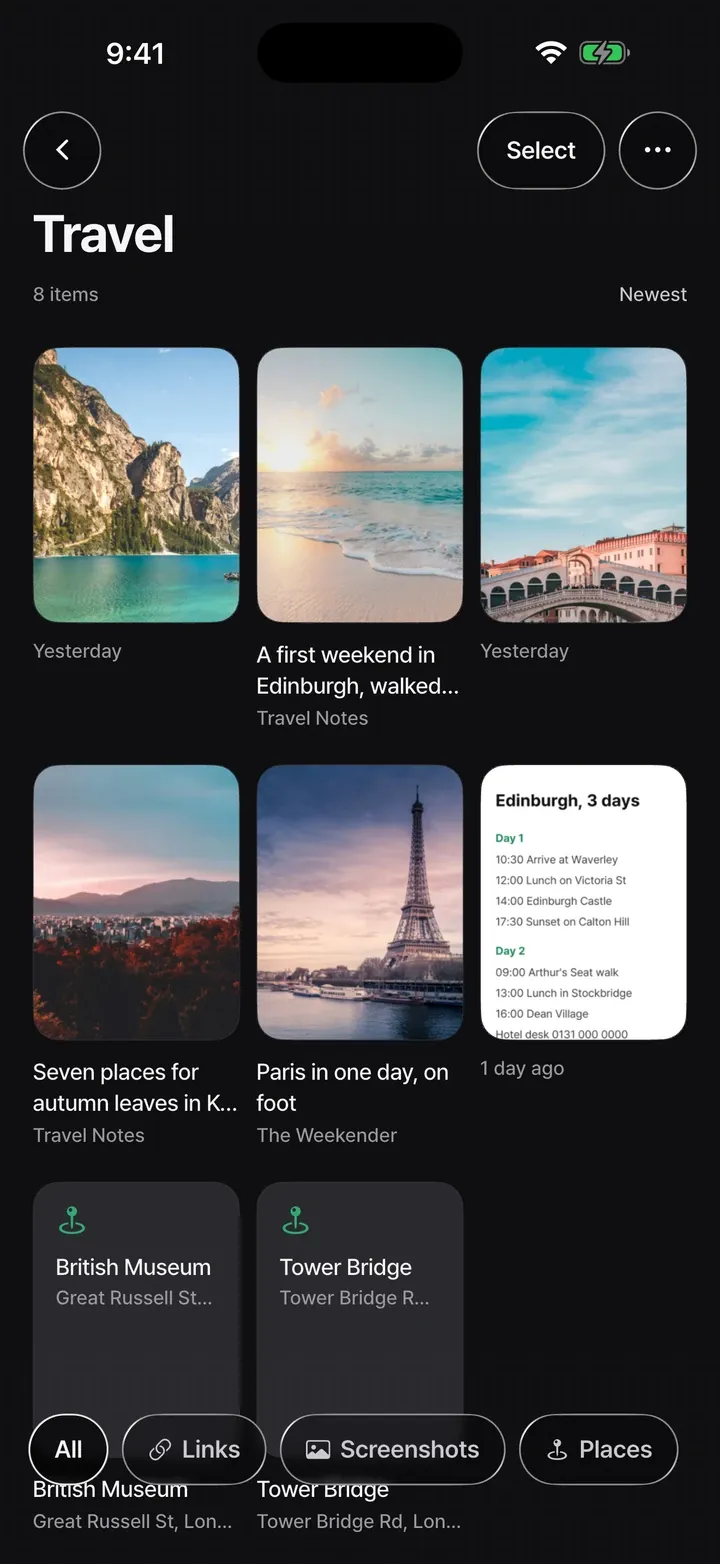
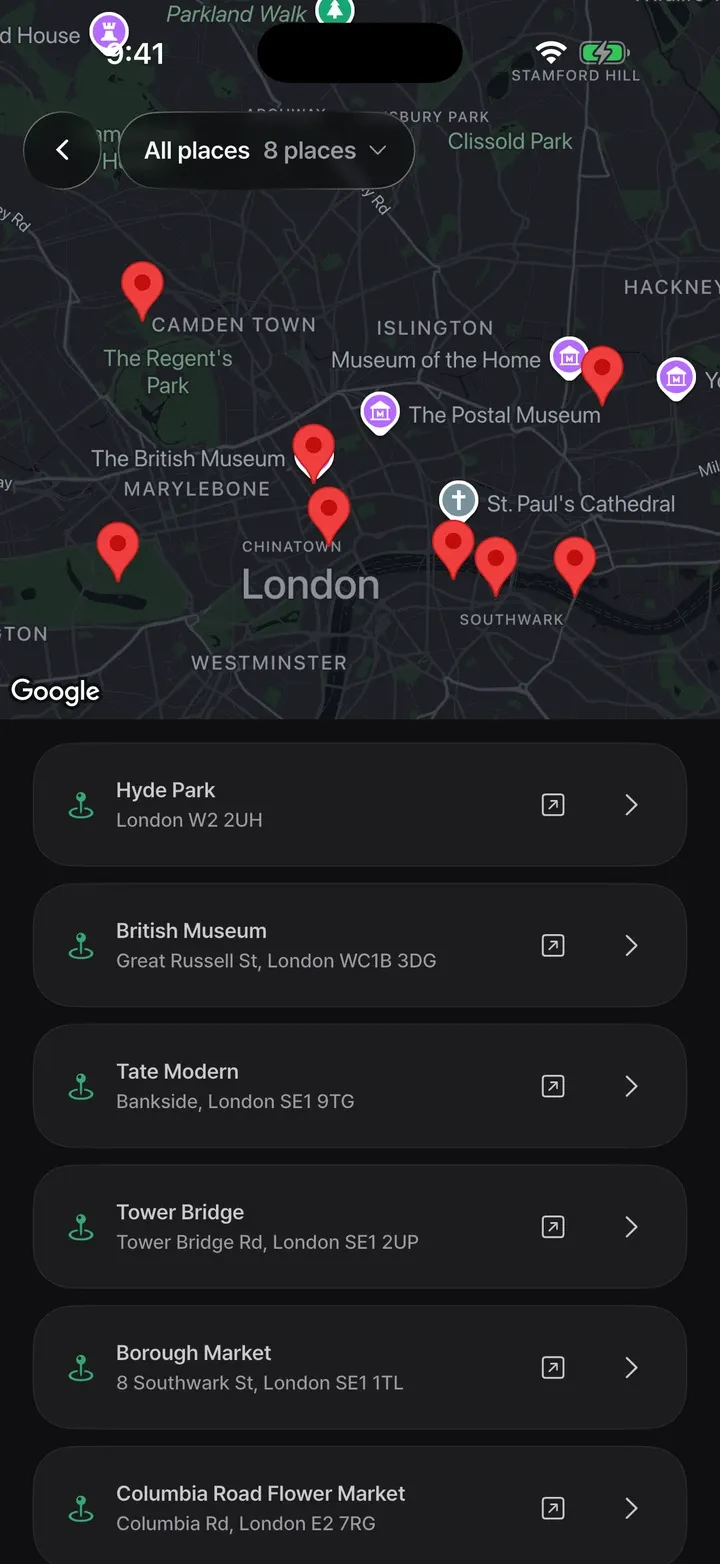
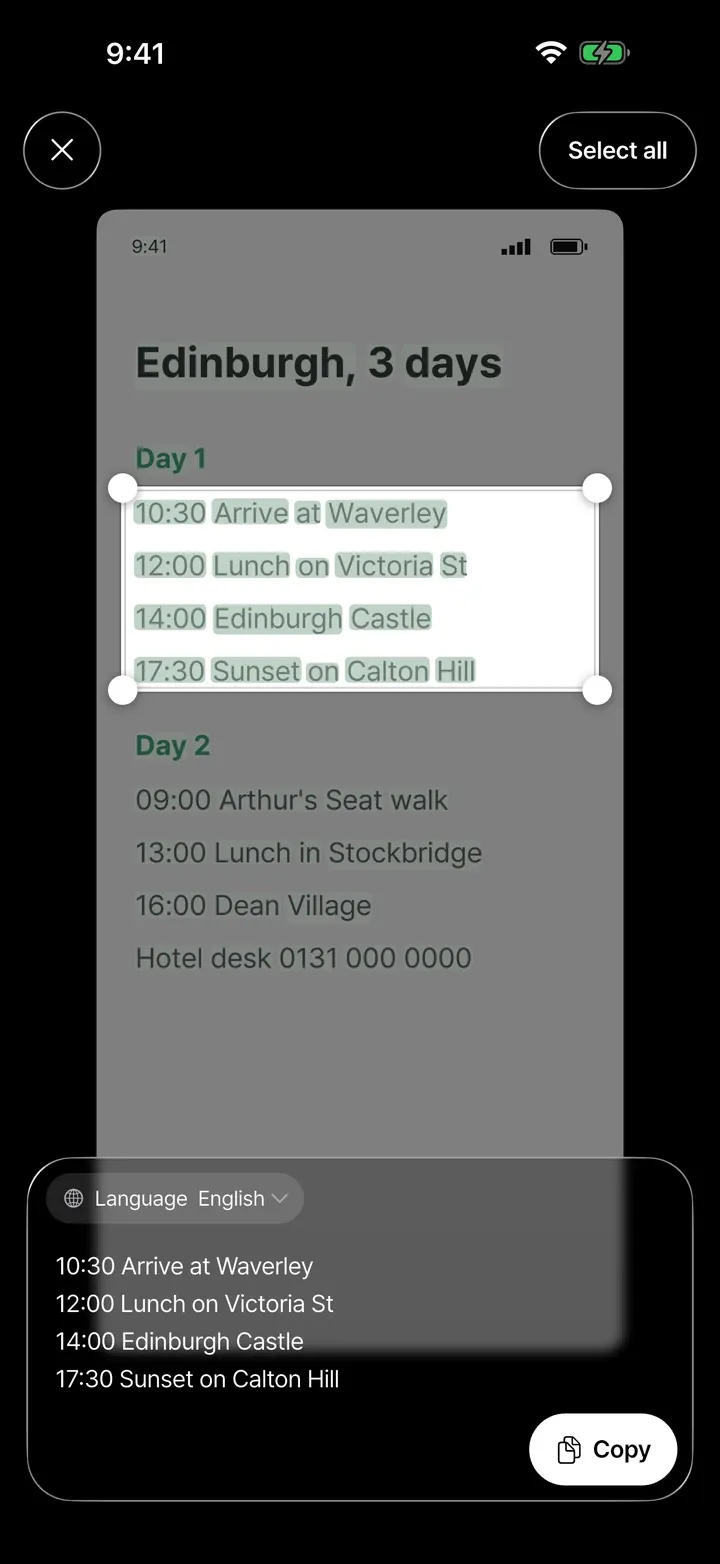
STASH follows your phone between light and dark mode, and the see-through glass buttons stay in both.
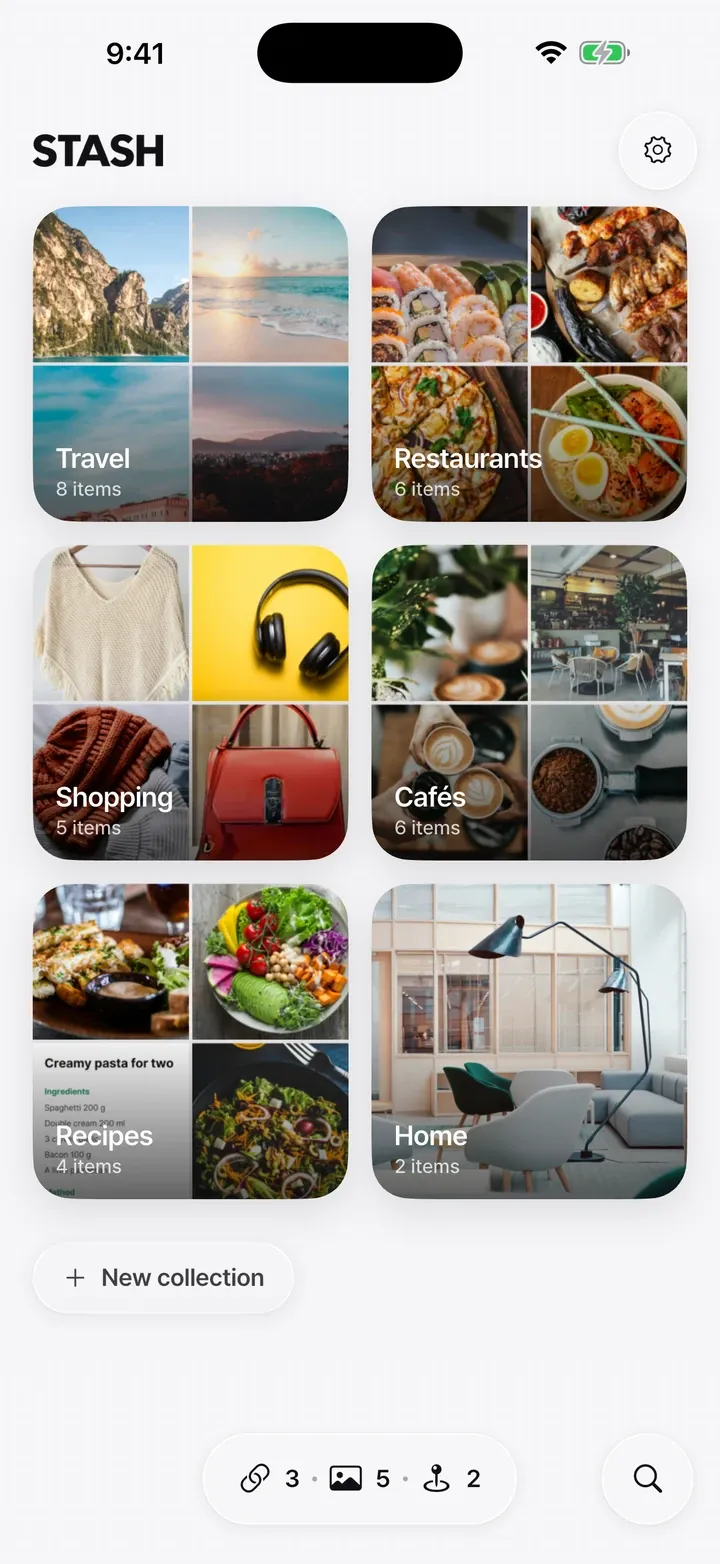
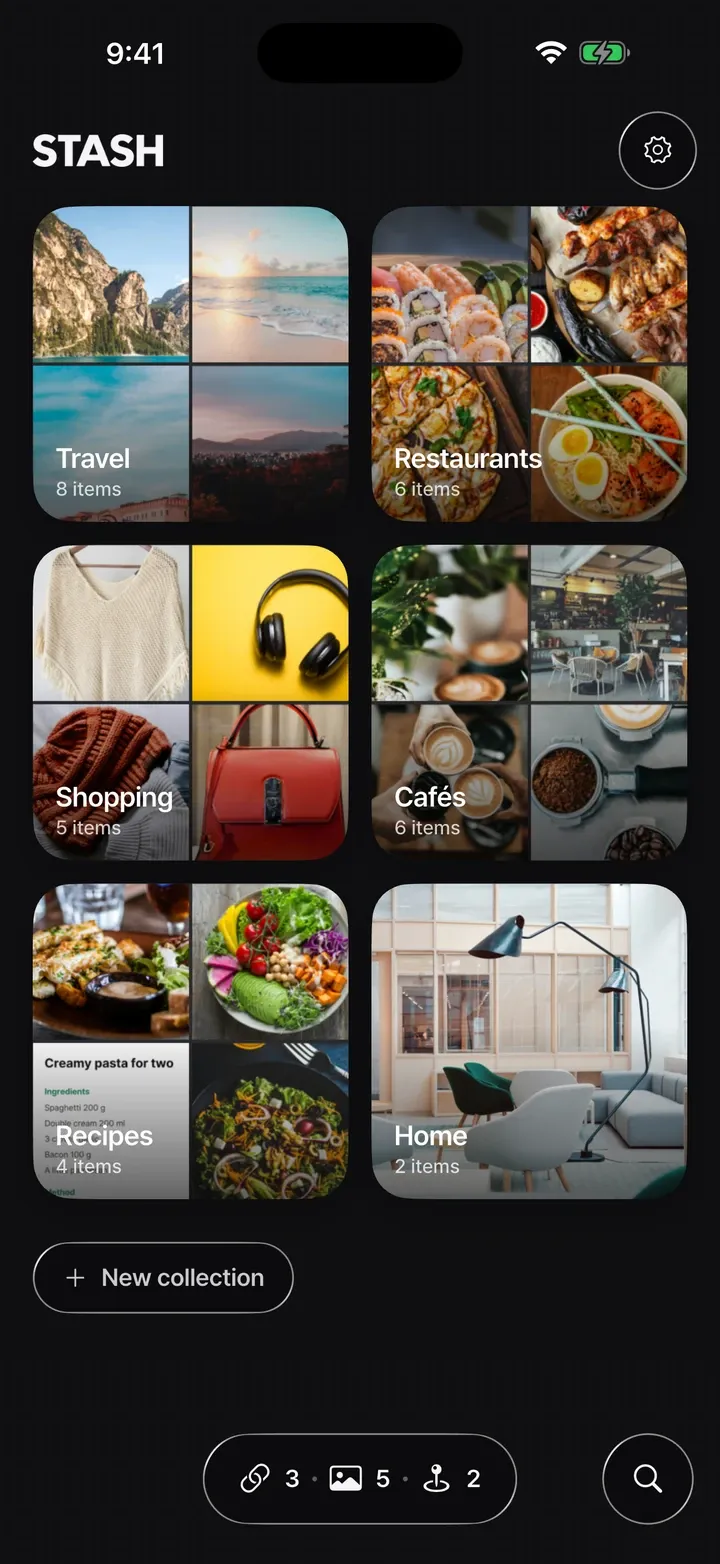
Straight from the app, see-through glass buttons and all
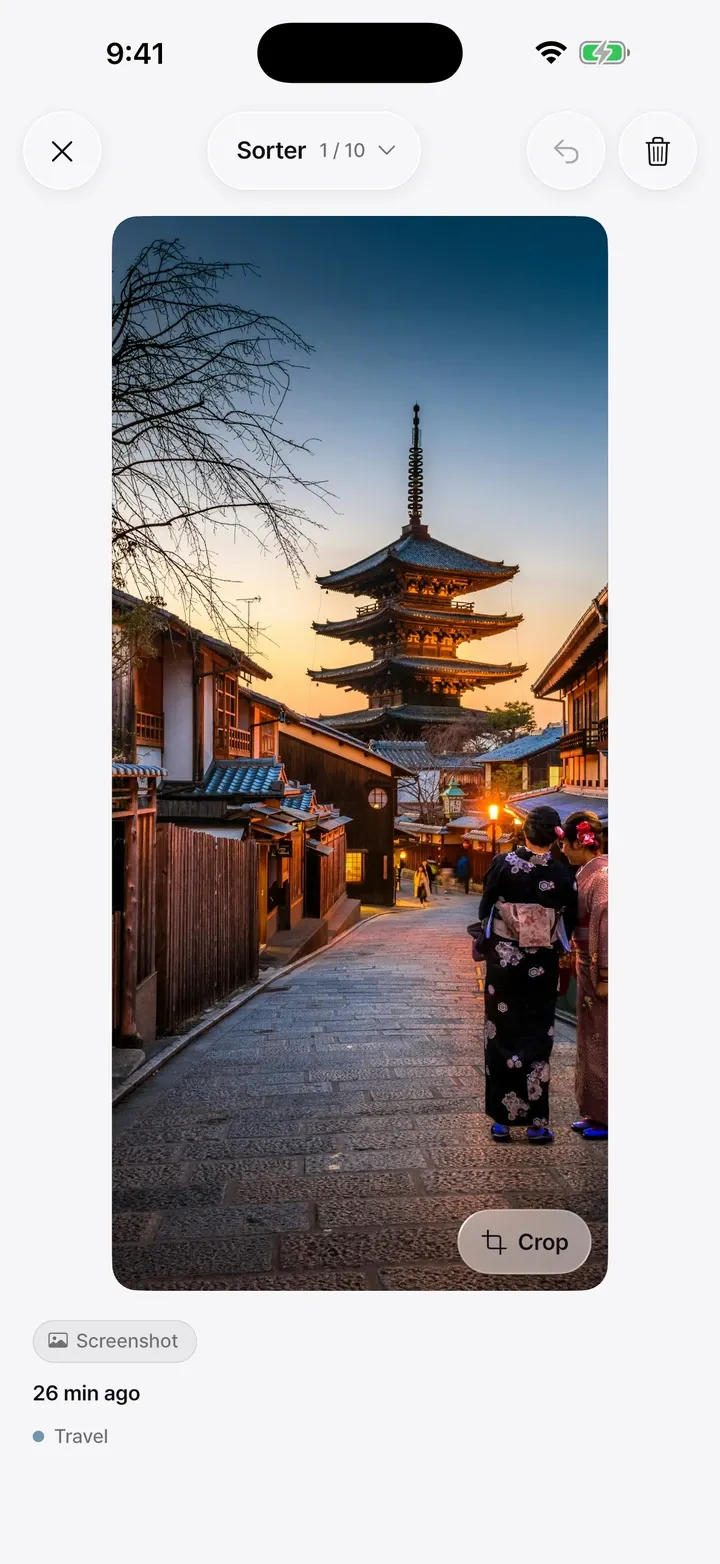
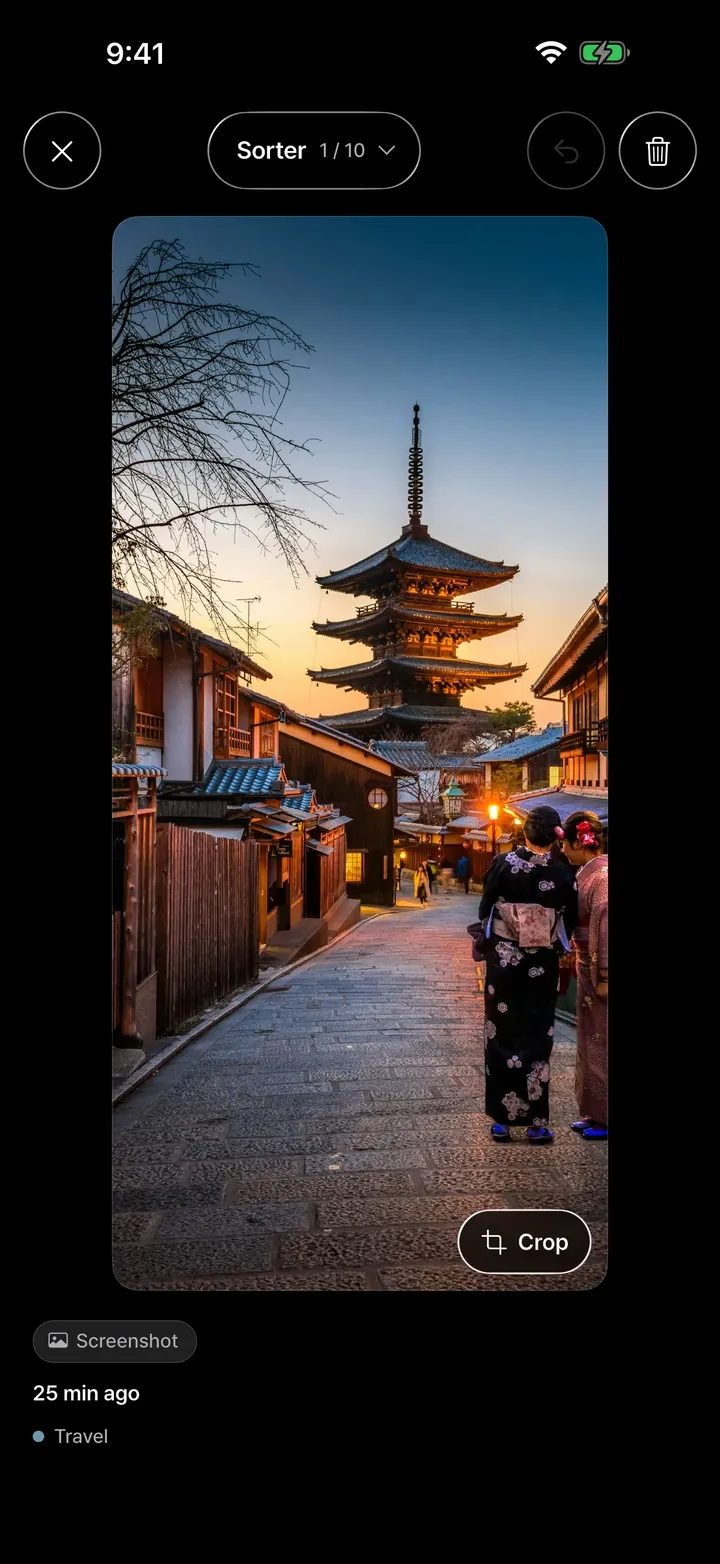
A one-time purchase, not a subscription. Restore it on another device with the same store account.
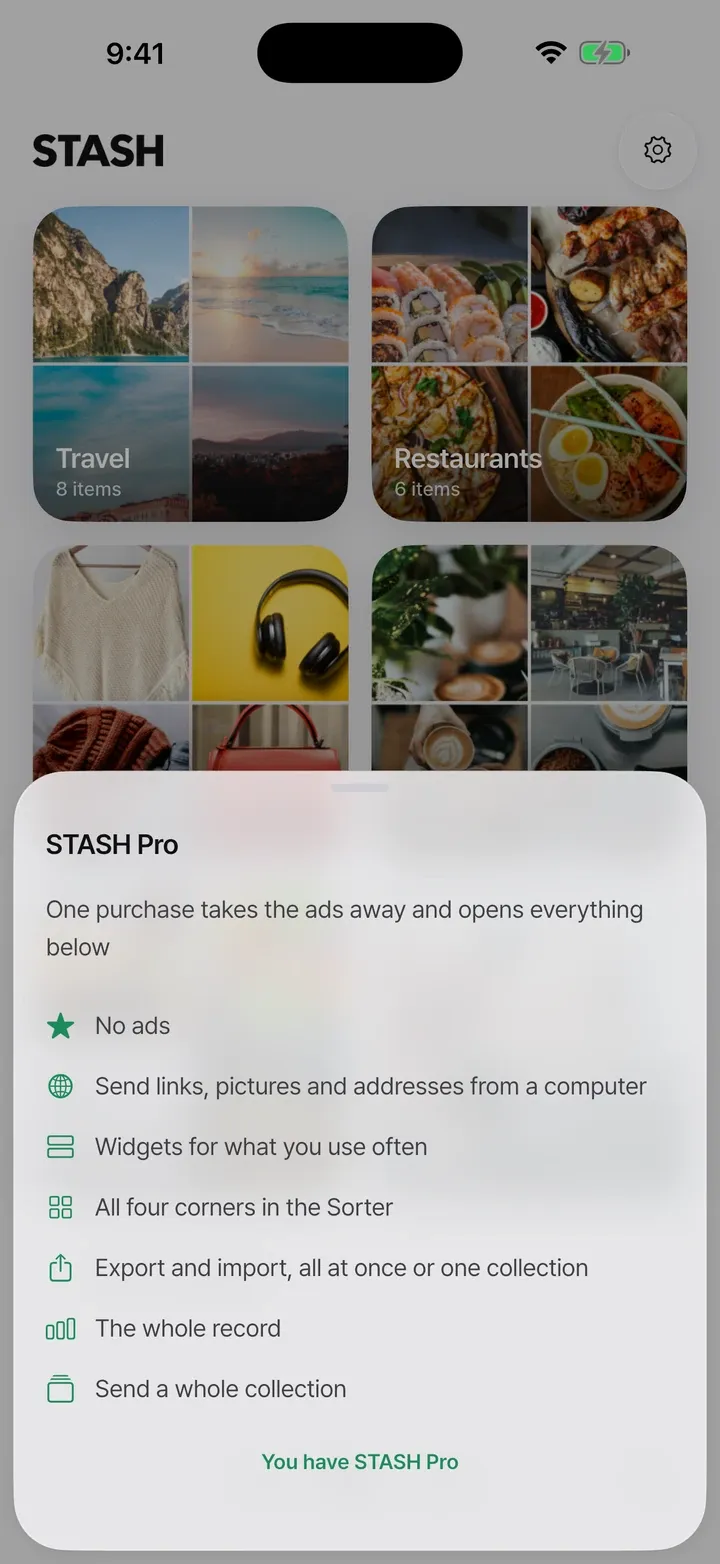
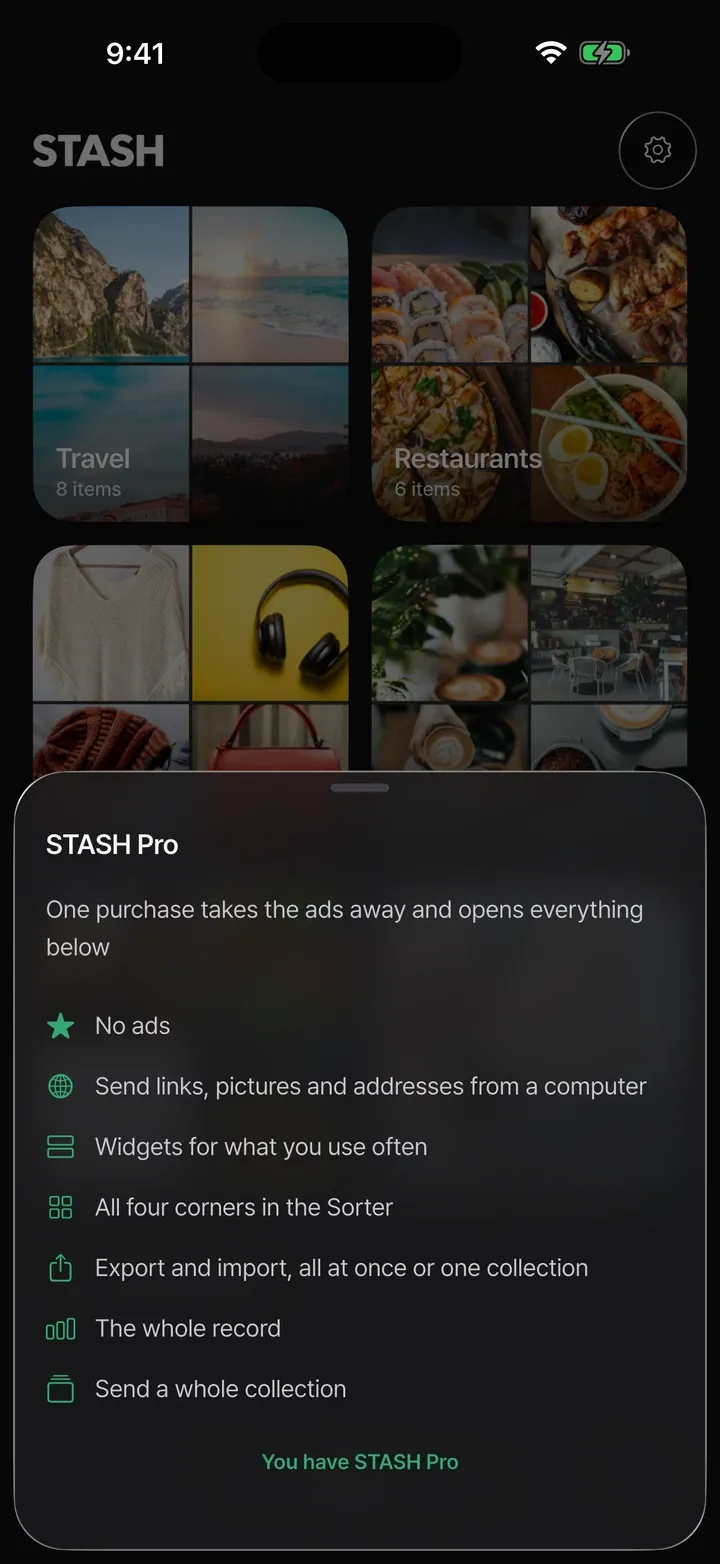
Yes, with ads. One purchase of STASH Pro removes the ads and opens every Pro feature. It is not a subscription.
No. Install it and start.
On your phone, and it is never synced. To move to another phone, use export and import in STASH Pro.
STASH keeps its own copy of what you file, and you decide whether the originals leave your photo library. Deleted originals go to the trash or Recently Deleted in your photos app. On a phone without a photo trash, the app tells you before it deletes.
Google Maps, Apple Maps, Naver Map and KakaoMap.
iPhone and Android phones, in English, Korean, Japanese, Chinese (Simplified and Traditional) and Vietnamese.

Coming soon