 EasyTicket
 Flight status is most accurate when you check both the operating airline’s lookup page and the official status board for your departure airport. Here’s a step-by-step guide from looking up your flight number before departure through applying for compensation after a delay or cancellation.
🔍 Looking Up a Flight Number: What Do You Start With?
Where can I find the flight number?
Look for the entry with the airline code and number on your reservation confirmation or e-ticket. It isn’t the same as your reservation number or ticket number, so check for labels such as “Flight” or “Flight No.”
What information do I need to look it up?
The departure date and flight number are the two most reliable details for a flight-number search. The same route may operate several times a day, so cross-check the departure airport and scheduled time too.
Don’t just wait for an airline text—copy your flight number from the e-ticket so you can compare the airline and airport status pages quickly.
📋 Korean Air’s Website and Other Korean Airlines: How to Check
Korean Air and Asiana lookup paths
On the Korean Air website, go to Arrivals/Departures · Schedule → Arrivals/Departures Information; in the app, use Arrivals/Departures / Schedule → Check Arrivals/Departures. On Asiana Airlines, search by flight number or route under Booking → Flight Information → Check Arrivals/Departures.
Comparing Jeju Air, T’way, and Air Busan
When EasyTicket checked the official menus for Korean airlines side by side, the labels varied, but the options were generally grouped under Flight Information or Arrivals/Departures.
| Airline | Official lookup path | Input method |
|---|---|---|
| Korean Air | Arrivals/Departures · Schedule → Arrivals/Departures Information | Flight number or route |
| Asiana Airlines | Flight Information → Check Arrivals/Departures | Flight number or route |
| Jeju Air | Flight Information → Flight Status | Flight number or route |
| T’way Air | Flight and Airport Information → Check Departures/Arrivals | Flight number or route |
| Air Busan | Booking/Schedule → Live Arrivals/Departures | Departure and arrival airports |
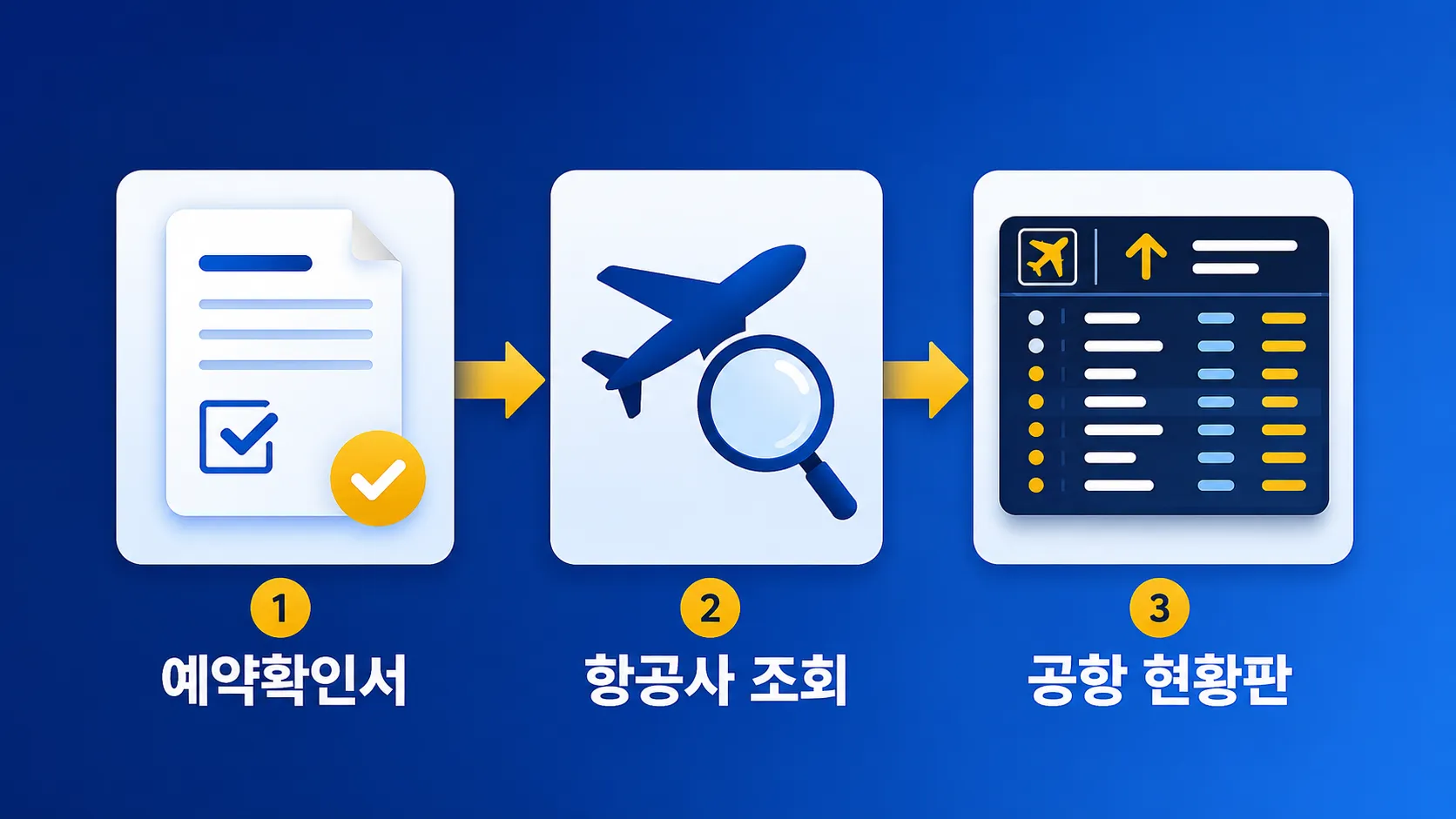
✅ Check the Official Airport Status Board Once More
Search arrivals and departures at Incheon International Airport
On the Incheon Airport website, select departures or arrivals and a date on the home screen, then search by flight number, airline, or city. You can also see the terminal, check-in counter, gate, and flight status.
Search Gimpo, Jeju, Gimhae, and other domestic airports
Korea Airports Corporation provides real-time flight information for 14 airports nationwide, excluding Incheon International Airport. You can narrow your flight-number search by airport, time slot, airline, and flight number. (Source: Korea Airports Corporation)
⚠️ How to Read Flight Status and What to Watch For
Tell schedules, changes, and actual times apart
A schedule is the original plan, a change is an adjusted time, and actual time is when the aircraft moved. On the Incheon Airport status board, a “Departure” listing means the aircraft has left the gate.
Check the actual operating airline for codeshares
The most confusing part when comparing lookup screens was codeshares. If the marketing airline and operating airline differ, check the operating airline’s website for its status and instructions first.
Use the airport status board to confirm the gate and actual operation, and the airline for changes, refunds, and alternative-flight arrangements.
💰 What to Do When a Flight Is Delayed or Canceled: Process and Compensation Rules
The first 4 steps
- Screenshot the airline and airport status boards.
- Don’t cancel on your own before the cancellation is confirmed.
- Check alternative-flight and refund options with the airline.
- Keep your e-ticket, flight confirmation, and accommodation, meal, and transportation receipts.
2026 Compensation Comparison
| Situation | Time threshold | Consumer Dispute Resolution Standards |
|---|---|---|
| Domestic flight delay | 1~2 hours / 2~3 hours / 3 hours or more | 10% / 20% / 30% of the fare for that segment |
| International flight delay | 2~4 hours / 4~12 hours / more than 12 hours | 10% / 20% / 30% of the fare for that segment |
| Domestic flight cancellation | Alternative flight in 1~3 hours / after 3 hours | 20% / 30% of the fare for that segment |
| International flight cancellation | If an alternative flight is provided | USD 200~600 depending on flight time and when it is provided |
| No alternative flight provided | Domestic / international | Domestic: fare refund plus ticket/voucher; international: fare refund plus USD 600 |
If the airline can prove that the cause was weather, airport circumstances, aircraft connection issues, or unforeseeable safety measures, the case may be excluded from compensation. The base fare does not include surcharges such as the fuel surcharge or airport fees. (Source: Korean Law Information Center)
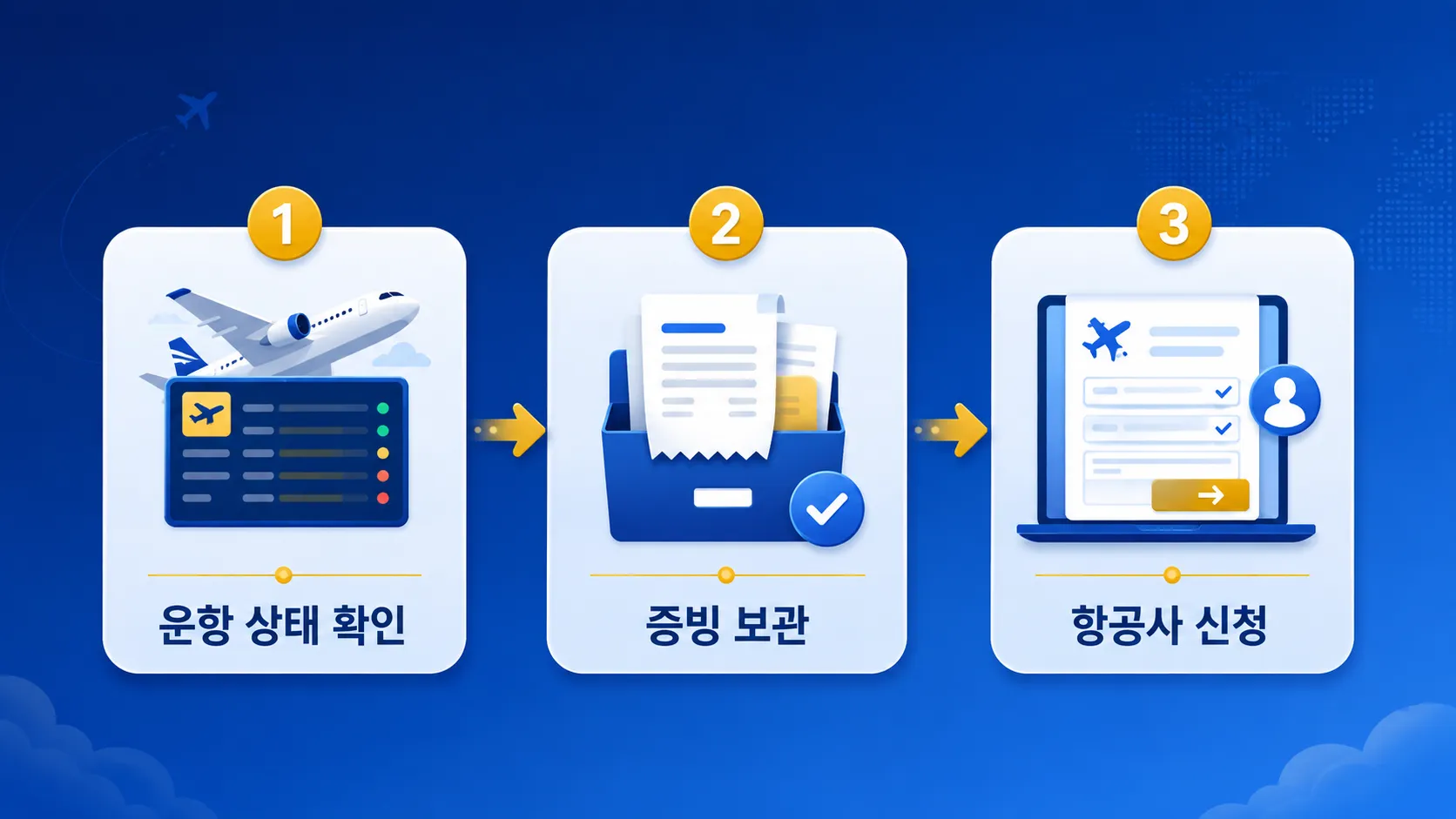
How to apply for compensation
First, submit the flight number, travel date, route, and details of your losses to the operating airline’s customer service or consumer-damage relief desk. If you can’t reach an agreement, you can apply through a consumer dispute-resolution body such as the Korea Consumer Agency.
📌 Flight Number Lookup FAQ
If a codeshare has two flight numbers, which one should I use?
Find the operating airline on your e-ticket and search using that airline’s flight number. On the airport status board, you can also search the marketing flight number and compare the results.
If I cancel because a cancellation seems likely, will the fee be waived?
T’way Air says that if you cancel before the cancellation is confirmed, the fee won’t be waived even if the flight is canceled later. Wait for the confirmed notice, then choose a change or refund through the place where you bought the ticket.
If the airline and airport times differ, which should I trust?
Check the airport status board for the gate and actual departure status, and the operating airline’s notices for alternative flights and refunds. If the difference persists, screenshot both screens and confirm with the airline—that’s the safest order.
On the day of departure, check once in this order: airline lookup → airport status board → text/app alerts. Find your flight number on your e-ticket and enter it in the flight-number lookup screen now; you’ll be much quicker to handle sudden changes.