 EasyTicket
 The fastest way to make sense of Naver Pay point cash-out is to separate Points from Money first. The short version: Points revolve around payments and rewards, while Naver Pay Money is the balance that has its own dedicated withdrawal menu.
✅ Bottom Line: Separate Points From Money
The Short Answer: You Can’t Withdraw Points Directly
Naver Pay Points usually build up as a perk — from shopping rewards, promotional events, or converting partner points. So you shouldn’t lump them in with point cash-out, the idea of withdrawing funds straight to your bank account.
Naver Pay Money Has Its Own Withdrawal Menu
Naver Pay’s customer center has separate help articles like How to Withdraw Npay Money and Processing Time, How to Register/Edit/Delete an Npay Money Withdrawal Account, and Npay Money Withdrawal Fee Guide. In other words, if you want to move a balance to your bank account like cash, Naver Pay Money is where you should be looking.
What We Found: The Similar Names Are Confusing
When EasyTicket went through the customer center’s help articles, the sticking point people kept running into was, “Points feel like my own money too — why can’t I withdraw them?” The answer turns out to be simple: use your accumulated Points for payments, and check whether the Money you’ve charged or received can be withdrawn.
📌 Naver Pay Points vs. Money, Compared
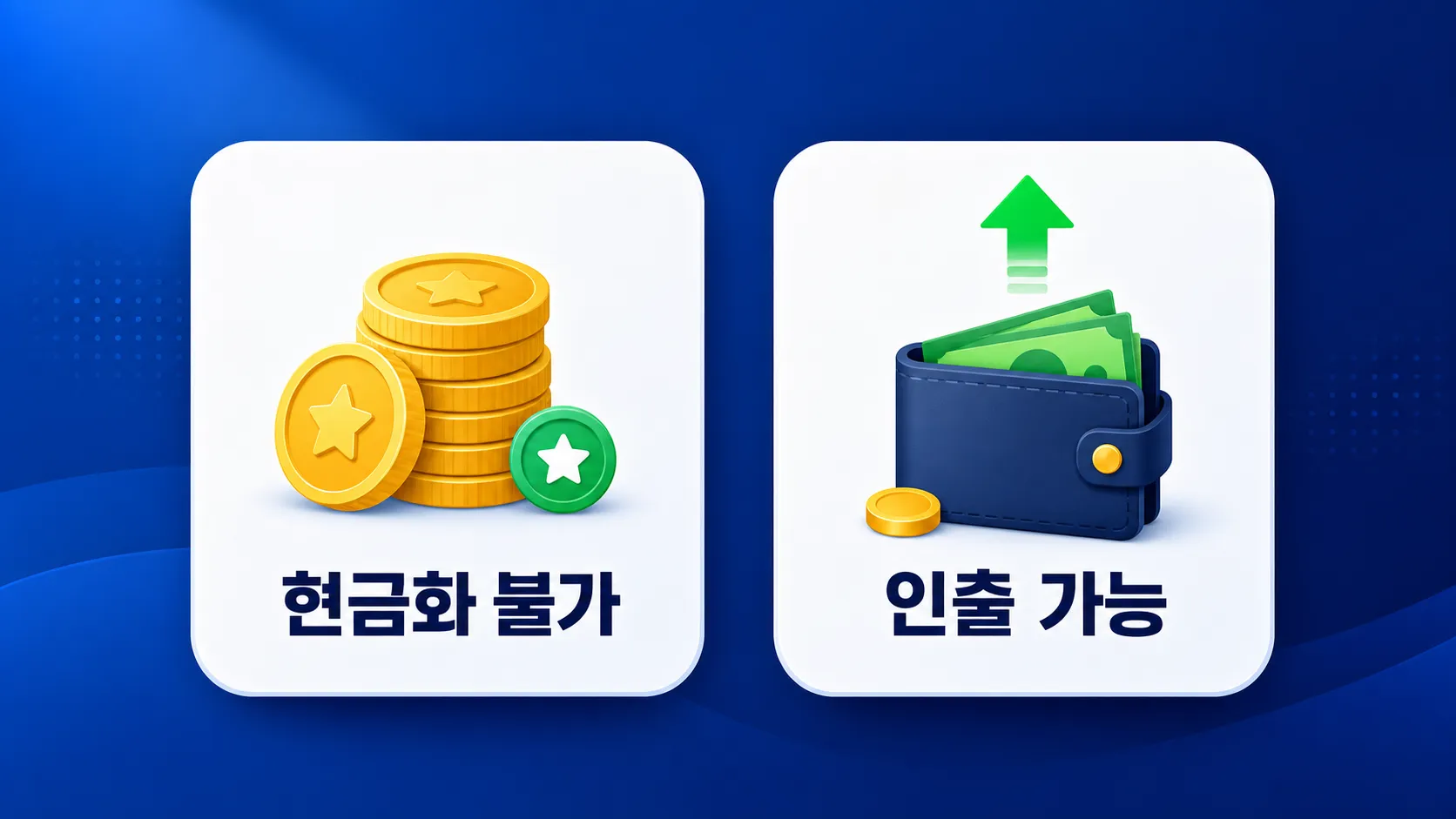
At-a-Glance Comparison
| Category | Naver Pay Points | Naver Pay Money |
|---|---|---|
| What it is | A benefits-based balance from rewards, promotions, and converted partner points | A charged balance you spend on payments |
| Cashing out | Not really treated as something you withdraw to a bank account | Has its own guides for withdrawal method, processing time, and fees |
| Refunds | Canceling a payment restores the Points you used | If a cancellation returns funds as Money, check whether it’s withdrawable |
| Where to check | Point accrual, usage, and partner point conversion | Money charging, withdrawal, and usage |
Payment Priority Order Matters Too
If you’re holding both Naver Pay Points and Naver Pay Money, it also matters which balance gets used first at checkout. The customer center has an article called Priority Payment Method When Holding Both Npay Points and Money, so it’s a good habit to check whether Points will be applied before you pay.
💰 How to Withdraw Naver Pay Money
3 Things to Check Before Withdrawing
- Check whether you can see the
Npay Money Withdrawalmenu. - Check whether a withdrawal account is registered.
- If you get a message saying withdrawal isn’t available, check the
When You Can't Withdraw Npay Money Directlyarticle.
Check Fees and Processing Time on the Withdrawal Screen
Since the customer center lists fee and processing-time information separately, it’s best to confirm the actual terms right on the withdrawal screen before you tap through. If you’re in a hurry — say, trying to withdraw during your lunch break at the office — checking whether an account is already registered is the fastest first step.
If you got stuck searching for how to cash out Naver Pay Points, start by checking whether the balance is actually labeled
PointsorMoney. They can look like the same kind of simple-payment balance, but they’re handled differently.
⚠️ Watch Out for Point Refunds and Payment Cancellations
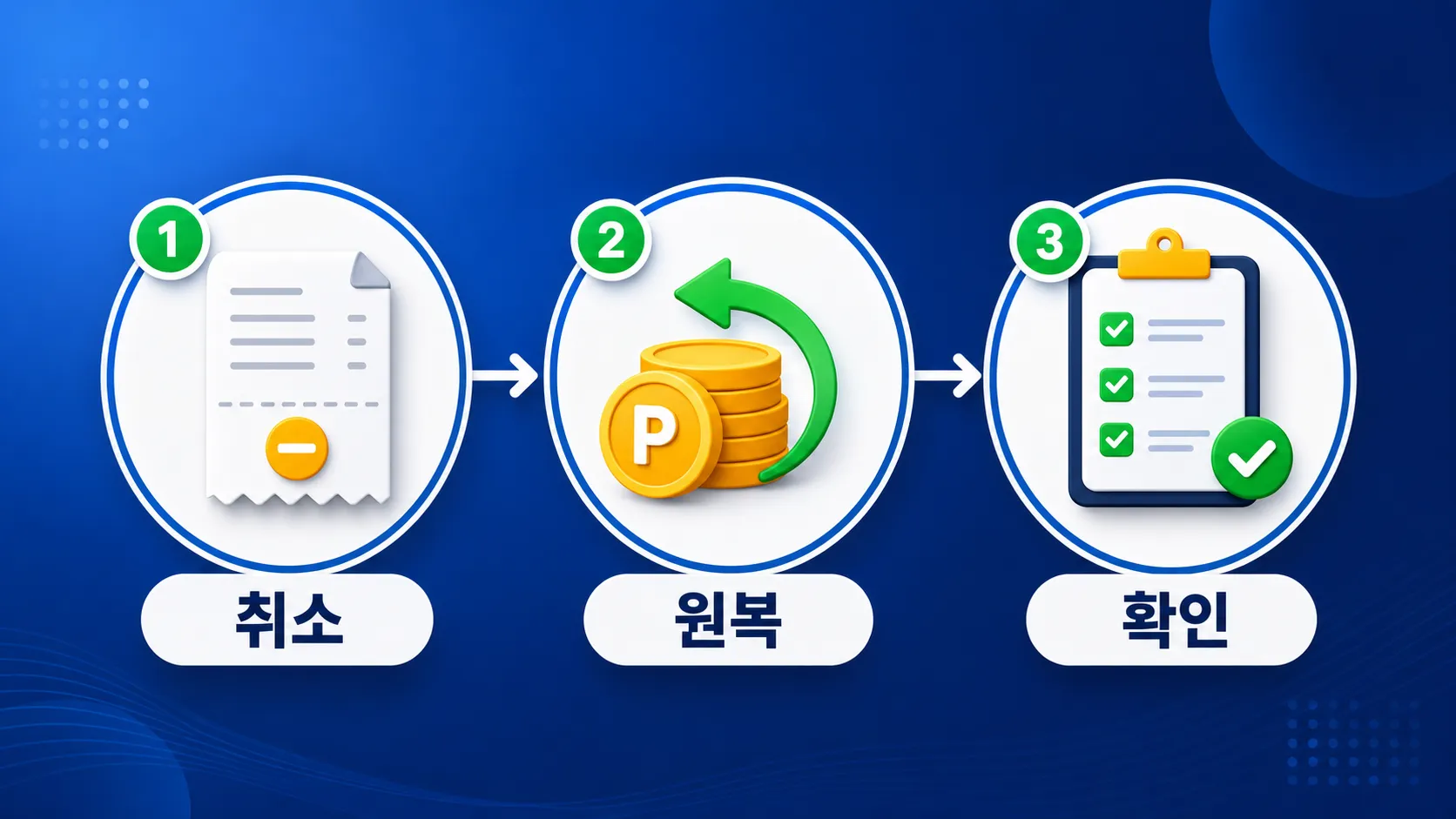
A Point Refund Isn’t a Cash Refund
If you cancel an order you paid for with Naver Pay Points, it’s better to think of it as getting those Points back rather than cash landing in your bank account. Refunds are processed by payment method — the card portion gets reversed on the card, and the Points portion is restored as Points.
Earned Points Can Be Clawed Back on Cancellation
The customer center also has an article called Notice on Recovering Earned Points When a Transaction Is Canceled After Purchase Confirmation. If your order gets canceled after you’ve already received shopping rewards, the Naver Pay Points you earned may not simply stay in your account.
🔍 Be Extra Careful With Conversions, Gifts, and Gift Cards
Check Cancellation Rules Separately for Converted Partner Points
If you converted partner points into Naver Pay Points, also check Whether Converted Points Can Be Cashed Out, How to Cancel Converted Points, and The Partner's Point Conversion Rate Guide. Once converted, the conditions for reversing them back into the original partner points may not be the same as before.
Gifted Money and Gift Card Balances Are Different, Too
The customer center has separate articles like How to Withdraw Gifted Npay Money and When You Want to Withdraw (Transfer) Leftover Pay Money After Charging With an Npay Gift Card. Gifted balances, gift card charges, and money you charged yourself may sound similar, but the restrictions on each can differ.
📋 A Recommended Balance-Check Routine for Office Workers
Once a Month, Just 3 Minutes
Payday or the day your card bill is due is a good time to review your Naver Pay Points and Naver Pay Money together. Sort Points as money you’ll spend on your next purchase, and sort Money as a balance you’ll either withdraw or keep using for payments.
A 10-Second Check Before You Pay
Right before you check out, there are only three things to glance at: whether Points will be used, whether Money will be used, and the remaining card charge. If you’re deliberately trying to save your Naver Pay Points, check your usage settings — and if you want to pull out an amount like cash, confirm it’s sitting in Money, not Points.
Ads promising point cash-out, or workaround methods for converting points to cash, can lead to account restrictions or transaction risk. It’s safest to make decisions based only on Naver Pay Money, which has an official withdrawal menu.
❓ FAQ and Wrap-Up
Can I convert earned Points into Money to withdraw them?
Generally, there isn’t a straightforward way to convert Naver Pay Points into Money and withdraw them to your bank account. The customer center itself covers cashing out earned Points and withdrawing Money as two separate topics.
If I cancel something I bought with Points, does the refund go to my bank account?
Think of it as splitting by payment method: the portion paid with Points is refunded as Points, and the portion paid by card or bank transfer is refunded through that same method. So expecting “the amount I paid with Points to come back as cash” is a common source of confusion.
Where should I look if I can’t withdraw Money?
First check whether a withdrawal account is registered, then look at the When You Can't Withdraw Npay Money Directly article. If your account status, identity verification, or balance type doesn’t line up, the withdrawal screen can block you.
Naver Pay Points are best thought of as a way to shop smarter, not a balance to cash out, while Naver Pay Money is a balance where you can actually check whether withdrawal is possible. Just telling the two apart each time you shop makes handling point refunds and your simple-payment balances a lot easier.